

Introduction
Choosing the right game engine can make a major difference when you are starting a 2D game project. Two of the most well-known options are Unity and Unreal Engine 5.
Both engines can create games across multiple platforms, but their workflows, tools, scripting systems, and development approaches are different.
If you are researching Unity vs Unreal Engine 5 for 2D Games, the most important question is not simply which engine has more features. Instead, you should consider which engine fits your project's art style, target platform, team size, programming experience, and performance requirements.
Unity has a long-established 2D development workflow with tools for sprites, Tilemaps, 2D animation, physics, SpriteShape, and pixel-art projects.
Unreal Engine 5 also supports 2D development through its Paper 2D system and can be particularly useful when a project combines 2D gameplay with 3D environments or effects.
In this guide, we will compare Unity and Unreal Engine 5 for 2D game development in 2026, including features, performance, scripting, beginner-friendliness, mobile development, graphics, workflow, and project types.
Unity vs Unreal Engine 5 for 2D Games: Quick Comparison
Feature
2D tools
2D animation
Tilemaps
Programming
Beginner learning curve
Mobile 2D games
Pixel-art games
2D/3D hybrid games
High-end 3D integration
Large 3D projects
Lightweight 2D workflow
Unity
Extensive dedicated 2D workflow
Strong dedicated tools
Dedicated Tilemap workflow
C#
Generally approachable
Strong fit
Well suited
Strong
Strong
Strong
Strong
Unreal Engine 5
Paper 2D system
Flipbooks and other animation workflows
Paper 2D TileMaps
C++ and Blueprints
More complex overall
Possible, but often heavier
Possible
Strong
Excellent
Excellent
Can require more project-specific optimization
What Makes Unity Good for 2D Games?
Unity documentation also lists features such as 2D Animation, 2D Pixel Perfect, 2D Sprite, 2D SpriteShape, and 2D Tilemap Editor.
This makes Unity a practical choice for developers who want a workflow designed specifically for 2D projects.
With Unity, developers can create:
- Platformer games
- Puzzle games
- Top-down games
- RPGs
- Arcade games
- Card games
- Strategy games
- Pixel-art games
- Mobile 2D games
- 2D/3D hybrid games
Unity's Sprite system lets developers import and manage 2D artwork, while Tilemaps let them build grid-based environments.
SpriteShape can also help create organic 2D environments and paths.
For developers researching Unity vs. Unreal Engine 5 for 2D Games, this dedicated 2D feature set is one of Unity's most important advantages.
What Makes Unreal Engine 5 Good for 2D Games?
Unreal Engine 5 is widely associated with high-quality 3D graphics, but it can also be used for 2D and 2D/3D hybrid projects.
Epic's documentation describes Paper 2D as a sprite-based system for creating 2D and 2D/3D hybrid games. Paper 2D includes sprites, TileMaps, Flipbooks, and other tools that can be used for 2D gameplay.
Developers can use Unreal Engine 5 to create:
- 2D platformers
- Sprite-based games
- 2D/3D hybrid games
- Side-scrolling games
- Stylized games
- Games with cinematic 3D effects
- Projects that combine 2D gameplay with 3D environments
The main difference is that Unreal Engine 5's broader development environment is heavily oriented toward advanced real-time 3D creation.
Therefore, Unity vs Unreal Engine 5 for 2D Games is not simply a comparison of whether both engines can create 2D games. Both can. The more useful question is how efficiently each engine supports the type of 2D game you want to build.

Unity 2D Tools vs Unreal Paper 2D
One of the most important areas in Unity vs. Unreal Engine 5 for 2D Games is the dedicated 2D toolset.
Unity provides tools such as:
- Sprite Editor
- 2D Animation
- 2D Tilemap
- SpriteShape
- Pixel Perfect
- 2D Physics
- 2D Tilemap Extras
Unity's documentation states that its 2D feature set supports freeform, tile-based, and spline-based 2D worlds, along with frame-by-frame and bone-based character animation.
Unreal Engine 5 uses Paper 2D for its core sprite-based 2D workflow. Paper 2D supports sprites, TileSets, TileMaps, and Flipbooks.
This means both engines can support traditional 2D development, but the workflows are different.
If your project is primarily a traditional 2D game with extensive sprite, TileMap, and 2D animation requirements, Unity's dedicated 2D workflow may feel more direct.
If your project needs a combination of sprites, 3D environments, advanced rendering, and cinematic effects, Unreal Engine 5 can provide a broader environment.
Unity vs Unreal Engine 5 for 2D Games: Performance
Performance depends heavily on the game rather than the engine name alone.
A 2D game's performance can be affected by:
- Texture sizes
- Number of objects
- Draw calls
- Physics calculations
- Animation systems
- Scripts
- Lighting
- Effects
- Memory usage
- Target hardware
- Rendering settings
Unity can be configured for relatively lightweight 2D projects, which is important for mobile games and lower-powered devices.
Unreal Engine 5 provides powerful rendering technology, but a simple 2D game does not necessarily need the full range of advanced rendering capabilities available in the engine.
Therefore, when considering Unity vs Unreal Engine 5 for 2D Games, developers should test actual builds on their target hardware instead of assuming that one engine will automatically perform better in every project.
Which Is Easier for Beginners?
For a beginner specifically interested in 2D games, Unity can provide a relatively straightforward starting point because its editor and documentation contain dedicated 2D workflows.
Unreal Engine 5 also supports beginners through Blueprint visual scripting, but the overall engine contains a very large collection of systems designed for sophisticated 3D development.
That can be useful, but it can also mean that a new developer has more concepts to learn.
When comparing Unity vs Unreal Engine 5 for 2D Games, beginners should therefore consider the size and complexity of the workflow they actually need.
If the goal is to build a simple 2D platformer or puzzle game, learning only the required Unity 2D systems can be a relatively focused path.
If the goal is eventually to create a 2D/3D hybrid project, learning Unreal Engine 5 may introduce useful skills that can later transfer into larger 3D projects.
Unity vs Unreal Engine 5 for 2D Mobile Games
Mobile development is another important consideration.
Unity has a long history of supporting mobile game development and provides workflows for Android and iOS projects.
Its 2D tools can be combined with mobile-oriented optimization techniques to create games for smartphones and tablets.
Typical Unity mobile 2D projects include:
- Puzzle games
- Endless runners
- Platformers
- Arcade games
- Casual games
- RPGs
- Strategy games
Unreal Engine 5 can also target mobile platforms, but developers need to consider the rendering features and project complexity used by their particular game.
For a lightweight mobile 2D game, avoiding unnecessary graphical complexity can be important.
This is one reason Unity vs Unreal Engine 5 for 2D Games becomes especially relevant for indie developers targeting mobile devices.

Unity vs Unreal Engine 5 for Pixel-Art Games
Pixel-art developers usually need precise control over sprite rendering, resolution, scaling, and camera behavior.
Unity provides a Pixel Perfect package specifically designed to help pixel-art projects maintain a crisp appearance across different resolutions.
Unity's 2D ecosystem also supports sprites, Tilemaps, animation, and other systems commonly used in pixel-art games.
Unreal Engine 5 can certainly be used for stylized and pixel-art projects, but developers may need to configure the project carefully to achieve the desired visual style.
For developers evaluating Unity vs. Unreal Engine 5 for 2D Games specifically for pixel art, the available 2D-focused workflow in Unity can make it an attractive option.
Unity vs Unreal Engine 5 for 2D/3D Hybrid Games
The comparison changes when a game is not purely 2D.
A 2D/3D hybrid game might use:
- 2D characters
- 3D environments
- 3D lighting
- 2D gameplay
- 3D particle effects
- Cinematic cameras
- Depth effects
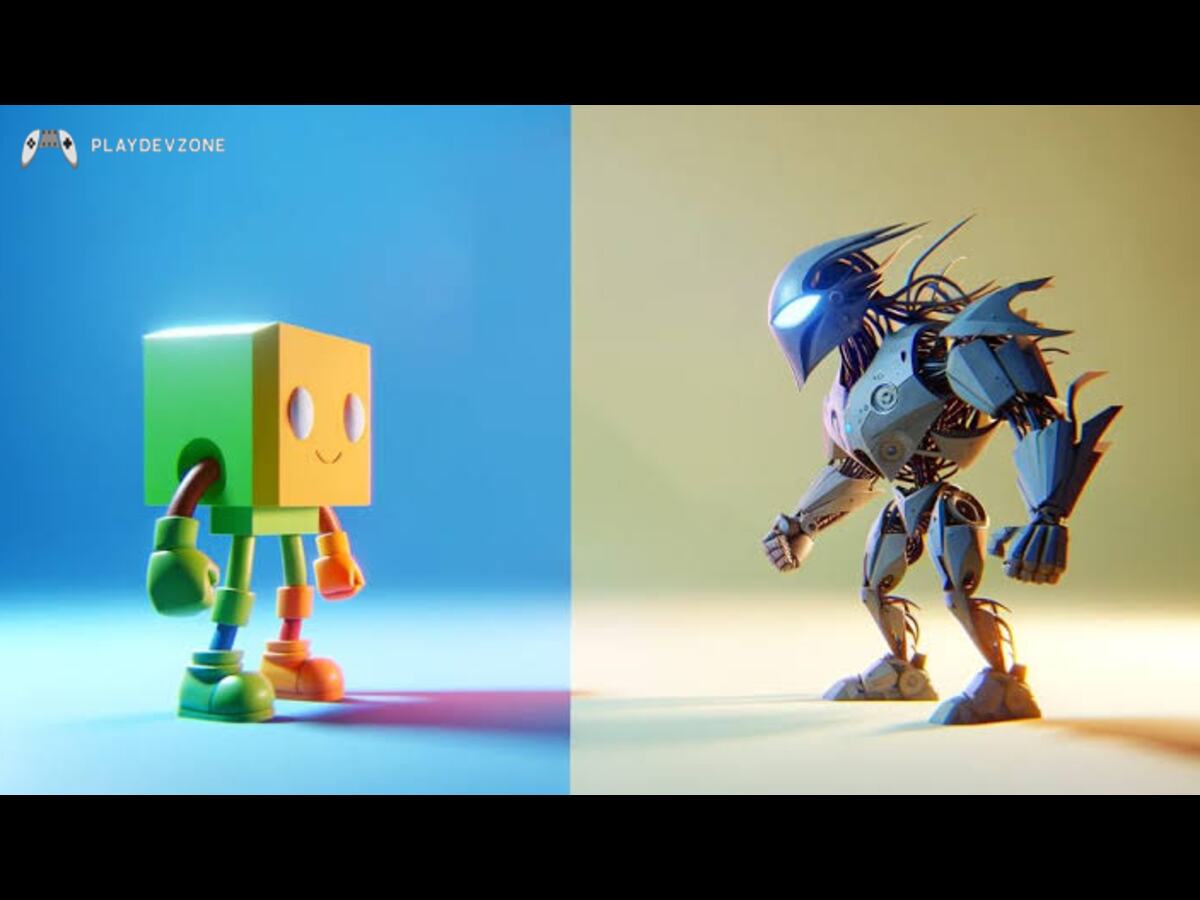
Unreal Engine 5 can be particularly useful for projects where high-end 3D rendering is an important part of the visual design.
Unity can also combine 2D and 3D elements, making it possible to create games that transition between different visual styles.
In Unity vs Unreal Engine 5 for 2D Games, this is an area where project requirements matter more than a simple engine-wide comparison.
If the game is fundamentally 2D with a few 3D effects, either engine can work. If advanced 3D rendering is central to the experience, Unreal Engine 5 becomes more relevant.
Unity Asset Store vs Unreal Marketplace
The asset ecosystem can also affect development speed.
Unity has a large Asset Store containing 2D art, animations, templates, tools, plugins, audio, environments, and development utilities.
Unreal Engine also provides access to a large marketplace ecosystem with assets and tools designed for Unreal projects.
For beginners, third-party assets can reduce development time.
However, developers should check licensing terms, compatibility, supported engine versions, and update status before adding an asset to a commercial project.
Which Engine Is Better for 2D Platformer Games?
For a traditional 2D platformer, the most important features are usually:
- Sprite management
- Character animation
- Collision detection
- 2D physics
- Tilemaps
- Camera control
- Level editing
- Audio
- Input systems
- Performance optimization
Unity provides dedicated systems for many of these requirements.
Unreal Engine 5 can also support platformers through Paper 2D and other gameplay systems.
When researching Unity vs Unreal Engine 5 for 2D Games, developers building a conventional sprite-based platformer may find Unity's dedicated 2D workflow easier to organize.
However, a platformer with extensive 3D environments, cinematic lighting, and advanced visual effects may benefit from Unreal Engine's broader capabilities.
Which Engine Is Better for 2D RPG Games?
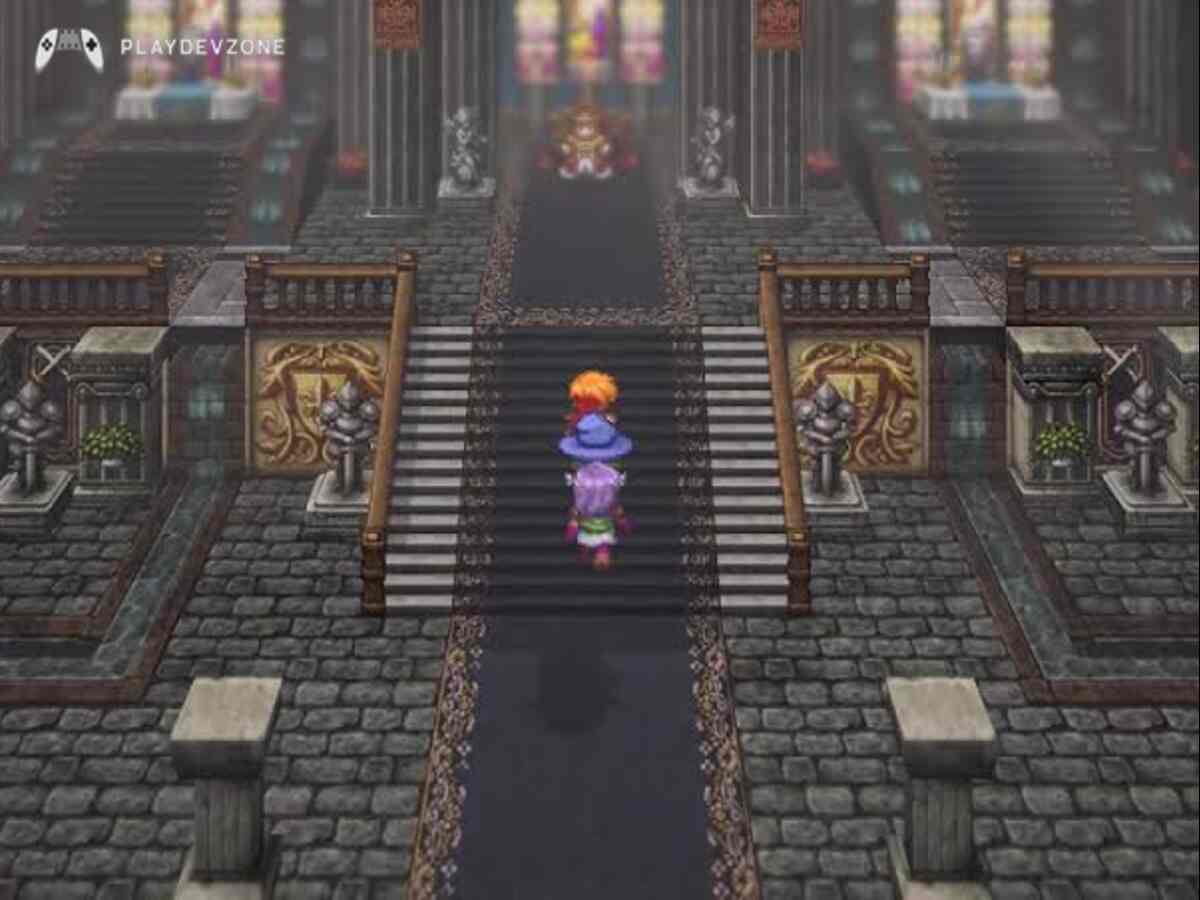
2D RPGs often require:
- Tilemaps
- Character sprites
- Dialogue systems
- Inventory systems
- Quest systems
- Character statistics
- UI
- Save systems
- Animation
- Audio
Unity can handle these requirements through its built-in systems and third-party assets.
Unreal Engine 5 can also handle them, especially when developers want to combine traditional 2D characters with 3D environments or effects.
For a classic 2D RPG, the dedicated 2D workflow may be more important than advanced 3D rendering.
Which Engine Should You Choose?
The answer to Unity vs Unreal Engine 5 for 2D Games depends on the project.
Choose Unity if you want:
- A dedicated 2D workflow
- C# scripting
- Tilemap-based level design
- Pixel-art support
- 2D animation tools
- Mobile 2D development
- A relatively focused beginner workflow
- Traditional 2D indie games
Consider Unreal Engine 5 if you want:
- 2D/3D hybrid gameplay
- Advanced 3D environments
- Cinematic visual effects
- Blueprint visual scripting
- A workflow that can grow into large 3D projects
- Strong integration between 2D elements and 3D scenes
Neither engine is universally suitable for every project.
FAQ (Frequently Asked Questions)
Is Unity or Unreal better for 2D?
For a traditional 2D project, Unity offers a dedicated collection of 2D tools, including sprites, Tilemaps, 2D animation, SpriteShape, Pixel Perfect, and 2D physics. Unreal Engine 5 can also create 2D games through Paper 2D.
The better option depends on the type of game, target platform, development workflow, and team experience.
Can Unreal Engine 5 make 2D games?
Yes. Unreal Engine 5 includes Paper 2D, which supports sprite-based 2D and 2D/3D hybrid development.
Its documentation includes sprites, TileSets, TileMaps, and Flipbooks.
Is Unity good for 2D games?
Yes. Unity has a dedicated 2D feature set covering sprites, Tilemaps, animation, physics, SpriteShape, and pixel-art workflows.
Is Unity easier than Unreal Engine 5 for beginners?
For developers who are specifically starting with traditional 2D games, Unity can provide a more focused workflow because many of its 2D systems are directly designed for this type of development.
Unreal Engine 5 can also be beginner-friendly through Blueprint, but its larger 3D-focused environment can introduce more systems than a simple 2D project requires.
Can Unity and Unreal Engine 5 create mobile 2D games?
Yes. Both engines can be used for mobile development. The appropriate choice depends on the game's graphics, performance requirements, target devices, development workflow, and optimization needs.
Is Unreal Engine 5 good for 2D/3D games?
Yes. Unreal Engine 5's Paper 2D system is designed to support both 2D and 2D/3D hybrid projects.
This can be useful when a game combines sprite-based gameplay with 3D environments or visual effects.
Conclusion
The best answer to Unity vs. Unreal Engine 5 for 2D Games depends on what you are trying to build.
Unity offers a focused 2D development ecosystem with tools for sprites, Tilemaps, animation, SpriteShape, Pixel-Perfect rendering, and 2D physics.
These features make it well suited to traditional 2D games, mobile projects, pixel-art games, platformers, RPGs, and other indie projects.
Unreal Engine 5 provides Paper 2D for sprite-based development while also offering a powerful 3D environment.
This makes it worth considering for developers who want to combine 2D gameplay with advanced 3D graphics, environments, lighting, or cinematic effects.
For a beginner whose main goal is to build a traditional 2D game, Unity's dedicated 2D workflow can provide a focused starting point.
For a project that relies heavily on 3D visuals or a 2D/3D hybrid design, Unreal Engine 5 may better fit your technical requirements.
Ultimately, the right choice between Unity and Unreal Engine 5 for 2D Games should be based on your game's requirements rather than simply choosing the engine with the most features.