
Introduction
Finding the right PC gaming platform can help you discover new games, save money during sales, explore indie releases, and manage your gaming library more conveniently.
Although Steam remains a popular destination for PC gamers, it is not the only place to buy, download, or play computer games.
Several other platforms offer exclusive releases, free game giveaways, classic titles, subscription libraries, and independent games.
If you are looking for game platforms like Steam, this guide compares 15 alternatives worth considering in 2026.
Whether you want free PC games, affordable premium titles, DRM-free downloads, or a launcher for your existing collection, you will find options for different budgets and gaming preferences.
We will also explain the difference between game stores, subscription services, and game launchers so you can choose the right platform without wasting money or installing unnecessary software.
What Are Game Platforms Like Steam?
Game platforms like Steam are digital services that allow gamers to discover, purchase, download, install, and manage PC games in one place.
These platforms offer various features, including free games, exclusive releases, seasonal discounts, multiplayer support, cloud saves, and access to independent games.
Although Steam is one of the most popular PC gaming platforms, several alternatives provide different benefits.
For example, Epic Games Store offers promotional free games, GOG specializes in DRM-free games, and itch.io helps players discover unique indie titles from independent developers.
Some services focus on affordable purchases, while others provide subscription libraries or publisher-specific games.
Before choosing an alternative to Steam, compare game libraries, prices, regional availability, system requirements, and account policies.
This will help you find a suitable platform for your gaming needs while discovering more games and potential savings.
15 Best Game Platforms Like Steam in 2026
Here is a quick comparison of the leading Steam competitors and other useful services.
1. Epic Games Store — Best for Free Games
Epic Games Store is one of the best game platforms, like Steam, for PC gamers who want to discover popular titles, explore new releases, and save money.
Players can claim eligible games during promotional periods and add them to their libraries according to the offer's terms.
This makes Epic Games Store an excellent option for gamers who want to expand their collections without purchasing every game.
The platform also provides regular sales, a personal game library, and a desktop launcher for downloading and managing supported games.
However, its game selection and community features differ from Steam, so it may not replace every feature you currently use.
Key Features:
- Regular free-game giveaways and special promotions.
- A selection of free-to-play and premium PC games.
- Discounts on selected games during seasonal sales.
- A dedicated launcher for downloading and updating games.
- Access to selected exclusive PC releases.
Pros:
- Offers opportunities to claim games for free.
- Provides discounts on selected popular titles.
- Makes it easy to discover new PC games.
Cons:
- Its catalogue does not include every game available on Steam.
- Some games require the Epic Games Launcher to run.
- Certain community and library-management features differ from Steam.
2. GOG — Best for DRM-Free Games
GOG, formerly known as Good Old Games, is particularly attractive to gamers who value classic PC titles and greater offline access.
A major advantage of GOG is its focus on DRM-free games. For supported purchases, you can download offline installers without requiring the same ongoing launcher-based authentication that some other games use.
Individual titles can still have their own requirements, so always check the product details.
GOG Galaxy is the optional desktop client associated with the platform. It can help you install and organize games, manage supported features, and connect certain gaming libraries.
Best features:
- DRM-free downloads for supported games.
- A selection of classic PC titles.
- Offline installers for eligible purchases.
- An optional desktop client.
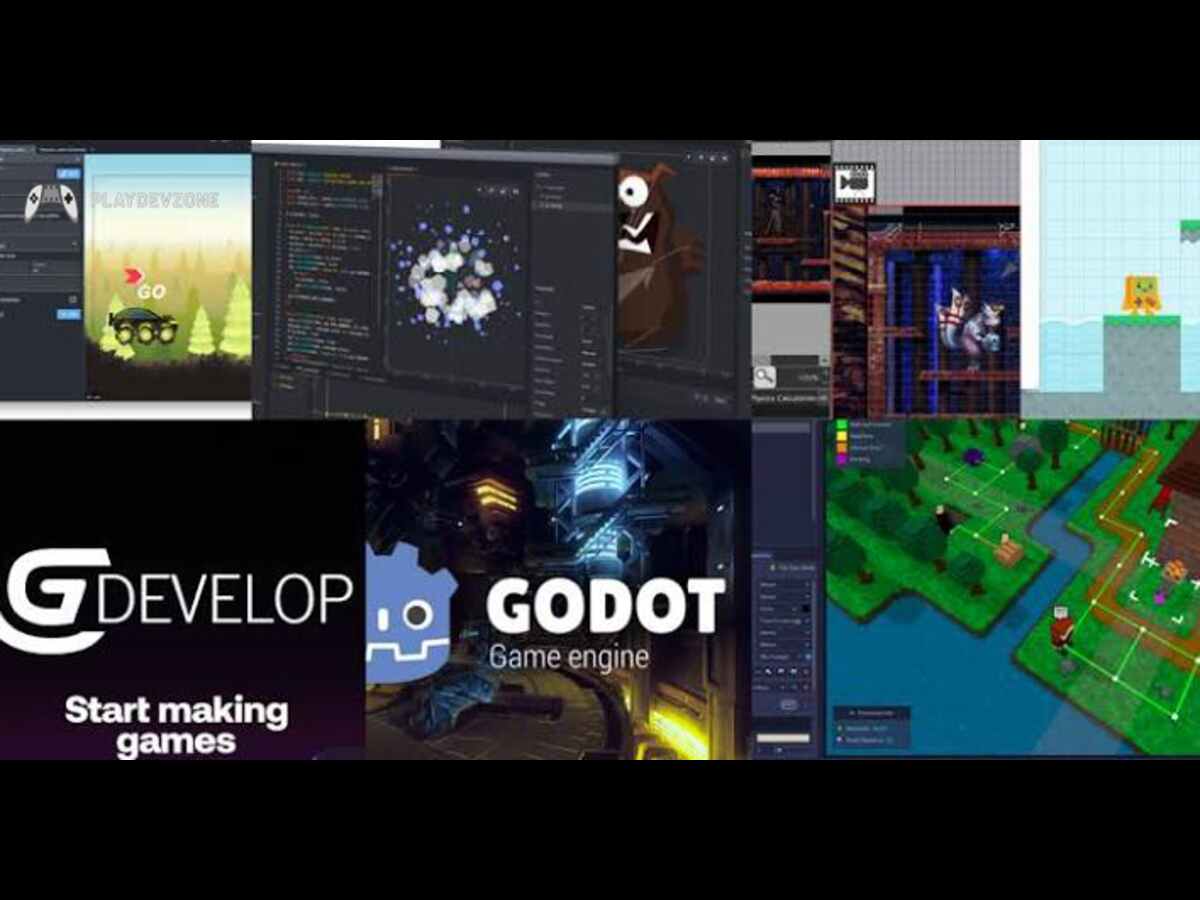
3. itch.io — Best for Indie and Experimental Games
itch.io is a creator-focused marketplace featuring independent games, experimental projects, game-jam entries, and smaller releases that may not appear prominently on major storefronts.
Unlike traditional PC gaming storefronts, itch.io gives creators flexibility in how they distribute their work.
It is also relevant to people interested in game development because it offers a way to explore what independent creators are building.
Best features:
- A wide variety of independent projects.
- Free games and optional payments.
- Browser-based games and downloadable titles.
- Community-oriented discovery.
Limitations: Quality, support, update frequency, and installation methods vary by creator. Read the game's description and system requirements before downloading.
- Among the best Steam alternatives, itch.io is a strong choice for players who care more about creativity and experimentation than blockbuster releases.
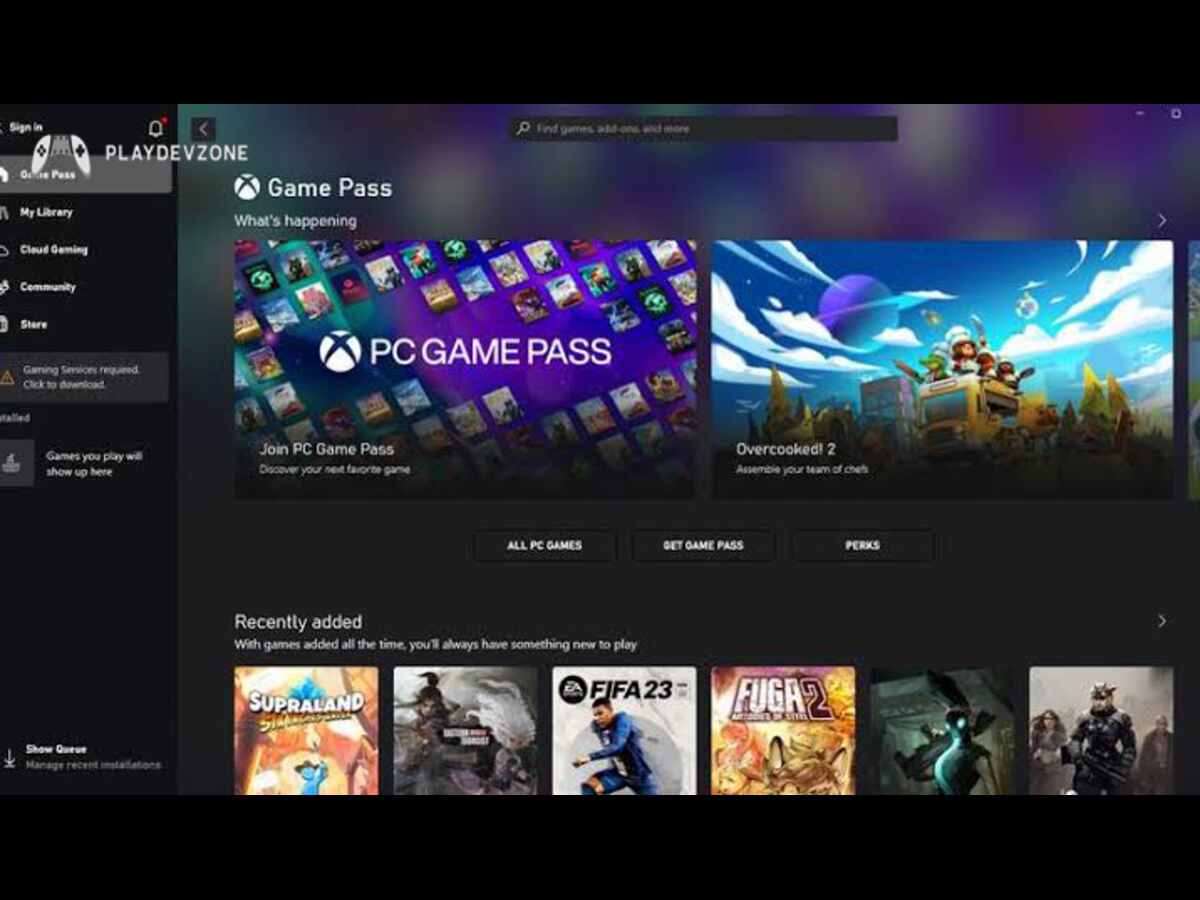
4. Xbox App and PC Game Pass — Best for Subscription Gaming
The Xbox app for Windows provides access to Microsoft's PC gaming ecosystem.
Depending on your region, account, and current plan, you can use it to discover games, manage supported installations, and access eligible subscription titles.
PC Game Pass is a subscription service rather than a conventional store-only alternative.
Instead of purchasing every included game separately, you pay for access to a catalogue while your subscription remains active and the games remain available under the service's terms.
This model can offer good value if you enjoy trying different genres throughout the month.
However, you should not assume that subscription access is the same as permanently owning a game.
Best features:
- Access to an eligible subscription catalogue.
- Integration with Windows.
- Selected PC releases and multiplayer-related features, depending on the game and plan.
- A convenient option for trying multiple games.

5. EA app — Best for Electronic Arts Games
The EA app is Electronic Arts' PC gaming application. It provides access to supported EA titles, purchases, downloads, updates, and account-related features.
Players interested in EA SPORTS FC, The Sims, Battlefield, and other EA releases should check this platform when deciding where to buy or launch a particular game.
Availability varies by title, edition, and region, and some games are also sold through other authorized stores.
Best features:
- Access to supported EA PC games.
- Game installation nd update management.
- Account and friends-related features.
- Eligible subscription access, where available.
Limitations: It is a publisher-focused service, not a replacement for Steam's entire catalogue. Some games purchased elsewhere may still require EA account linking or the EA app.
- For players searching for Steam Game Launcher Alternatives, the EA app makes sense when they want direct access to Electronic Arts' ecosystem.

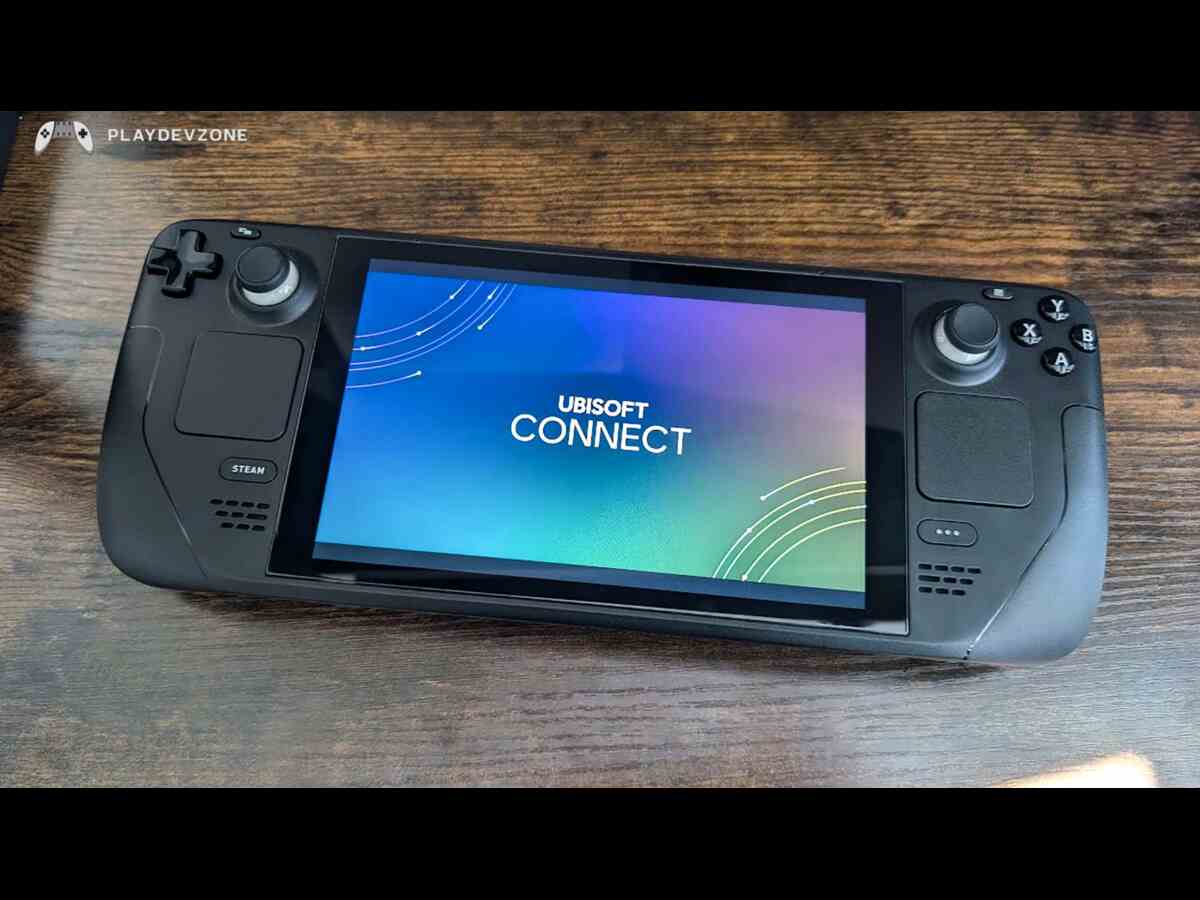
6. Ubisoft Connect — Best for Ubisoft Games
Ubisoft Connect is the company's PC gaming platform for managing supported Ubisoft titles, purchases, updates, and account-linked rewards.
It is worth checking if you play franchises such as Assassin's Creed, Far Cry, The Division, or Rainbow Six.
Ubisoft also offers subscription options in eligible regions, although the available catalogue and benefits depend on the plan.
Best features:
- Access to supported Ubisoft PC games.
- Game updates and library management.
- Account-linked rewards and progression features where supported.
- Eligible subscription options.
7. Battle.net — Best for Blizzard Games
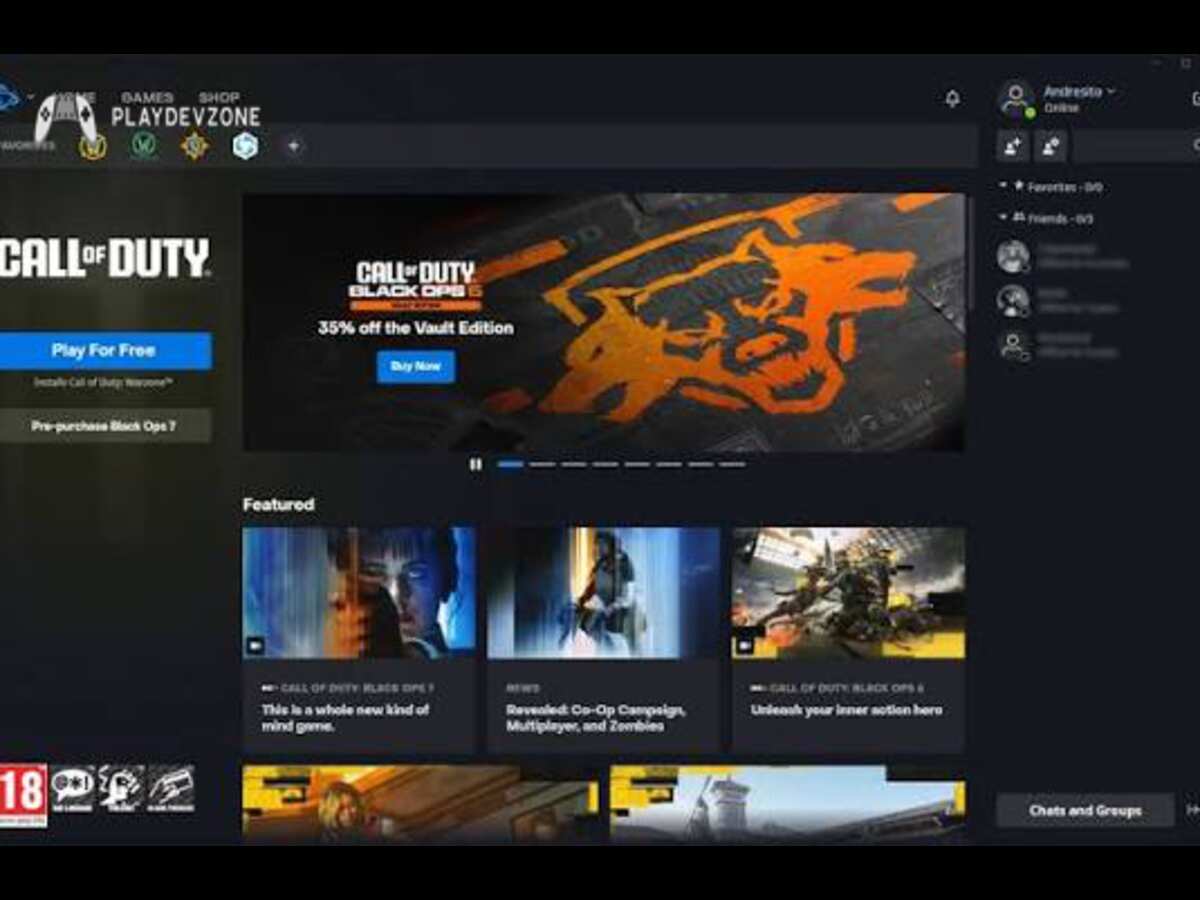
Battle.net is Blizzard Entertainment's established gaming platform and provides access to supported Blizzard titles and selected Activision-related releases.
It is especially relevant to players interested in games such as World of Warcraft, Diablo, Overwatch, and Hearthstone.
The exact purchase requirements differ by game, and some titles offer free-to-play access while others require a purchase or subscription.
Best features:
- A dedicated library for supported titles.
- Game downloads and updates.
- Account and social features.
- Access to eligible free-to-play games.
8. Humble Store — Best for Game Bundles
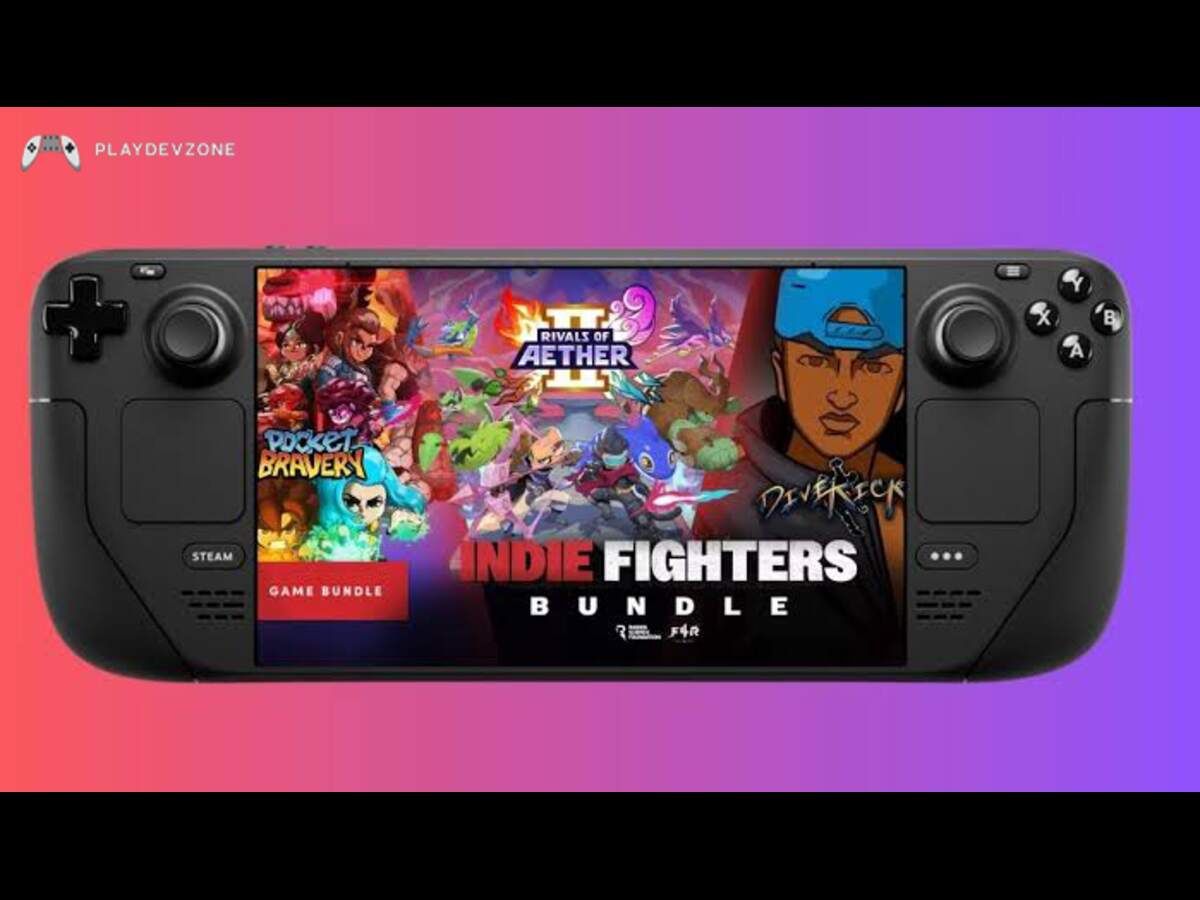
Humble Store is an online retailer known for PC games, selected bundles, and promotions.
Depending on the current offer, you may find discounted titles or collections that cost less than buying each game separately.
Its bundles can be especially attractive to players who want to explore several games on a limited budget.
However, not every purchase is DRM-free, and some products provide keys for another platform rather than a separate Humble launcher.
Always read the redemption details before purchasing.
Best features:
- Selected game bundles.
- Promotions on PC titles.
- A variety of independent and mainstream releases.
- Product redemption details before purchase.
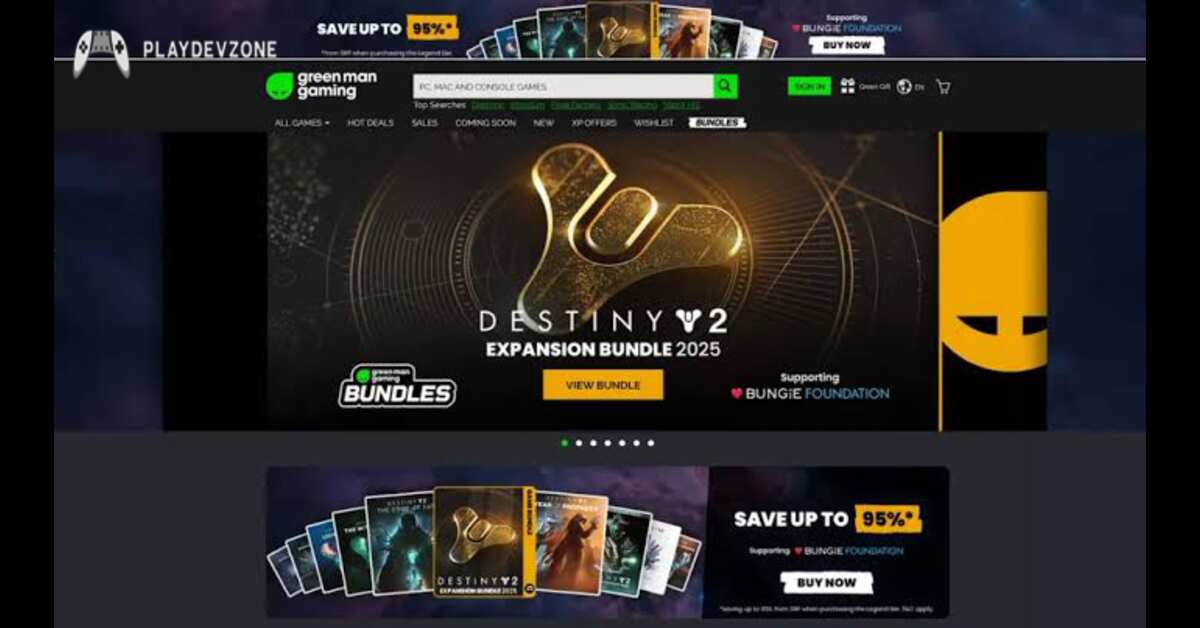
9. Green Man Gaming — Best for Discounted PC Games
Green Man Gaming is a digital retailer that sells PC games and regularly features selected discounts. It is useful when you already know which game you want and wish to compare its price across authorized sellers.
Before buying, check the exact edition, activation platform, region restrictions, and redemption instructions. A discounted key is only useful if it can be activated and played in your region.
Best features:
- Discounts on selected games.
- A searchable PC game catalogue.
- Offers on certain new and older releases.
- An alternative price-comparison destination.
Limitations: Availability and discounts differ by title, and some purchases require activation on another service.
For players asking where to buy PC games besides Steam, Green Man Gaming is worth comparing against the game's official store price and other reputable retailers.
10. Fanatical — Best for Discounted Game Collections
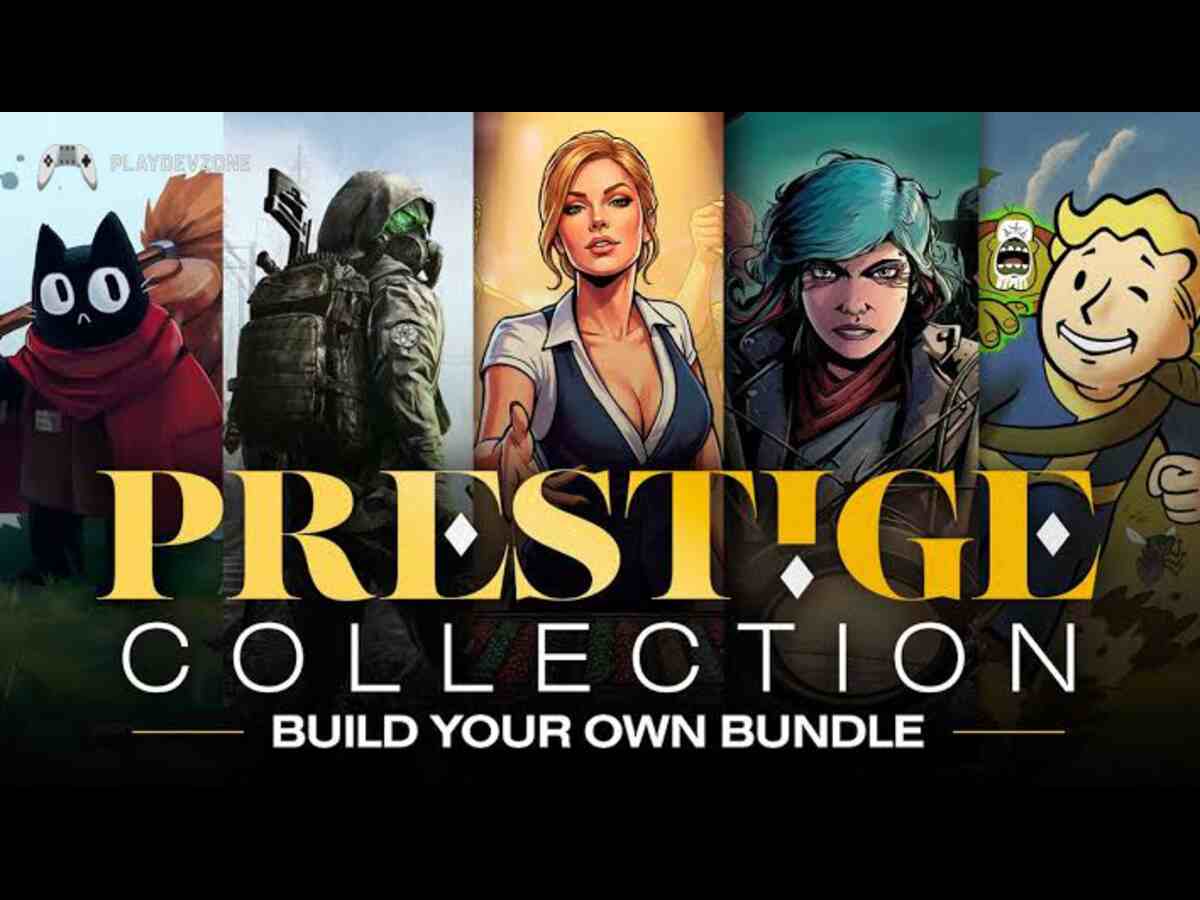
Fanatical is another digital retailer that focuses on game deals, bundles, and selected publisher promotions. Its offers can help players find collections of games at a lower combined price.
The platform is particularly useful for budget-conscious gamers who enjoy trying games from several genres.
However, the contents of bundles and the discounts available can change frequently.
Before checking out, read the product page carefully to determine which platform the game activates on. Also verify the edition, region compatibility, and whether the offer includes any additional content.
Best features:
- Selected game bundles.
- Discounted digital titles.
- Promotions across different genres.
- Options for building a larger library on a budget.
Limitations: It is primarily a retailer, so some purchases rely on another game's launcher or store.
Fanatical is a useful addition to a list of Steam alternative platforms because it provides another place to compare prices without requiring you to abandon your existing library.
11. Amazon Games — Best for Eligible Promotional Offers
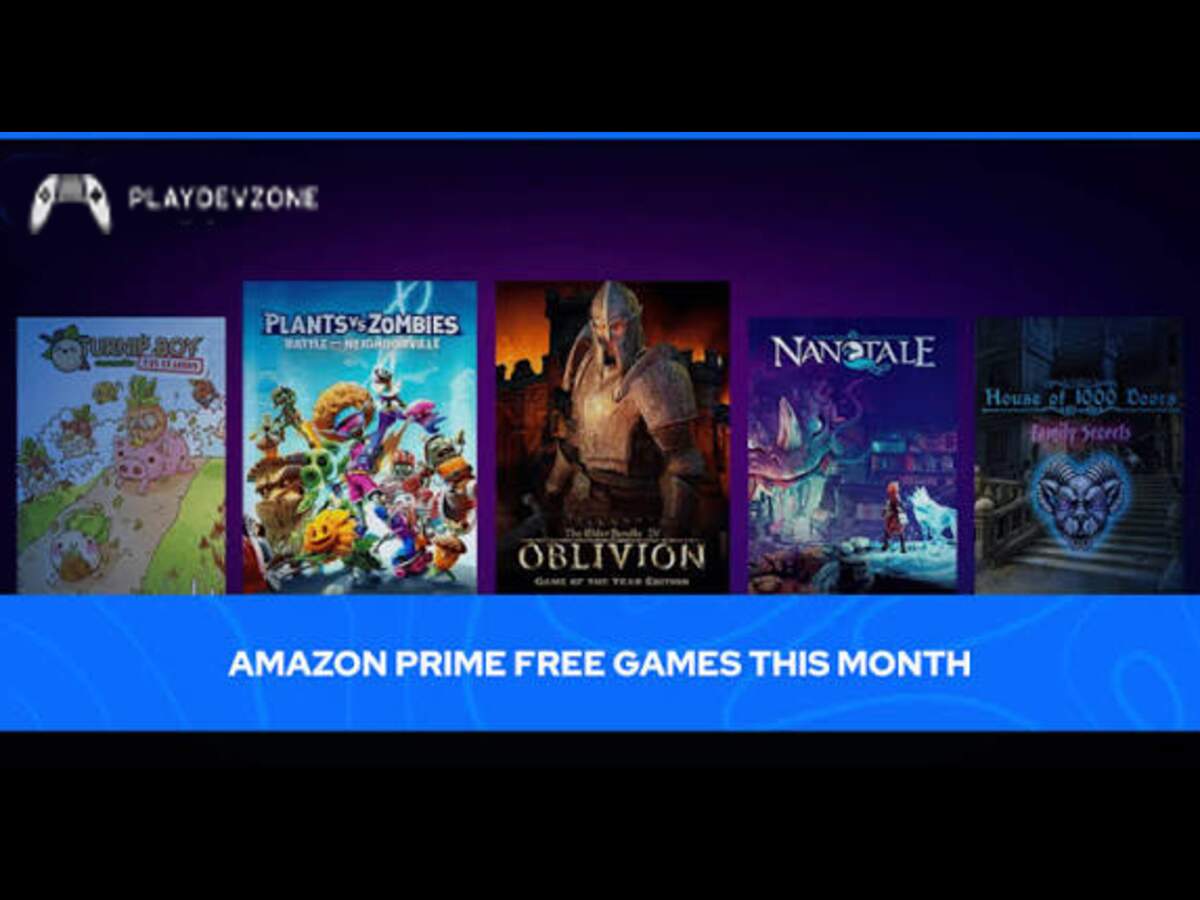
Amazon Games offers selected PC gaming promotions and titles through its gaming ecosystem. The exact benefits available depend on current offers, membership eligibility, and regional availability.
This means the redemption process can differ from one offer to another.
Best features:
Selected promotional games.
- Offers tied to eligible Amazon services or memberships.
- An additional place to discover limited-time gaming deals.
Limitations: It is not a universal PC game storefront, and the available selection depends on the current programme and region.
12. Microsoft Store — Best for Windows Integration
The Microsoft Store is a convenient option for gamers who want to discover, purchase, download, and manage PC games directly on Windows.
Its integration with the Windows operating system makes it a useful alternative to Steam, especially for players who prefer Microsoft's gaming ecosystem.
Many games and apps are available directly through the Store, and supported apps can receive automatic updates.
Key Features of the Microsoft Store
Windows integration: Find and install games without relying on a separate third-party website.
Easy game management: Access your installed games and eligible downloads through your Microsoft account.
Xbox ecosystem: Use the Xbox PC app and Game Pass to discover additional games and access subscription benefits.
Automatic updates: Supported apps and games can receive updates through Microsoft's distribution system.
Pros and Cons
Pros
- Simple installation and update management.
- Offers free games, paid titles, and Xbox-related gaming options.
- Suitable for users who prefer Microsoft's ecosystem.
Cons
- Its game selection and community features may not match Steam's for every player.
- Some games are available only through specific storefronts.
- Game Pass requires a separate subscription for its benefits.
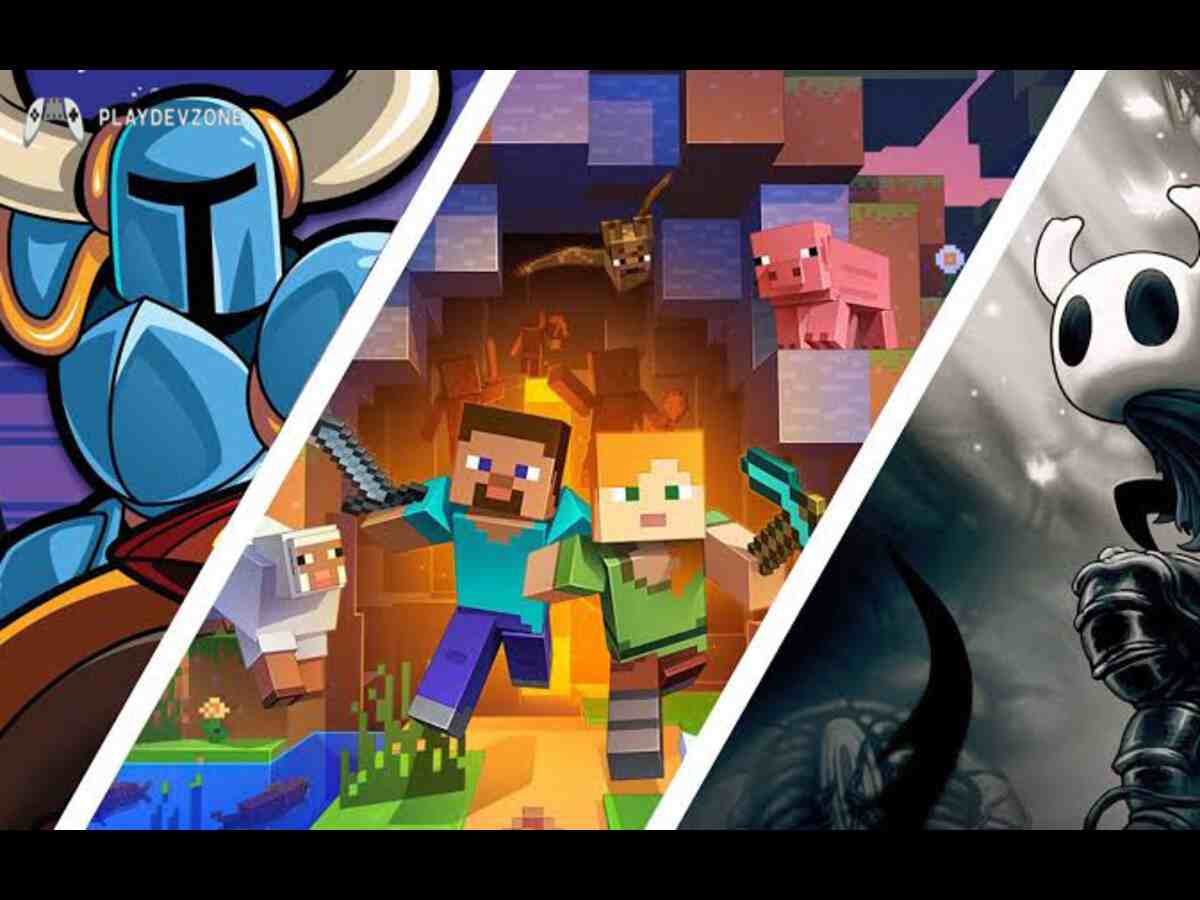
13. Game Jolt — Best for Community-Driven Indie Games
Game Jolt is a community-oriented platform where users can discover independent games and interact with gaming creators. It is particularly useful for finding smaller projects, fan-made experiences, and unusual games.
Best features:
- Independent game discovery.
- Community interaction.
- Smaller and experimental projects.
Opportunities to explore games outside mainstream storefronts.
Limitations: Game availability, quality, support, and download methods vary. Review the developer's information and system requirements before installing anything.
For gamers who enjoy finding less familiar titles, Game Jolt can complement larger stores and help broaden your gaming library.
14. Rockstar Games Launcher — Best for Rockstar Titles
The Rockstar Games Launcher is a dedicated PC gaming platform for players who enjoy popular titles developed and published by Rockstar Games.
It allows users to purchase, download, install, and launch supported games from one convenient location.
If you enjoy open-world adventures, action games, and story-driven experiences, this launcher is worth considering when exploring game platforms like Steam.
It provides access to Rockstar titles such as Grand Theft Auto V, Red Dead Redemption 2, and Grand Theft Auto: The Trilogy The Definitive Edition, subject to platform availability.
Key Features of Rockstar Games Launcher
Rockstar game library: Access supported Rockstar PC games from one central location.
Automatic updates: Keep supported games updated with less manual effort.
Cloud saves: Synchronize story-mode saves for supported games purchased through the launcher.
Pros and Cons
Pros
- Convenient access to Rockstar's PC gaming catalog.
- Straightforward purchasing, downloading, and installation.
- Supports automatic updates and eligible cloud saves.
- Ideal for fans of GTA and Red Dead Redemption.
Cons
- Primarily focused on Rockstar titles rather than games from multiple publishers.
- Offers fewer community and discovery features than Steam.
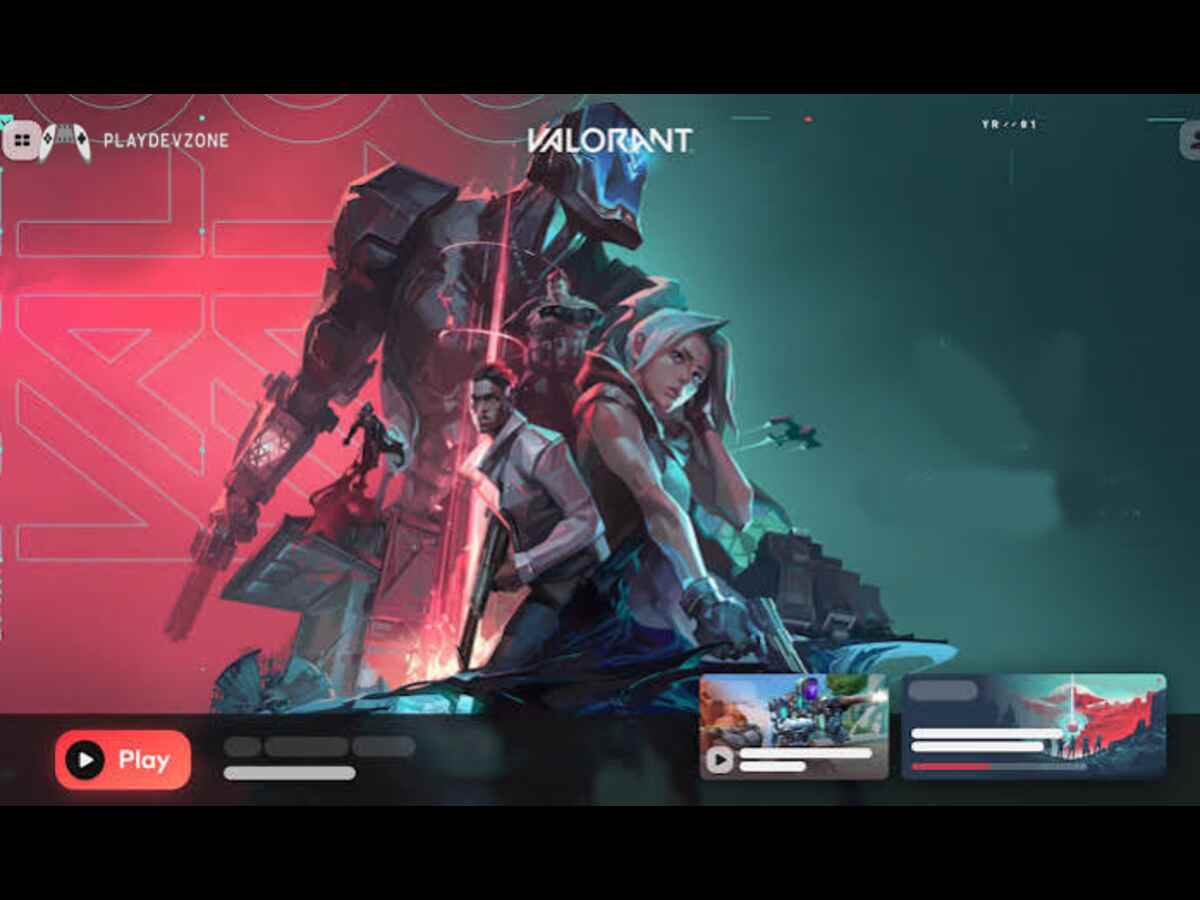
15. Riot Client — Best for Riot Games
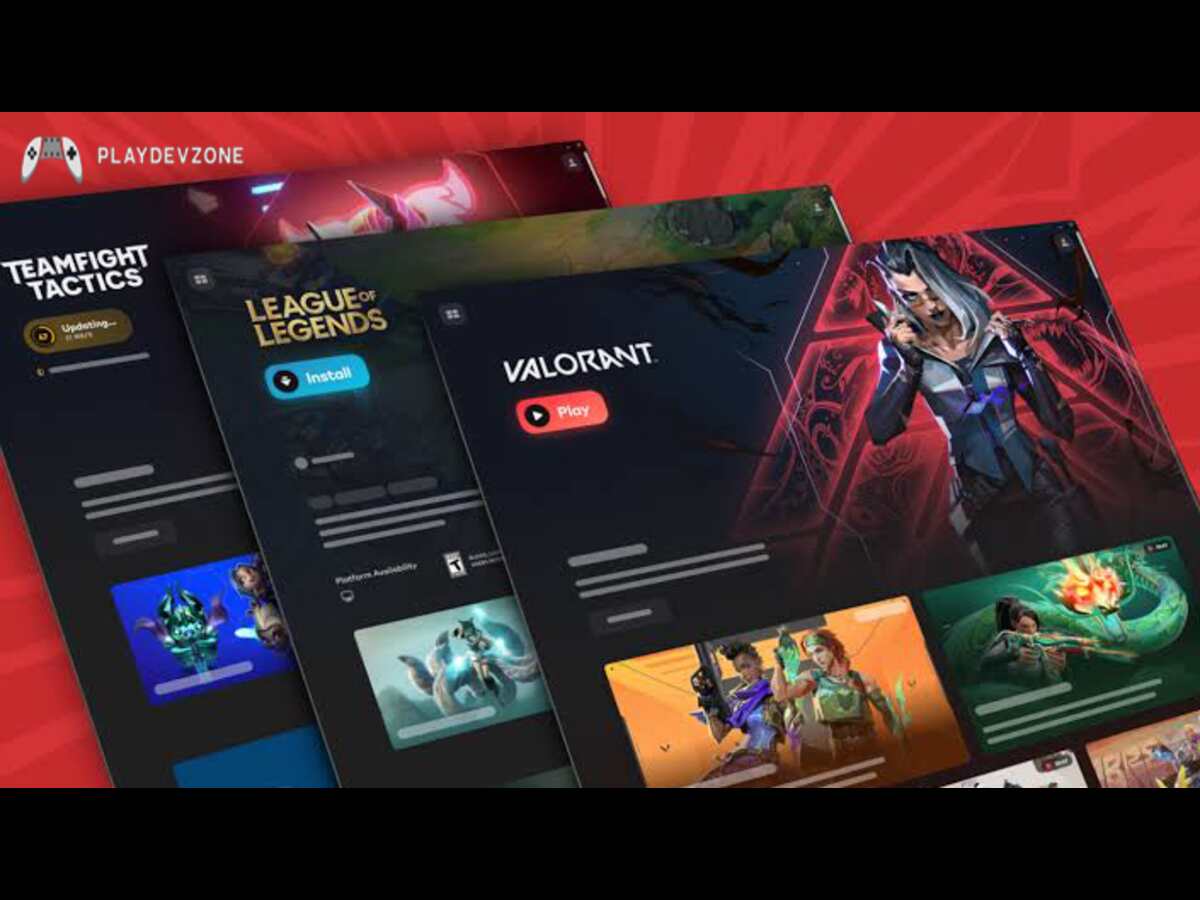
Riot Client is the launcher used to access Riot Games titles. It is relevant to players interested in games such as League of Legends, VALORANT, and Teamfight Tactics, subject to each game's availability and system requirements.
Many Riot games are free to start, although optional in-game purchases may be offered. As with other free-to-play games, check the individual title's requirements and account terms.
Best features:
- Access to supported Riot games.
- Game installation and updates.
- A central launcher for Riot's PC titles.
- Free-to-play options.
Limitations: It focuses on Riot's own ecosystem rather than offering a general-purpose marketplace.
- Riot Client is a useful specialist launcher, but it is not a full replacement for Steam if you want to buy games from many different publishers.
How to Choose the Best Steam Alternatives
With so many choices, the right platform depends on what you prioritize. Not every store offers the same benefits, and installing every launcher can unnecessarily complicate your gaming setup.
Best Free Steam Alternatives for PC
If your main goal is spending less, start with Epic Games Store, itch.io, and the free-to-play catalogues available through other services.
Epic is worth checking for limited-time giveaways, while itch.io is useful for independent games with free or pay-what-you-want options. Publisher launchers also distribute some free-to-play games.
Remember that a temporary giveaway, a permanently free game, and a subscription game are different things. Claim limited-time promotions before they expire, and check the terms attached to each offer.
Best Steam Alternatives for DRM-Free Games
GOG is the strongest first stop if you want DRM-free downloads. Supported titles may offer offline installers, giving you more flexibility over how you install and preserve your games.
However, DRM-free does not automatically mean every feature works offline or that every game will run forever on every computer.
Best Steam Alternatives for Indie Games
For independent games, itch.io and Game Jolt are particularly useful. Both help players discover projects that might not receive the same visibility on larger stores.
You can also check Humble's bundles and other retailers for independent releases. Read descriptions, reviews, and developer notes to understand what you are buying.
Best PC Game Launchers Besides Steam
The EA app, Ubisoft Connect, Battle.net, Rockstar Games Launcher, and Riot Client each focus on a particular publisher's games. They are most valuable when you regularly play titles from those companies.
If you already own games across several services, you may prefer a separate library management application rather than installing yet another store.
- A library manager can organize supported games, but it does not replace the original store, remove DRM, or grant ownership of games you have not purchased.
Steam Alternatives for Windows 11, Mac, and Linux
Compatibility depends on the individual platform and game. Windows 11 users can explore most of the services in this guide, subject to each title's system requirements.
Mac gamers should check native macOS support before purchasing. A game being available on a store does not guarantee that it runs on macOS.
Linux users should pay particular attention to native support, compatibility tools, and launcher limitations.
- Steam alternatives for Linux gaming may work differently depending on the store, game, and distribution. Check current compatibility information before spending money.
Steam vs Epic Games Store: Which Is Better?
The Steam vs Epic Games Store comparison is one of the most common questions among PC gamers. Both provide access to PC games, but they offer different strengths.
- Feature
- Steam
- Epic Games Store
- Game catalogue
- Broad selection
- Different selection and selected exclusives
- Free games
- Free-to-play titles and promotions
- Recurring promotional giveaways
- Community features
- Extenive community tools
- Different set of social and store features
- Game library
- Established library and management features
- Library for eligible Epic purchases
- Best suited for
- Players seeking a broad gaming ecosystem
- Players seeking giveaways and alternative releases
Steam is often the more convenient primary library for people who value its community, reviews, controller support, and extensive ecosystem.
- Epic is a strong companion store for free games, promotions, and titles available through its marketplace.
Are Steam Competitors Safe to Use?
Most established storefronts and official publisher launchers are reasonable places to start, but you should still take care when downloading games or purchasing digital keys.
Follow these safety tips:
Download desktop clients from the platform's official website.
Buy from the store itself or an authorized retailer.
Check regional restrictions and activation requirements.
Avoid suspiciously cheap keys from unknown sellers.
Read refund conditions before purchasing.
- Review game permissions and system requirements before installation.
Frequently Asked Questions
What are the best alternatives to Steam?
Epic Games Store, GOG, and itch.io are strong starting points.
Epic is useful for giveaways and major releases; GOG suits players who value DRM-free games; and itch.io is ideal for independent and experimental projects.
What are the best free Steam alternatives for PC?
Start with the Epic Games Store for promotional giveaways and itch.io for free or pay-what-you-want indie games.
You can also explore free-to-play titles on official publisher platforms.
Which Steam alternative is best for indie games?
itch.io is an excellent option for independent games because it offers a wide range of experimental, creator-led projects.
Game Jolt is another place to discover smaller titles and community-driven experiences.
Is GOG better than Steam?
It depends on your needs. GOG is particularly attractive for DRM-free games and offline installers where available.
Steam generally offers a broader ecosystem of community tools, reviews, and library features. Neither is best for every player.
Can I play games without Steam?
Yes. Many games are available through independent storefronts, publisher launchers, and other distribution services.
However, some titles still require Steam or another specific account or launcher, even if you initially discover them elsewhere.
Can I use multiple PC gaming platforms?
Yes. Many gamers use several stores for different purposes for example, Epic for giveaways, GOG for DRM-free games, and a publisher launcher for a particular franchise.
A library-management tool can help organize supported games across services.
Conslusion
The best platform depends on what you value most: lower prices, free games, indie discoveries, offline access, or a subscription library.
You do not need to abandon Steam to benefit from other services. Instead, use different stores strategically to find the games and features that matter to you.
GOG is the better fit for DRM-free downloads, while itch.io stands out for independent games. PC Game Pass is worth considering if you regularly play many different games and prefer subscription access.
If your priority is saving money, compare the final prices at Humble Store, Green Man Gaming, and Fanatical before buying.
For games tied to a particular publisher, use its official launcher where required.
Ultimately, game platforms like Steam provide more choice in how you discover, buy, and manage your PC games.
Start with two or three services that match your needs, check compatibility and regional pricing, and build your collection gradually.
This approach keeps your gaming setup manageable while helping you find better deals and discover games you might otherwise miss.