
Introduction
Starting game development can feel difficult when you are new to programming, game design, 3D graphics, or development tools.
The good news is you don't need an expensive development environment to get started.
Several powerful free game engines offer tools to create 2D and 3D games, test gameplay ideas, learn programming, and publish projects.
Choosing among the best free game engines for beginners depends on what you want to build.
A beginner interested in mobile games may need different tools from someone who wants to create a 3D PC game.
Similarly, an aspiring indie developer who wants an open-source solution may prefer a different engine from someone who wants a large commercial ecosystem.
In this guide, we will explore the best free game engines for beginners, their main features, learning requirements, platform support, and the types of games they are suitable for.
We will also compare popular options such as Unity, Unreal Engine, and Godot so you can understand which type of engine matches your project.
What Is a Game Engine?
A game engine is software that provides the core tools required to create a video game.
Instead of programming every system from scratch, developers can use an engine for common tasks such as rendering graphics, handling physics, managing audio, creating scenes, controlling characters, and implementing gameplay logic.
Modern game development engines can also provide animation systems, particle effects, lighting, scripting tools, asset management, debugging features, and platform export options.
For beginners, this is particularly useful because you can concentrate on learning game development rather than building an entire technology stack yourself.
The best game engine for beginners is not necessarily the engine with the most features.
It is usually the one whose workflow, programming requirements, documentation, and platform support match the developer's goals.
10 Best Free Game Engines for Beginners
There are many game engines available today, but the following options cover a range of beginner needs, from simple 2D games to more advanced 3D projects.
1. Unity Game Engine
Unity remains an important option for beginners who want to learn both 2D and 3D game development.
The engine uses C# as its scripting language and offers a wide range of tutorials, learning materials, assets, tools, and development workflows to help developers build games more efficiently.
Unity can be useful for developers interested in:
Mobile games
PC games
2D games
3D games
Indie development
Cross-platform projects
For beginners, Unity's large ecosystem can make it easier to find tutorials and examples when learning game development.
However, "free" does not mean unlimited commercial use.
Unity's current licensing information states that Unity Personal applies when the relevant financial threshold is no more than $200,000 over the most recent 12-month period.
Therefore, anyone using Unity commercially should check the current licensing terms before publishing a project.
2. Godot Game Engine
Godot is one of the most accessible options for developers searching for the best free game engines for beginners.
It is free and open source under the MIT license, and the official project describes it as a cross-platform engine for both 2D and 3D games.
Godot features a scene-based development system and supports GDScript, C#, and other programming options, allowing developers to choose a workflow that fits their game project.
Its lightweight editor can make it easier for beginners to experiment with small projects.
It can also target desktop, mobile, web, and other platforms.
Why beginners may like Godot
Free and open source
No engine subscription
Strong 2D workflow
3D development support
Beginner-friendly scene system
GDScript is relatively approachable
Cross-platform development
Godot is particularly interesting for beginners who want an open-source game engine without worrying about commercial engine licensing fees.
The current official Godot site lists the 4.7.2 release as the latest stable release at the time of writing, so an older article should not continue referring to Godot 4.2 as the current version.
3. Unreal Engine
Unreal Engine is another major choice for beginners who want to learn high-quality 3D game development.
Its Blueprint visual scripting system allows developers to create gameplay logic visually, which can be useful when learning the fundamentals before writing large amounts of code.
Unreal Engine is especially suitable for projects involving:
- High-end 3D graphics
- PC games
- Console games
- Large environments
- Real-time visualization
- Advanced visual effects
Unreal Engine is free under its standard game-development model until the relevant revenue threshold is exceeded.
Epic currently states that game developers pay a 5% royalty on applicable lifetime gross product revenue above $1 million, with specific terms and exceptions applying.
For beginners, Unreal can have a steeper learning curve than simpler tools, but it offers a powerful environment for learning modern 3D development.
4. GDevelop Game Engine
GDevelop is an interesting option for beginners who want free game development software with a visual approach.
It uses event-based logic and is designed to reduce the amount of traditional programming required.
The official GDevelop site describes its engine and editor as open source and offers a free plan.
Its current free offering includes a fully featured engine, with specific publishing limits for some platforms and services.
GDevelop can be useful for:
- Beginners with little coding experience
- 2D games
- Prototypes
- Educational projects
- Simple mobile games
- Rapid game development
Its visual workflow allows new developers to experiment with gameplay mechanics before becoming comfortable with traditional programming.
5. GameMaker Game Engine
GameMaker is particularly well known for 2D game development.
It provides a beginner-friendly workflow while also allowing developers to use its scripting tools when they want more control.
- Platformers
- Arcade games
- Puzzle games
- Top-down games
- Pixel-art games
- 2D indie games
GameMaker currently offers a free version for non-commercial use.
Its official documentation states that commercial use requires a Professional license, while console exports require Enterprise.
That distinction is important when evaluating free game engines for beginners because a tool can be free for learning but have different requirements once you start selling a game.
6. Construct 3 Game Engine
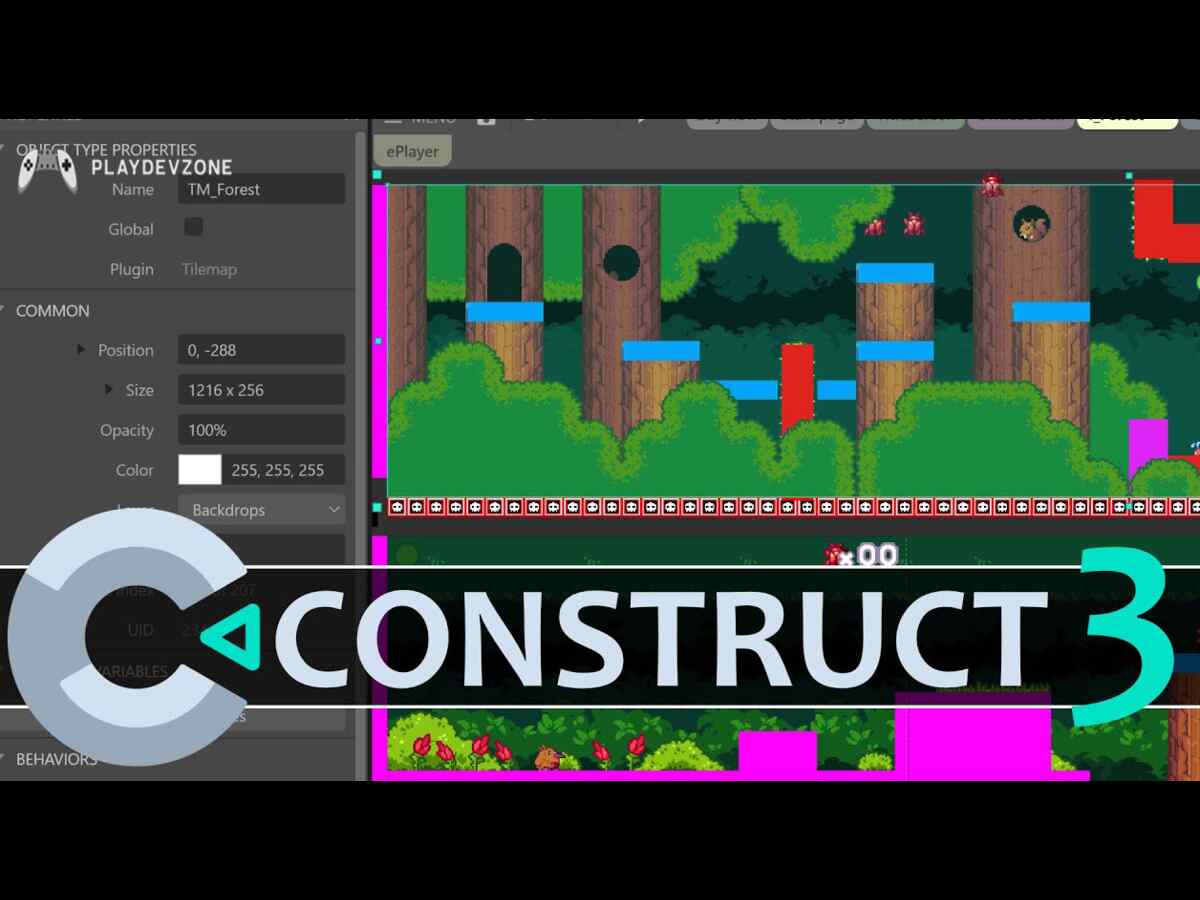
Construct 3 is another beginner-friendly option, particularly for developers who prefer visual development.
It runs through a browser-based workflow and focuses heavily on event-based game logic.
This can appeal to beginners who want to create a game without learning a traditional programming language right away.
Construct can be useful for:
2D games
Browser games
Prototypes
Educational projects
Simple game mechanics
Construct's current model includes free options alongside paid plans, so developers should check the current feature and export limitations before choosing it for a commercial project.
Its official services documentation currently lists a free plan.
7. Defold Game Engine
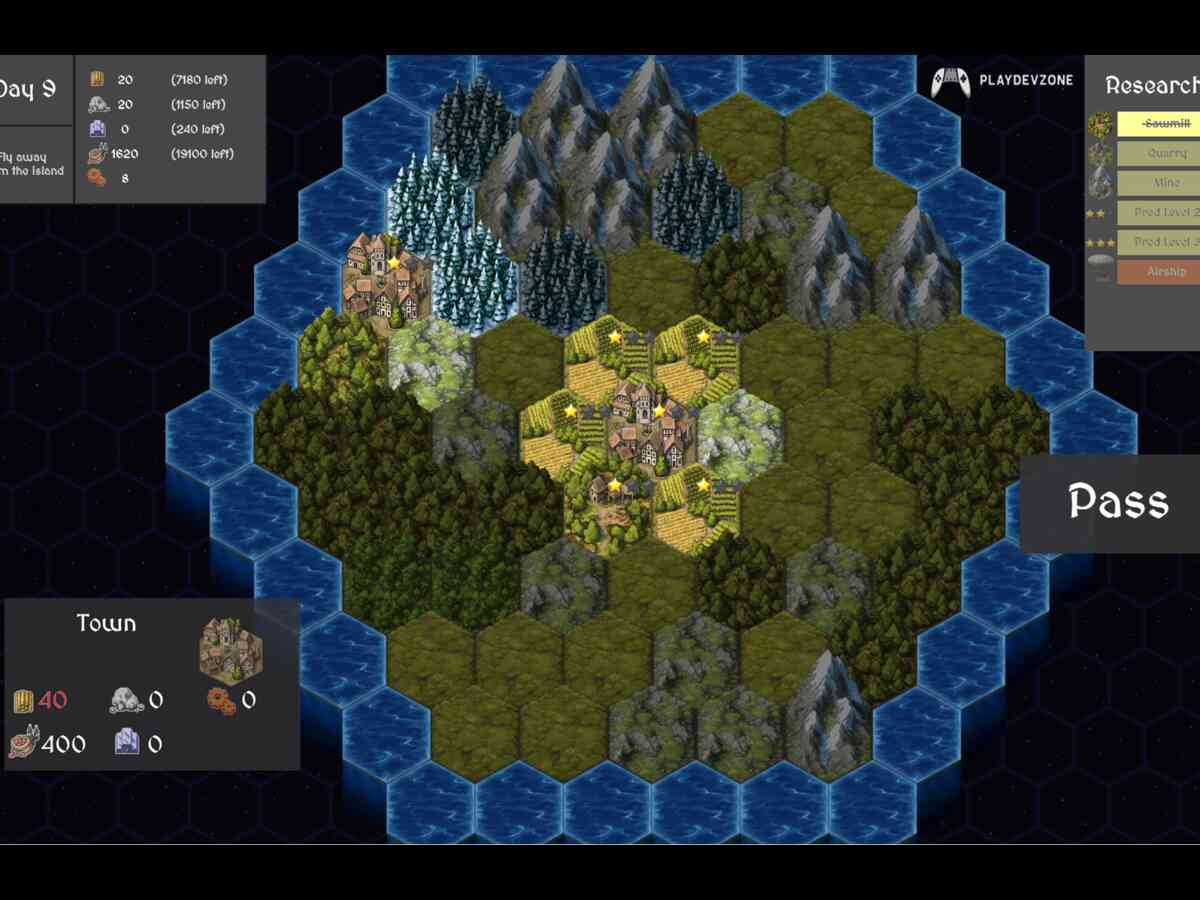
Defold deserves attention among developers looking for a lightweight cross-platform game development engine.
The official Defold site describes it as a free engine for 2D and 3D games that can target desktop, mobile, web, and supported consoles.
Defold uses Lua for game logic and provides an integrated editor, debugger, profiler, build pipeline, and deployment workflow.
One of its major differences is its licensing model. Defold states that it has no upfront cost, licensing cost, royalties, or runtime fees for the engine.
It can therefore be interesting for developers who want a lightweight toolchain and clear commercial terms.
8. Stride Game Engine
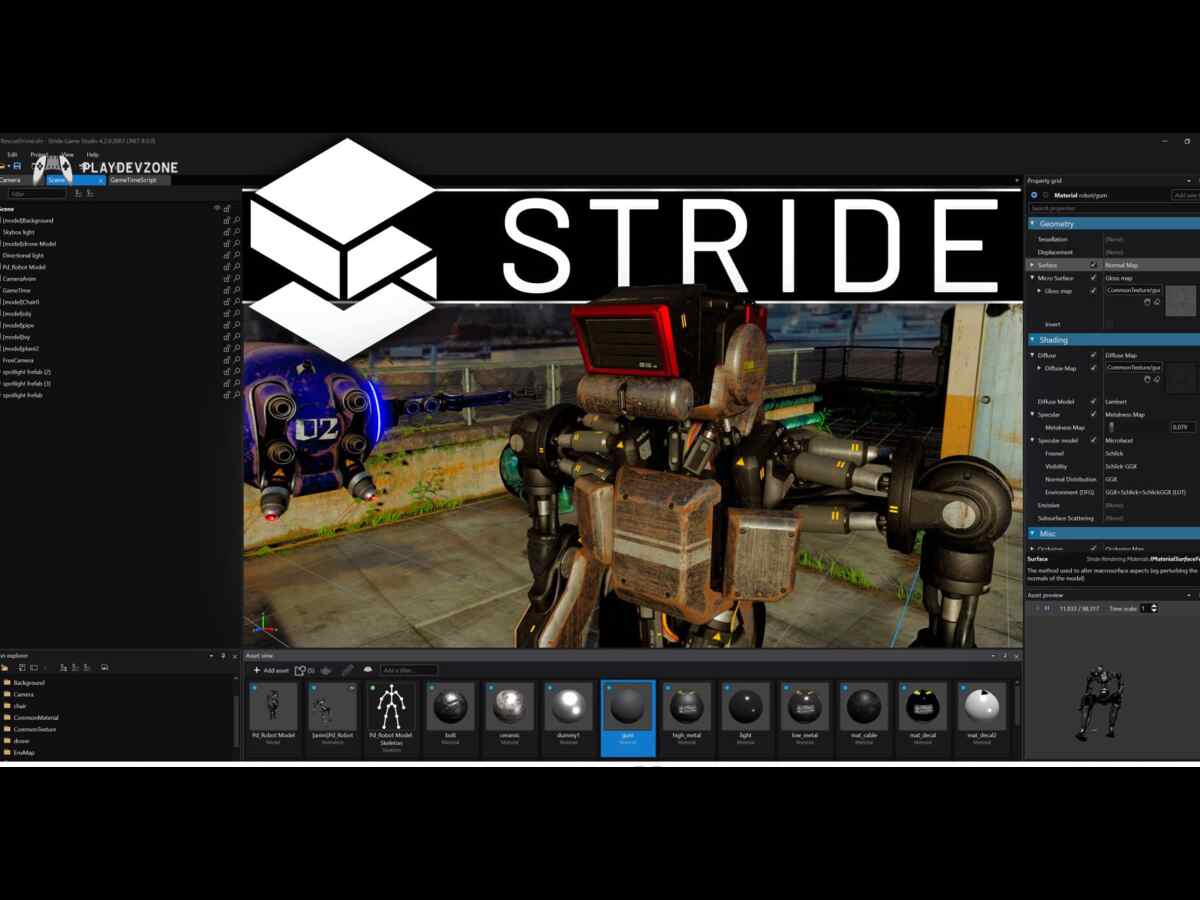
Stride is a free 3D game engine you can explore if you prefer developing games with C#.
It is designed around 3D development and can be considered by developers who want an alternative to larger commercial engines.
For beginners, the main consideration should be whether its workflow and community resources match the type of game you want to build.
Before committing to any engine, it is worth creating a small prototype first.
A short test project can tell you more about an engine's workflow than simply comparing feature lists.
9. RPG Maker Game Engine
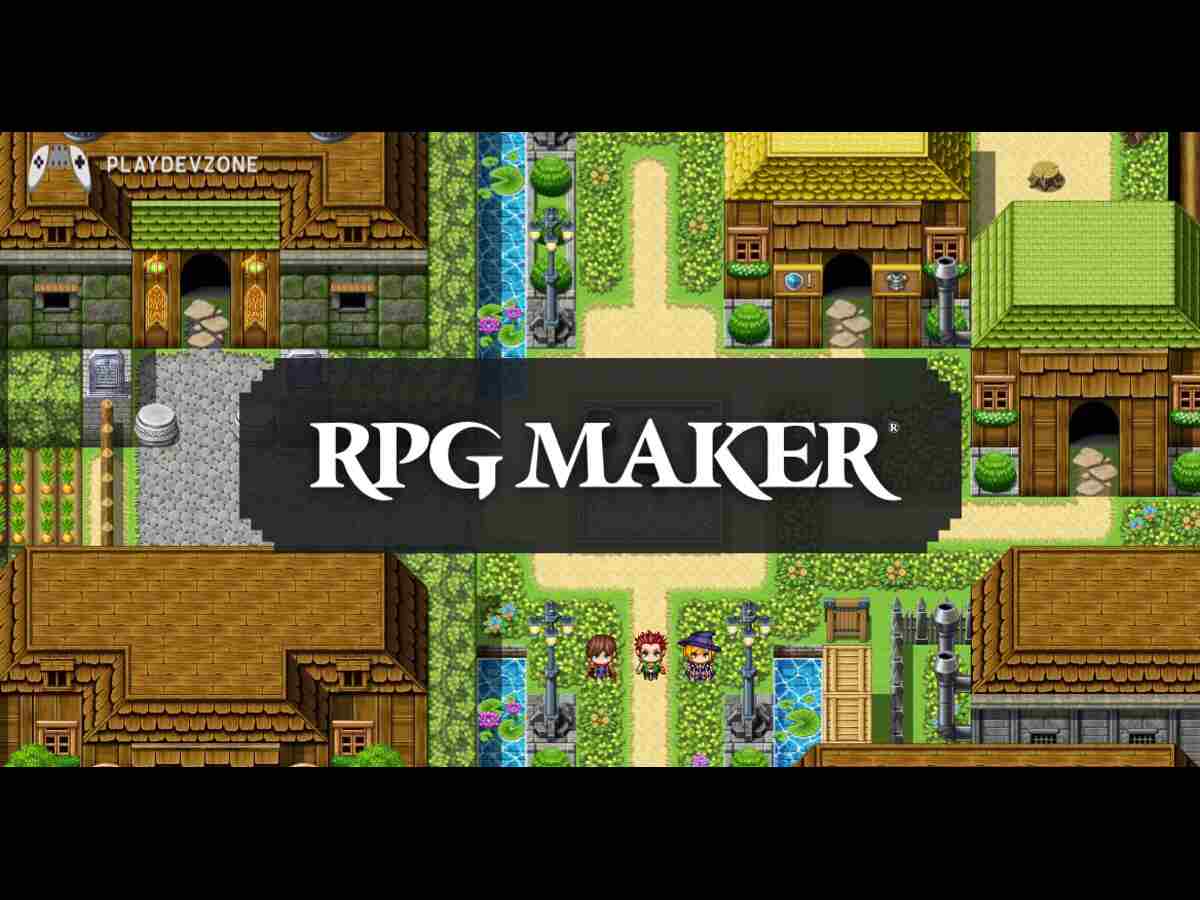
RPG Maker has traditionally been aimed at developers who want to create role-playing games without building every gameplay system from scratch.
Its visual tools can make common RPG mechanics easier to implement.
However, it should not be treated as a completely free engine simply because it is beginner-friendly.
Different RPG Maker products have their own pricing and licensing arrangements.
For this reason, beginners should check the specific product and current license before selecting it for a commercial project.
It can still be useful for learning:
- RPG design
- Dialogue systems
- Maps
- Quests
- Character progression
- Story-driven game development
10. PICO-8 (Fantasy Console)
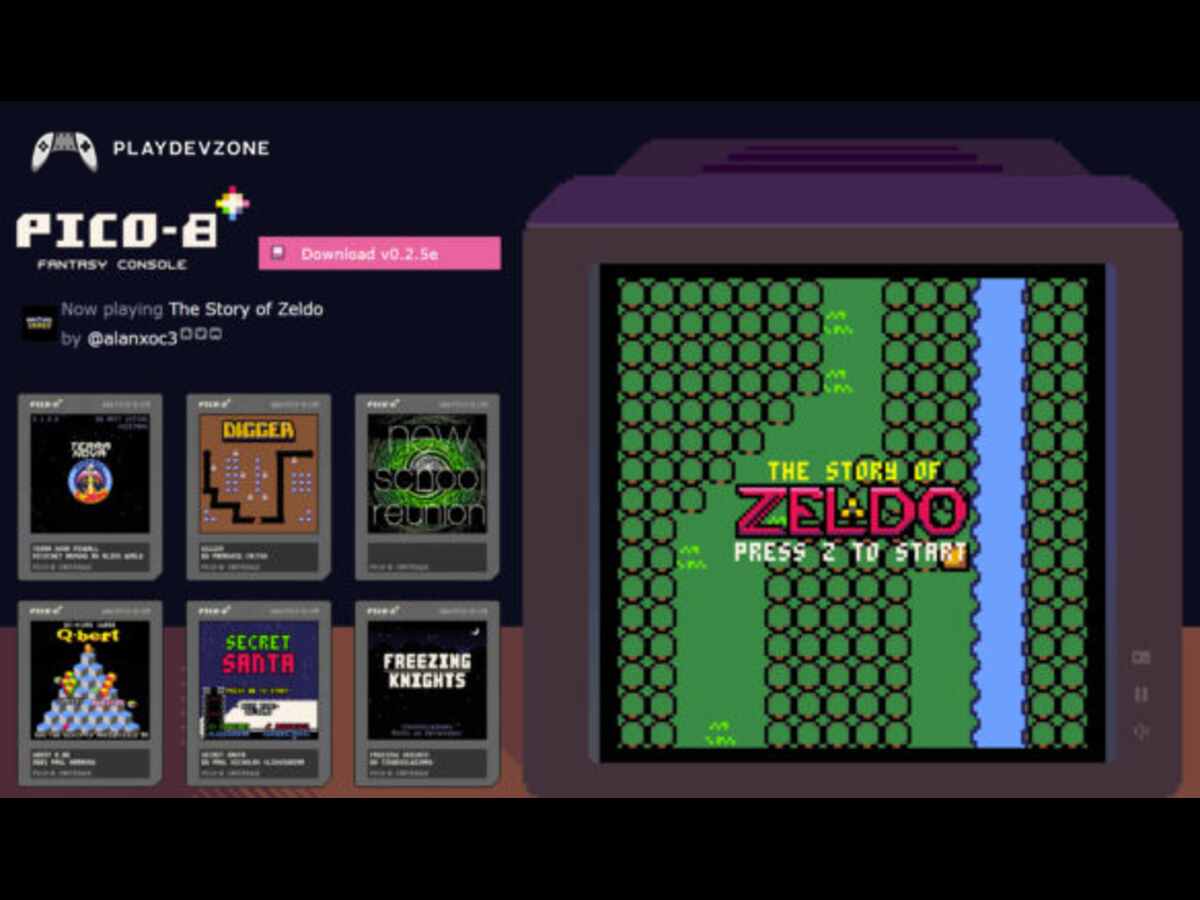
PICO-8 is different from traditional full-scale game engines. It is a fantasy console designed around strict technical limitations.
Those limitations can actually be useful for beginners.
Instead of starting with a huge 3D project, you can focus on:
Game mechanics
Pixel art
Simple programming
Level design
Sound
Game loops
It is particularly useful for understanding the fundamentals of game design.
However, because PICO-8 is a fantasy console rather than a conventional general-purpose game engine, it is better viewed as a focused learning and creative environment.
How to Choose the Best Free Game Engine for Beginners
Choosing between the best free game engines for beginners should start with your project rather than the popularity of the engine.
Best Free Game Engine for 2D Games
For beginners focused on 2D development, there are several strong options.
Godot provides dedicated 2D tools, while GameMaker is well known for 2D workflows. GDevelop and Construct can also be useful when visual development is a priority.
The best choice depends on whether your priority is programming, visual development, rapid prototyping, or commercial publishing.
Best Free Game Engine for 3D Games
For beginners interested in 3D game development, Unity, Unreal Engine, and Godot are important options to investigate.
Unreal Engine provides advanced 3D capabilities and visual scripting.
Godot provides a free and open-source approach to 3D development.
Instead of selecting an engine based only on graphics quality, consider your computer hardware, learning resources, target platform, and project scope.
Best Free Game Engine for Mobile Games
Mobile developers need to consider performance, platform exports, touch controls, build workflows, analytics, advertising integrations, and device compatibility.
Unity can be useful for developers targeting Android and iOS, while Godot, GDevelop, and Defold also provide mobile-oriented development options.
Defold, for example, explicitly supports mobile development and provides a cross-platform workflow.
Before starting a commercial mobile game, always check the engine's current export requirements and the platform's developer fees separately.
Unity vs Unreal Engine vs Godot
Feature
2D development
3D development
Beginner
Main scripting
Open source
Mobile development
Commercial licensing
Unity
Yes
Yes
learning
C#
No
Yes
Check current Unity terms
Unreal Engine
Yes
Yes
Broad ecosystem More complex
C++ / Blueprints
No
Yes
Check current Unity terms
Godot
Yes
Yes
Accessible workflow
GDScript / C#
Yes
Yes
MIT license
Godot is free and open source under the MIT license. Unreal's standard game royalty model applies after the applicable $1 million lifetime gross product revenue threshold.
Unity's current Personal eligibility threshold is $200,000 in the most recent 12 months.
The important point is that there is no single engine that is automatically suitable for every beginner.
How to Start Your First Game
Once you select one of the best free game engines for beginners, avoid starting with an enormous project.
Instead, create something small.
A good first project could be:
- A 2D platformer
- A simple puzzle game
- A top-down shooter
- A basic endless runner
- A small arcade game
Start by creating a project and learning the editor.
Then learn the basic workflow:
- Create a project.
- Build a simple scene.
- Add a player.
- Implement movement.
- Add obstacles or enemies.
- Add scoring.
- Test the game.
- Fix bugs.
- Add sound and UI.
- Build the game for your target platform.
This approach lets you learn game development for beginners through practical experience rather than trying to master the entire engine first.
Common Mistakes Beginners Should Avoid
One common mistake is choosing an engine based only on graphics.
A visually impressive engine is not automatically the easiest tool for your first project.
Another mistake is starting with a massive open-world game. Large projects require significant planning, programming, art, optimization, testing, and production time.
Beginners should also avoid switching engines every few days. Try one engine long enough to complete a small project.
Finally, always check current pricing and licensing information before monetizing your game. Free learning access and free commercial publishing are not always the same thing.
Frequently Asked Questions
What are the best free game engines for beginners?
The best free game engines for beginners include options such as Godot, Unity, Unreal Engine, GDevelop, GameMaker, Construct, and Defold.
The right choice depends on your game type, programming experience, target platform, and commercial requirements.
Is Unreal Engine free?
Unreal Engine can be used free under its standard licensing model, but game developers may owe a 5% royalty on applicable lifetime gross product revenue above $1 million.
Is Unity free for beginners?
Unity offers a Personal tier subject to its current eligibility requirements.
Unity's current financial threshold for Personal is $200,000 over the most recent 12-month period.
Is GameMaker free?
GameMaker is free for non-commercial use. Its official documentation says commercial use requires a Professional license, while console development requires an Enterprise.
Can beginners make games without coding?
Yes. Tools such as GDevelop and Construct provide visual/event-based workflows that can reduce the amount of traditional programming required.
However, learning programming can give you greater control as your projects become more advanced.
What is the best free 3D game engine?
There are several options, including Godot, Unity, and Unreal Engine.
Your choice should depend on your desired graphics, programming workflow, hardware, target platforms, and learning goals.
Conclusion
Finding the best free game engines for beginners is easier when you first define your project goals.
You do not need to learn every engine before starting. Choose a tool that matches your preferred game type, platform, programming experience, and development style.
Godot can be attractive if you want a free and open-source engine. Unity offers a broad ecosystem and C# workflow.
Unreal Engine provides powerful 3D tools and Blueprint visual scripting. GDevelop and Construct can simplify visual game development, while GameMaker is particularly useful for 2D projects.
Defold is another lightweight cross-platform option with a developer-friendly licensing model.
The most effective way to learn is to start with a small project.
Build a simple game, understand the development workflow, solve problems as they appear, and gradually move toward larger projects.
The best free game engines for beginners are ultimately the ones that help you learn, experiment, and finish your first playable game.