
Introduction
If you are interested in game development, you have probably heard about Godot Engine.
It has become one of the most popular choices for beginners, indie developers, hobbyists, and teams seeking a free, flexible alternative to commercial game engines.
But what is Godot good for in 2026? Is it mainly designed for 2D games, or can it handle serious 3D projects?
Can you use it for mobile games, PC games, web games, or even virtual reality?
And is Godot suitable for beginners who have never created a game before?
The short answer is that Godot is a versatile, open-source game engine designed for both 2D and 3D game development.
It supports desktop, mobile, and web deployment, while its open-source MIT license makes it particularly attractive to independent developers and small studios.
In this complete guide, we will explain what Godot is good for, what types of games you can create with it, its advantages and limitations, and whether Godot is the right game engine for your next project.
What Is Godot Engine?
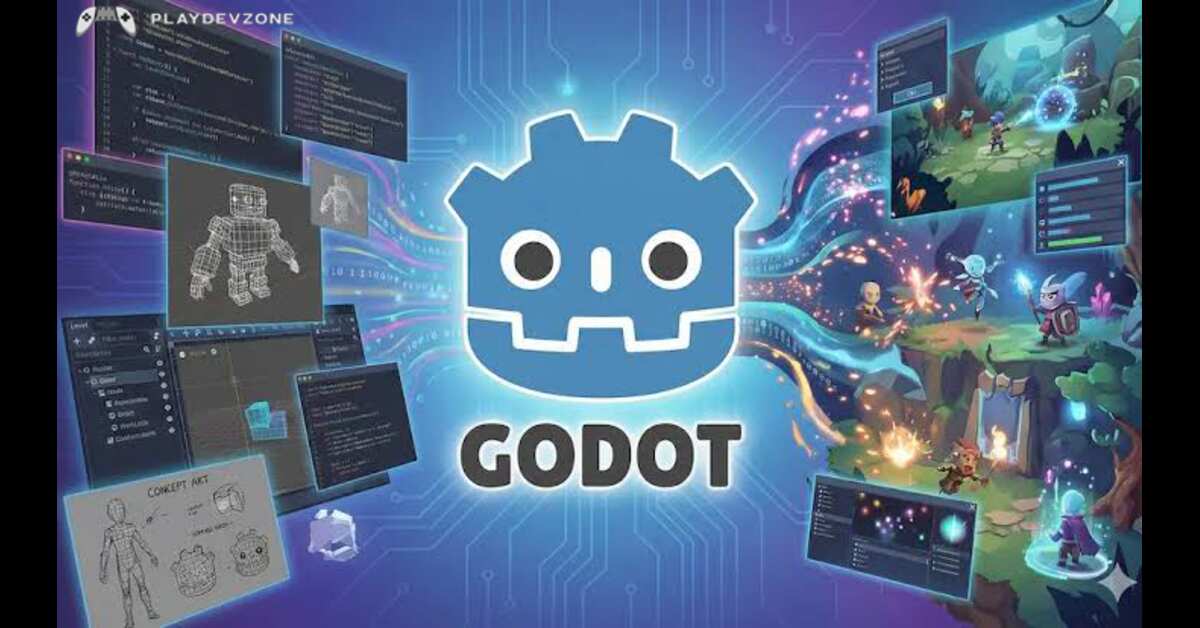
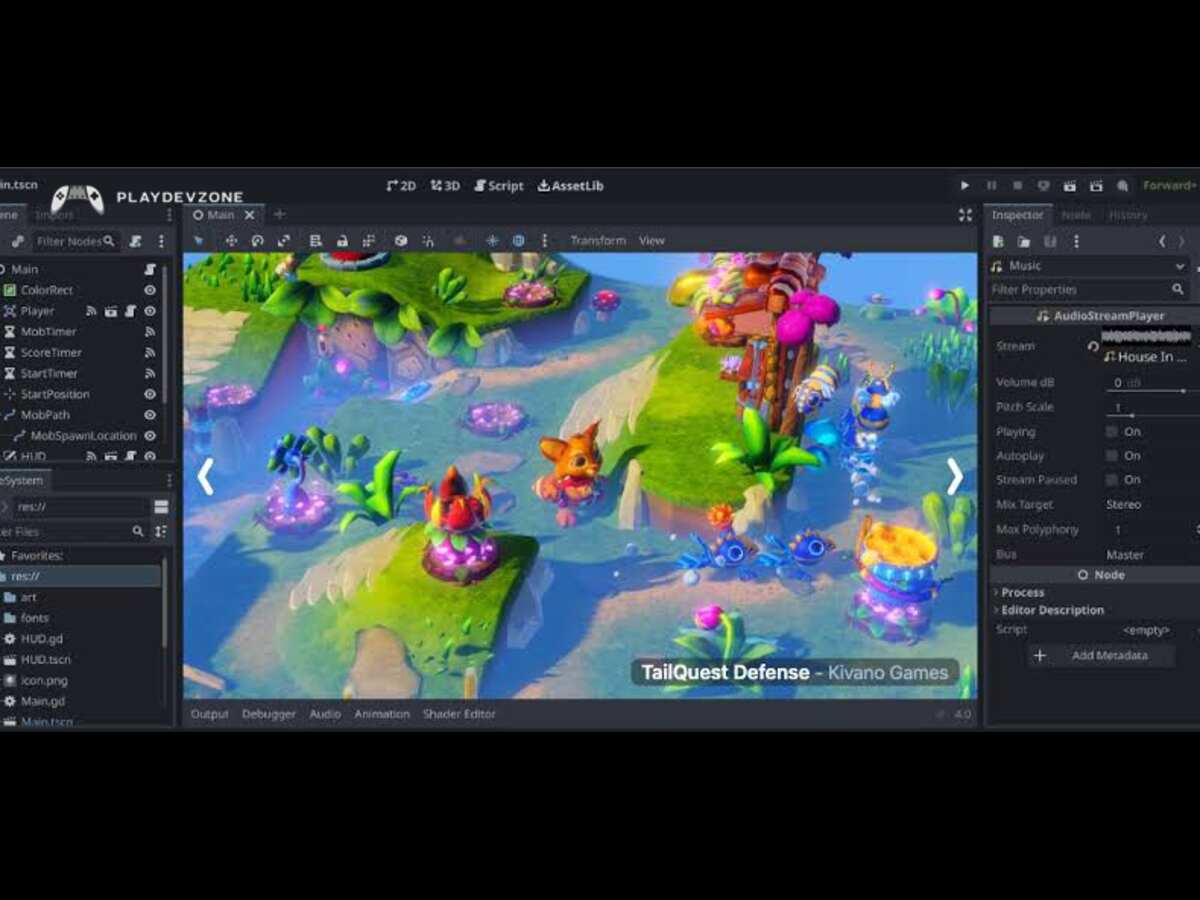
Godot is a free and open-source game engine used to create interactive games and applications.
It provides tools for designing scenes, creating characters, programming gameplay, adding physics, building user interfaces, animating objects, managing audio, and exporting finished projects to multiple platforms.
The official Godot documentation describes it as a community-driven 2D and 3D game engine for developing games across different platforms.
One of the biggest reasons developers choose Godot is its licensing model. Godot is released under the permissive MIT license, meaning developers can use the engine without paying royalties or subscription fees to the Godot project.
Godot also uses a distinctive Node and Scene system. Instead of putting everything into one large project structure, developers can build reusable scenes from smaller nodes.
This makes it easier to organize characters, levels, UI elements, enemies, weapons, menus, and other game components.
So, what is Godot good for? It is especially useful when you want a flexible game development environment without being locked into expensive licensing or a proprietary ecosystem.
Godot can be used for many different types of game development projects.
Its strongest areas include 2D games, indie games, prototypes, mobile games, educational projects, small-to-medium 3D games, browser games, and experimental projects.
1. 2D Game Development
One of the best answers to what Godot is good for is 2D game development.
Godot includes a dedicated 2D workflow designed specifically for creating games with sprites, tile maps, animations, physics, particles, cameras, and UI elements.
Its 2D system uses real 2D coordinates and provides tools for creating pixel-based and traditional 2D games.
You can use Godot to create:
Platformer games
RPGs
Top-down games
Tower defense games
Strategy games
Arcade games
Card games
Roguelikes
Metroidvania-style games
Visual novels
Simulation games
For beginners, 2D development is often an excellent way to learn game development fundamentals.
You can start with a simple project such as a platformer.
Create a player scene, add movement, create platforms, add collision detection, and gradually introduce enemies, collectibles, sound effects, menus, and level progression.
Godot's scene-based workflow can make these components easier to organize.
2. Indie Game Development
Another major answer to what Godot is good for is indie game development.
Independent developers often have limited budgets and small teams. Paying for expensive software licenses or dealing with complicated licensing agreements can make development more difficult.
Godot's free and open-source model removes many of these barriers.
An indie developer can download the engine, create a project, build the game, and distribute it without paying the Godot project royalties.
This makes Godot particularly attractive for:
Solo developers
Small game studios
Hobby developers
Students
Game jams
Startup studios
Experimental developers
For example, a solo developer can use Godot to create a complete 2D RPG without purchasing a commercial engine subscription.
The engine can also be customized because its source code is available.
3. Mobile Game Development
If you are interested in Android or iOS development, you may also ask what Godot is good for when it comes to mobile games.
Godot can be used to develop mobile games for Android and iOS. Its cross-platform approach allows developers to create a project and then configure it for different target platforms.
The official documentation lists Android and iOS among the platforms supported for exported projects, with some platform-specific considerations.
Godot can be useful for mobile games such as:
Puzzle games
2D platformers
Arcade games
Idle games
Strategy games
Educational games
Card games
Simple 3D games
However, mobile development requires careful optimization.
A game that performs well on a powerful desktop computer may not perform equally well on an inexpensive Android phone.
Developers should optimize:
Texture sizes
3D models
Lighting
Particle effects
Draw calls
Scripts
Physics calculations
Memory usage
Godot's ability to target different platforms makes it a practical choice for developers who want to experiment with mobile game development.
4. 3D Game Development
Some people still associate Godot mainly with 2D games, but that does not tell the whole story.
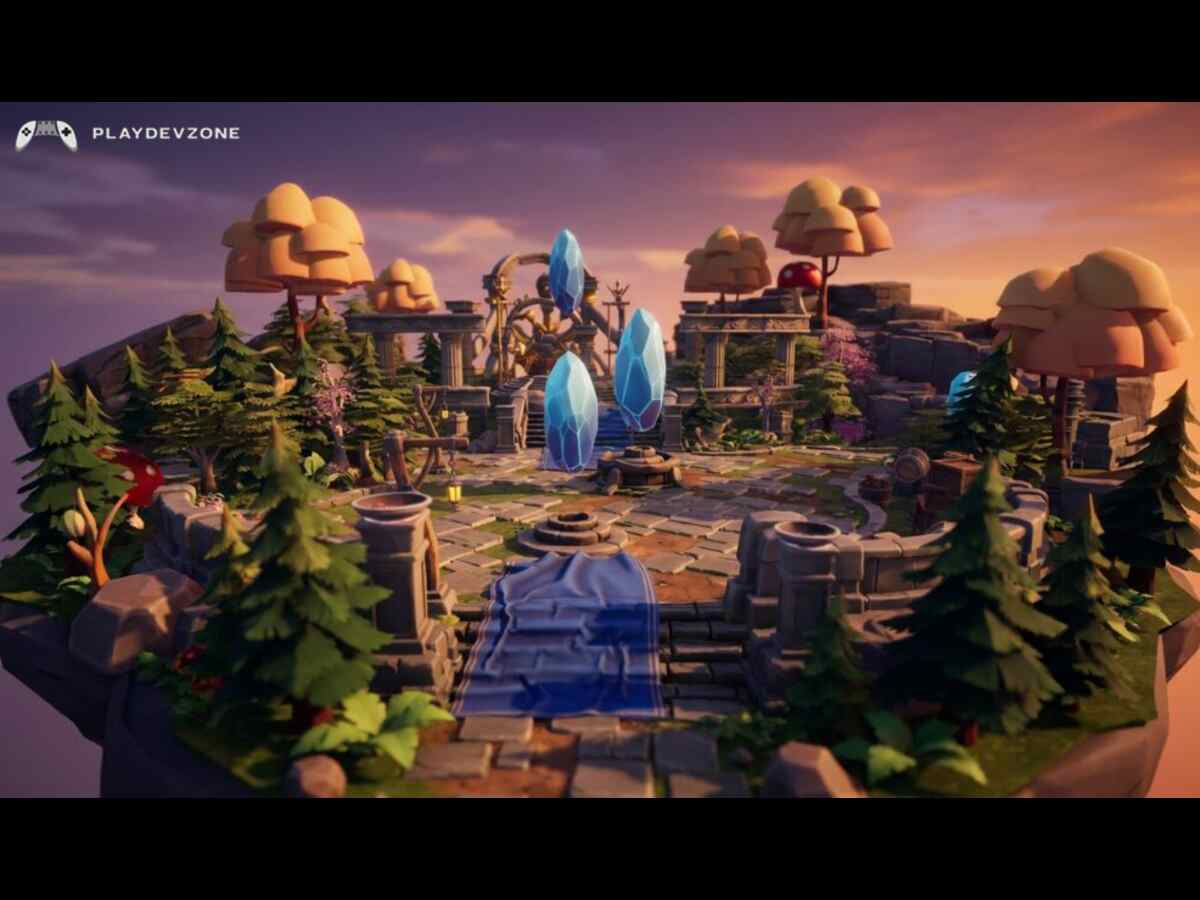
Godot also includes a 3D engine with features for creating environments, characters, lighting, cameras, physics, animations, materials, and other elements required for 3D games.
The official feature list describes Godot's 3D engine as capable of supporting both high-end and lower-end devices and includes modern rendering options such as Vulkan, Direct3D 12, and Metal.
So, what is Godot good for in 3D?
You can use it for:
First-person games
Third-person games
3D platformers
Horror games
Adventure games
Simulation games
Racing prototypes
Strategy games
Exploration games
Stylized 3D games
Godot is especially interesting for developers who want to create stylized or moderately complex 3D games without the complexity of a huge commercial engine.
However, extremely large AAA projects may require specialized pipelines, large teams, and technologies that go beyond what Godot is typically chosen for.
5. Game Prototyping
Another excellent answer to what Godot is good for is rapid prototyping.
Before building a complete game, developers often create a prototype to test an idea.
For example, imagine you want to create a new platformer.
Instead of spending months creating graphics, levels, menus, and sound, you can first create:
A basic player.
A few platforms.
Simple movement.
Jumping.
One enemy.
A basic level.
A win or lose condition.
This prototype lets you determine whether the core gameplay is actually fun.
Godot's simple scene structure and scripting workflow make it convenient for quickly experimenting with gameplay mechanics.
This is particularly useful during game jams, where developers have very limited time.
6. Learning Game Development
If you are completely new to game development, you may wonder what Godot is good for as a learning tool.
Godot is one of the more beginner-friendly ways to learn the basic concepts behind game development.
You can learn:
Variables
Functions
Conditions
Loops
Object-oriented programming
Game physics
Collision detection
Animation
Input handling
UI design
Game states
Scene management
Audio
Level design
Godot's official documentation recommends GDScript for beginners because it was designed specifically for Godot and has straightforward syntax.
GDScript is inspired by languages such as Python, although it is its own programming language and should not be considered Python.
This makes Godot a useful environment for students who want to learn programming through practical game projects.
7. GDScript Game Development
GDScript is Godot's primary scripting language.
It was specifically designed for game development and integrates closely with the Godot editor.
According to the official documentation, GDScript provides features such as editor integration, optional static typing, vectors, transforms, and game-oriented functionality.
One reason beginners often enjoy GDScript is that the syntax is relatively easy to read.
However, Godot is not limited to GDScript.
8. C# and C++ Development
Godot also supports other programming approaches.
Officially supported options include:
GDScript
C#
C
C++ through GDExtension
Godot's documentation explains that developers can even combine languages in the same project when appropriate.
C++ through GDExtension can be useful when you need high-performance native code or deeper integrations.
However, beginners generally do not need to start with C++.
For most beginner projects, GDScript is a sensible starting point.
Therefore, your target platform should influence your language choice.
9. Browser and Web Games
If you want to publish a game that players can launch directly in a web browser, Godot can also be useful.
Godot supports web export using technologies such as WebAssembly and WebGL 2.0.
This can be useful for:
HTML5 games
Game-jam projects
Browser demos
Educational games
Small arcade games
Interactive experiments
Web games can be particularly attractive because users don't necessarily need to install an application.
However, developers should remember that not every Godot feature behaves identically across platforms.
For example, Godot 4 C# projects currently cannot be exported to the web.
If web deployment is your primary goal, GDScript may therefore be the more practical choice.
10. Educational Games and Interactive Applications
Godot isn't limited to commercial games.
You can also use it to create interactive applications and educational projects.
For example, teachers and students can create:
Interactive lessons
Learning games
Simulations
Training applications
Interactive demonstrations
Digital experiments
Educational puzzles
Godot's UI system is flexible enough to build interfaces and tools in addition to traditional games.
The official feature list notes that Godot's GUI system can also be used for complex UI applications and tools.
This makes the engine useful beyond traditional entertainment.
11. Virtual Reality and XR Projects
Another interesting answer to what Godot is good for is XR development.
Godot includes support for OpenXR and WebXR, allowing developers to explore virtual reality and extended reality projects.
You can experiment with:
VR games
AR/XR experiences
Interactive environments
Virtual simulations
Training applications
Experimental spatial applications
XR development is more specialized than ordinary 2D or 3D game development, but Godot provides a starting point for developers interested in this field.
12. Game Jams
Godot is also a strong choice for game jams.
A game jam typically gives developers a short period, sometimes only a few days, to create a playable game.
The main challenge is speed.
You need an engine that lets you:
Create scenes quickly
Write gameplay scripts
Import assets
Test immediately
Build levels
Export the project
Godot's lightweight workflow can make it convenient for this type of development.
For beginners, game jams can also be an excellent way to learn because you focus on completing small projects instead of spending months planning a huge game.
What Types of Games Can You Make With Godot?
Now that we have discussed what Godot is good for, let's look at specific game genres.
2D Games
Godot is particularly well suited to:
Platformers
Top-down adventures
Puzzle games
Roguelikes
Strategy games
Tower defense
Card games
Arcade games
Its dedicated 2D workflow makes these projects relatively straightforward to structure.
3D Games
You can also create:
First-person games
Third-person adventures
Horror games
3D platformers
Simulation games
Exploration games
Stylized 3D games
The appropriate level of complexity depends on your team's experience, assets, optimization skills, and project requirements.
Is Godot Good for Beginners?
Yes.
For many new developers, Godot is an excellent starting point.
One of the biggest advantages is that you can learn programming and game development together.
For example, a beginner can start with a simple 2D game and learn:
Step 1: Create a project.
Step 2: Create a player scene.
Step 3: Add movement.
Step 4: Add collisions.
Step 5: Create an enemy.
Step 6: Add a score system.
Step 7: Add menus.
Step 8: Add sound.
Step 9: Export the game.
This approach provides practical experience instead of learning programming only through theoretical examples.
The official documentation specifically recommends GDScript for beginners because it was designed for Godot and integrates closely with the engine.
Is Godot Good for Professional Game Development?
Godot can absolutely be used for professional game development.
However, "professional" does not automatically mean that Godot is the best choice for every project.
The right engine depends on:
Team size
Target platforms
Game genre
Visual requirements
Available assets
Programming experience
Third-party tools
Console requirements
Budget
Existing production pipeline
Godot's open-source nature can be especially attractive to studios that want control over their technology stack.
The engine's source code can be inspected and modified, which provides a level of flexibility that proprietary engines may not offer.
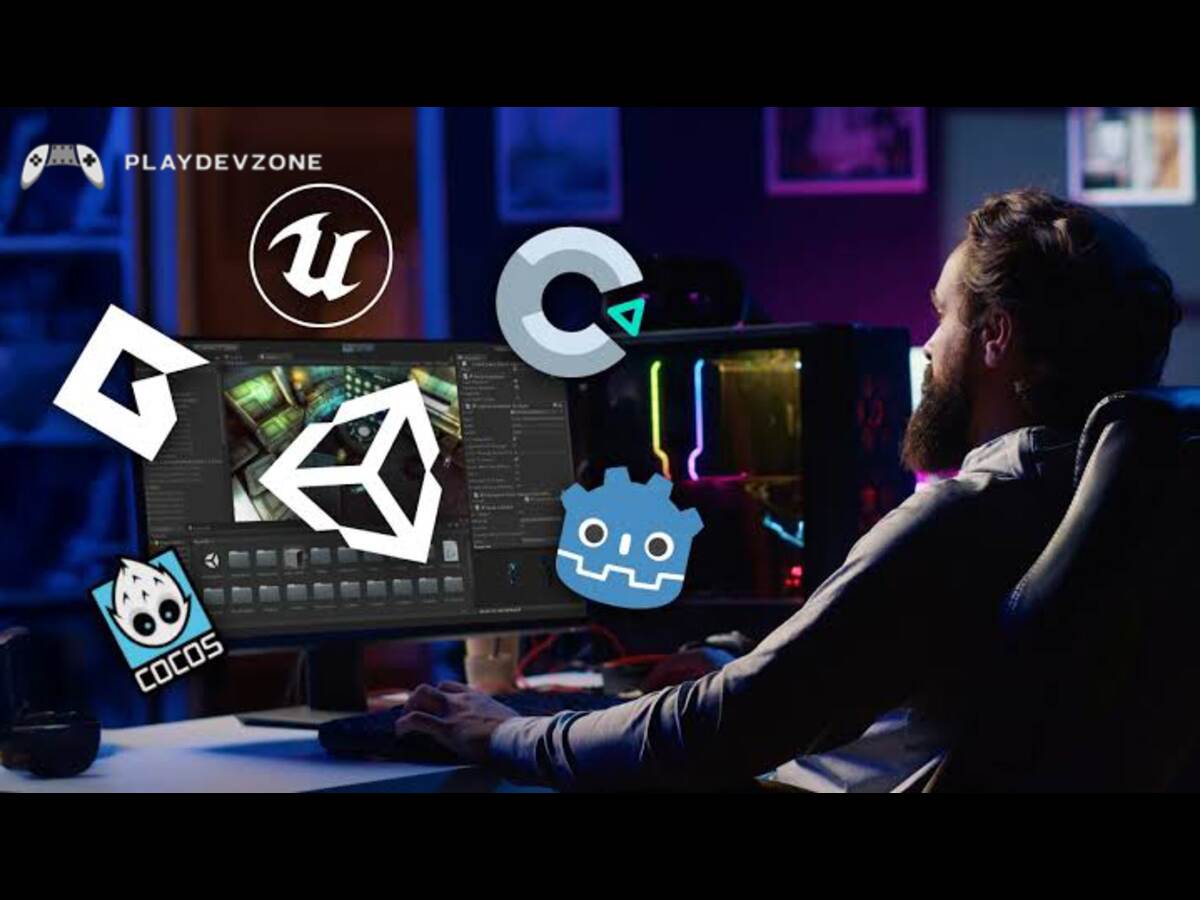
Godot vs Unity: Which One Should You Choose?
Many beginners compare Godot with Unity.
Both engines can create 2D and 3D games, but their philosophies are different.
Godot
Best suited for developers who want:
Open-source software
No engine royalties
A lightweight workflow
Strong 2D development
GDScript
Flexible project structure
Easy experimentation
Unity
Unity may be attractive when you need:
A large commercial ecosystem
Extensive third-party asset options
Existing Unity-specific production workflows
Large numbers of established tutorials and commercial tools
The choice depends heavily on your project.
If you are a beginner making your first 2D game, Godot can be an excellent place to start.
If you are joining an existing Unity-based studio, learning Unity may make more sense.
Godot vs Unreal Engine
Godot and Unreal Engine target somewhat different audiences.
Unreal Engine is famous for advanced real-time 3D graphics and large-scale projects.
Godot is generally more lightweight and has a particularly attractive workflow for 2D games and indie development.
Choose Godot when you prioritize:
Simplicity
Open-source development
Indie projects
2D games
Small teams
Rapid prototyping
Consider Unreal when your project heavily depends on advanced high-end 3D graphics and technologies commonly associated with large-scale productions.
Neither engine is universally better.
The best engine is the one that matches your project.
What Is Godot Good for in 2026?
In 2026, Godot continues to evolve.
The official Godot website currently lists the Godot 4.7.2 maintenance release from August 18, 2026, while development snapshots for Godot 4.8 are also available.
This means developers should pay attention to the exact Godot version they are using when following tutorials.
For a production project, it is generally better to use a stable release rather than automatically switching to a development snapshot.
Godot's current capabilities make it particularly useful for:
Indie games
2D games
Mobile games
Prototypes
Game jams
Educational games
Browser games
Small and medium 3D projects
XR experiments
Interactive applications
Frequently Asked Questions
What is Godot mainly used for?
Godot is mainly used for developing 2D and 3D games, but it can also be used for interactive applications, educational projects, simulations, tools, and XR experiences.
What is Godot good for?
What Godot is good for depends on the project, but it is particularly well suited to 2D games, indie games, prototypes, mobile games, educational projects, browser games, and many small-to-medium 3D games.
Is Godot good for 2D games?
Yes. Godot has a dedicated 2D engine and workflow with tools for sprites, tile maps, animation, physics, and pixel-based game development.
Is Godot good for 3D games?
Yes. Godot provides a complete 3D workflow with rendering, physics, animation, lighting, importing, and other tools needed for 3D development.
Is Godot good for mobile games?
Yes. Godot supports mobile game development and can export projects for Android and iOS, although developers should consider platform-specific limitations and optimize carefully for mobile hardware.
Does Godot use Python?
No. GDScript is not Python. Although its syntax is inspired partly by Python, GDScript is a separate language specifically designed for Godot.
Conclusion
Godot is a flexible game engine that can be used for much more than simple beginner projects.
It is especially strong for 2D games, indie development, prototypes, mobile games, educational projects, browser games, game jams, and a wide range of 3D games.
Its biggest advantages are its open-source nature, free MIT license, dedicated 2D workflow, flexible scene system, cross-platform capabilities, and beginner-friendly GDScript.
For someone starting game development in 2026, Godot is a compelling option because you can begin with a small project and gradually learn more advanced programming, graphics, physics, animation, UI, optimization, and publishing.
If your goal is to create a 2D indie game, learn game development, build a prototype, experiment with mobile games, or explore game development without paying for an engine license, Godot deserves serious consideration.
Ultimately, the best way to understand what Godot is good for is to build something with it.
Start with a small game, learn the Node and Scene system, practice GDScript, and gradually increase the complexity of your projects.
Godot may not be the perfect engine for every game, but for many independent developers and beginners, it provides an impressive combination of freedom, flexibility, accessibility, and powerful game-development tools.
I choose One of the very best subject namely what is godot good for? A complete Guaide to godot engine in 2026 yes he is the very best subject myself