
Introduction
Choosing the best mobile game engine for beginners can be difficult when you are just starting game development.
Many game engines are available, but they aren't equally easy to learn, especially if your goal is to create Android or iOS games.
The right engine can make game development much easier for beginners by providing tools for graphics, physics, animation, scripting, audio, testing, and publishing.
The wrong choice, however, can make your first project feel unnecessarily complicated.
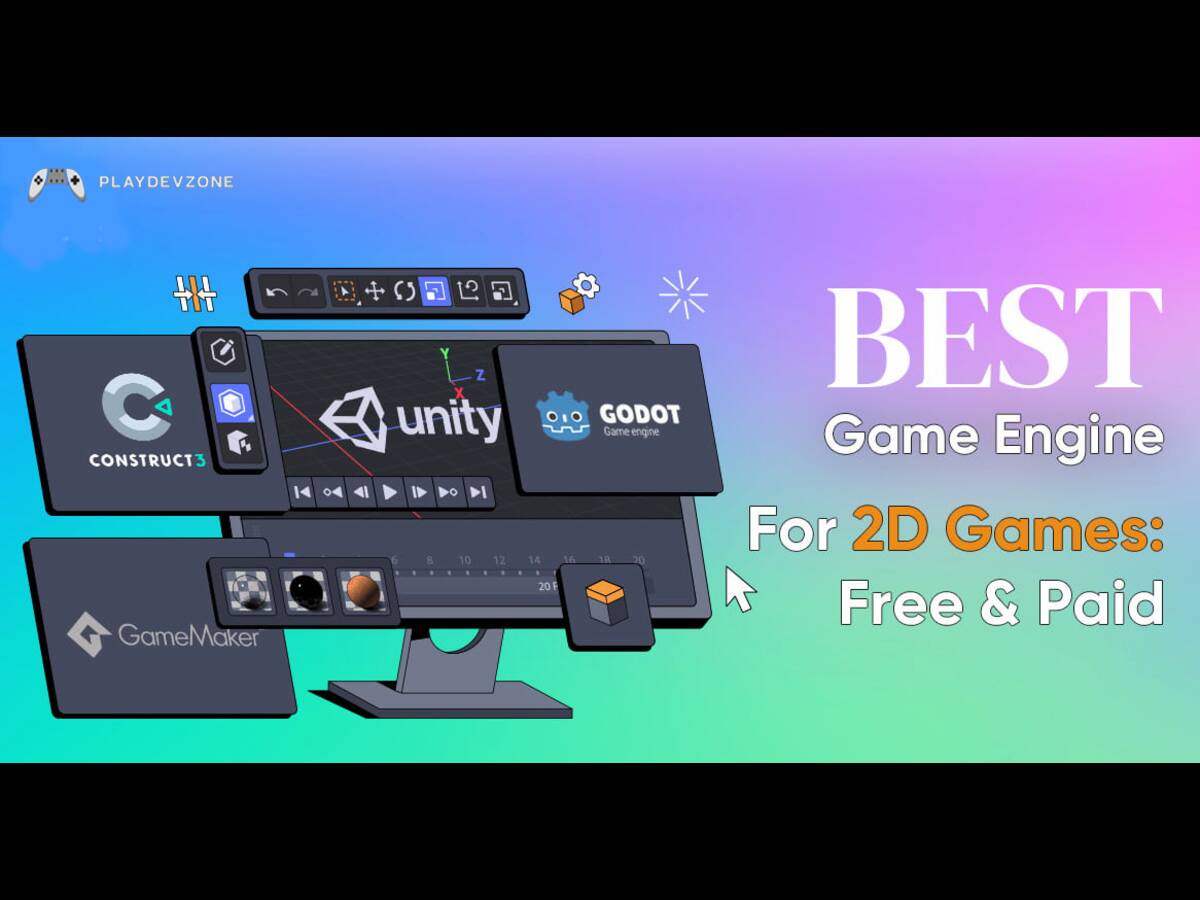
In this guide, we compare the best game engines for beginners in 2026, including Unity, Godot, Unreal Engine, GameMaker, and Construct 3.
We will look at learning difficulty, 2D and 3D capabilities, mobile development, programming requirements, pricing, performance, and publishing options.

If you are wondering what the best game engine for beginners is, the answer depends on the type of game you want to build.
However, Godot can be a better choice if you want a free and open-source engine, while GameMaker and Construct 3 are excellent choices for beginners who primarily want to make 2D games.
What Is the Best Mobile Game Engine for Beginners?
For most new developers, Unity is the best mobile game engine for beginners.
Unity is especially useful if you want to create Android games, iOS games, casual games, puzzle games, platformers, racing games, or other mobile projects. It supports both 2D and 3D development and uses C# for scripting.
Unity also provides a large collection of tutorials, documentation, community resources, and development tools.
Its Asset Store can help beginners find ready-made assets and tools for their projects.
Unity Personal remains available for eligible individuals and small businesses under the current $200,000 financial threshold. Unity's current licensing information also states that Unity Pro is required above that threshold.
That does not mean Unity is automatically the best choice for everyone.
If you want a lightweight free game engine with an open-source approach, Godot may be a better starting point. If you want to create games without traditional programming, Construct 3 can be easier.
1. Unity – Best Overall Mobile Game Engine for Beginners
Unity is my top recommendation for beginners who want to learn mobile game development.
It is a flexible game engine for beginners that supports both 2D and 3D projects. You can use Unity to create games for Android, iOS, PC, consoles, and other platforms.
Why Unity Is One of the Best Game Engines for Beginners
Unity offers several advantages for new developers:
- Excellent mobile development support
- 2D and 3D game development
- C# scripting
- Large developer community
- Extensive documentation
- Unity Asset Store
- Many beginner tutorials
- Cross-platform development
- Strong tools for game prototyping
- Support for professional game development
For someone learning Unity for beginners, the biggest advantage is the amount of educational material available online.
You can start with a simple 2D project and gradually move toward 3D development.
Unity for Mobile Game Development
Unity is particularly attractive if your primary goal is mobile game development.
You can build Android and iOS games using the same project and then optimize your game for different devices.
For example, a beginner can start with a simple mobile game such as:
- Endless runner
- Puzzle game
- Platformer
- Arcade game
- Racing game
- Hyper-casual game
- Educational game
Unity also provides tools for performance testing, physics, animation, lighting, UI, audio, and asset management.
2. Godot – Best Free and Open-Source Game Engine
Godot is another excellent choice when comparing the best game engines for beginners.
If you are searching for the best free game engine for beginners, Godot deserves serious consideration.
Its scene-based workflow can be easier for new developers to understand than some more complex development environments.
The Godot project currently lists Godot 4.7.2 as a stable release, while development builds for the 4.8 series are also available.
Why Choose Godot?
Godot is attractive because it provides:
- Open-source development
- Free access to the engine
- 2D development tools
- 3D development tools
- GDScript
- Visual scripting-related workflows and tools
- Lightweight editor
- Strong indie development community
- Cross-platform capabilities
- Godot for Beginners
GDScript is designed to be relatively easy to read and is similar in style to other beginner-friendly scripting languages.
For a first project, you can learn:
- Scenes
- Nodes
- Scripts
- Signals
- Physics
- Animation
- UI
- Input handling
- Godot 2D Games
Godot is particularly strong for Godot 2D games.
It is an excellent option for:
- Platformers
- Top-down games
- RPGs
- Puzzle games
- Arcade games
- Indie games
Godot can also be used for 3D projects, although developers looking for advanced high-end 3D workflows may prefer Unity or Unreal Engine.
Best for: Indie developers, 2D games, open-source projects, beginners who want a lightweight engine.
3. Unreal Engine – Best for High-End 3D Games
Unreal Engine is one of the most powerful game engines for beginners, although it generally has a steeper learning curve than Unity, Godot, GameMaker, or Construct.
If your goal is to learn professional-quality 3D development, Unreal Engine is worth considering.
Why Choose Unreal Engine?
Unreal Engine provides:
- High-quality 3D rendering
- Unreal Engine Blueprints
- C++
- Advanced lighting
- Physics
- Animation systems
- Large development ecosystem
- Extensive documentation
- High-end visual capabilities
Blueprints are particularly useful because they allow developers to create gameplay logic through visual scripting.
This means a beginner can experiment with game mechanics without immediately writing large amounts of C++ code.
Unreal Engine for Beginners
Although Unreal Engine is powerful, beginners should understand that power also comes with complexity.
If you want to create a simple 2D mobile game, Unreal Engine may provide more features than you actually need.
But if you want to learn Unreal Engine for 3D games, realistic environments, first-person games, or advanced visual effects, it can be an excellent choice.
Unreal Engine Licensing
For game developers, Unreal Engine is free to use until a product exceeds $1 million in lifetime gross revenue, after which the standard royalty is 5% on applicable revenue above the threshold.
Epic also describes a reduced 3.5% royalty for qualifying “Launch Everywhere with Epic” releases.
Best for: 3D games, high-end graphics, professional development, AAA-style projects.
4. GameMaker – Easiest Game Engine for 2D Development
GameMaker is one of the easiest game engines to learn if your primary goal is 2D game development.
It is designed around making game creation accessible, which makes it a strong beginner game engine.
Why GameMaker Is Beginner Friendly
GameMaker is useful for:
- 2D platformers
- RPGs
- Arcade games
- Puzzle games
- Top-down games
- Indie games
It also provides tools that can help you build games without becoming an advanced programmer immediately.
For developers interested in game development without coding, GameMaker can be easier to approach than traditional engines.
GameMaker Pricing
GameMaker is free for non-commercial use. For commercial game development, its Professional license is currently listed at $99.99, with regional pricing potentially applying.
Best for: 2D development, beginners, indie developers, game development without extensive coding.
5. Construct 3 – Best No-Code Game Engine for Beginners
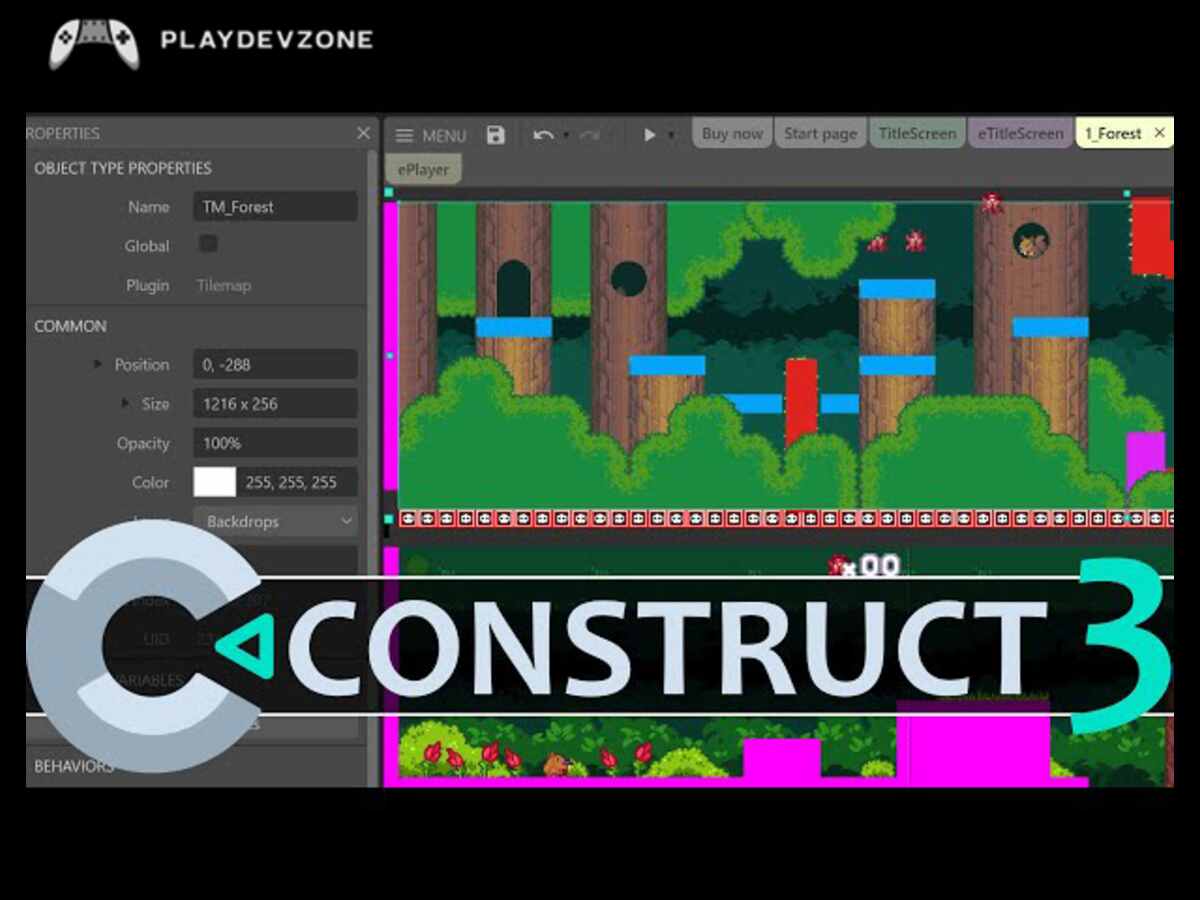
Construct 3 is an excellent option if you want to start game development for beginners without learning traditional programming first.
It uses a visual, event-based approach that can make game logic easier to understand.
Why Choose Construct 3?
Construct is useful for:
- 2D games
- Browser games
- Educational games
- Simple mobile games
- Prototypes
- Beginners who dislike programming
Its browser-based workflow also makes it convenient for users who do not want to install a large development environment.
Construct offers a free plan, though it has limitations compared with paid plans.
Construct 3 for Beginners
If you’re looking for the easiest game engine for beginners, Construct 3 is an excellent choice for creating 2D games without needing advanced programming skills.
You can use visual events to define rules such as:
When the player touches an enemy → reduce health.
This approach makes visual game development easier to understand for beginners.
Best for: No-code development, 2D games, browser games, prototypes, education.
Which Game Engine Is Best for Beginners?
The best game engine for beginners depends on what you want to build.
Best for Mobile Games: Unity
If your main goal is Android or iOS development, Unity is my first recommendation.
Best Free Game Engine: Godot
If you want an open-source game engine without paying for the engine itself, Godot is an excellent choice.
Best for 3D Games: Unreal Engine
If graphics and advanced 3D development are your biggest priorities, Unreal Engine is a strong option.
Best for 2D Games: GameMaker
If you want to create 2D games quickly, GameMaker is one of the easiest options.
Best Without Coding: Construct 3
If you want a no-code game engine for beginners, Construct 3 is a very accessible starting point.
Best Free Game Engine for Beginners
If you’re on a tight budget, many of the best game engines for beginners provide free versions or tools that let you start developing games without a significant upfront investment.
Godot is completely open-source, making it one of the strongest choices for developers looking for free game development software.
Unity Personal is also available to eligible users under its current financial threshold.
Unreal Engine is available for game developers under its $1 million product-revenue threshold, with royalties applying after that threshold under the standard terms.
GameMaker is free for non-commercial use, while commercial use requires its Professional license.
Construct 3 also provides a free plan with limitations.
Best Game Engine for 2D Games
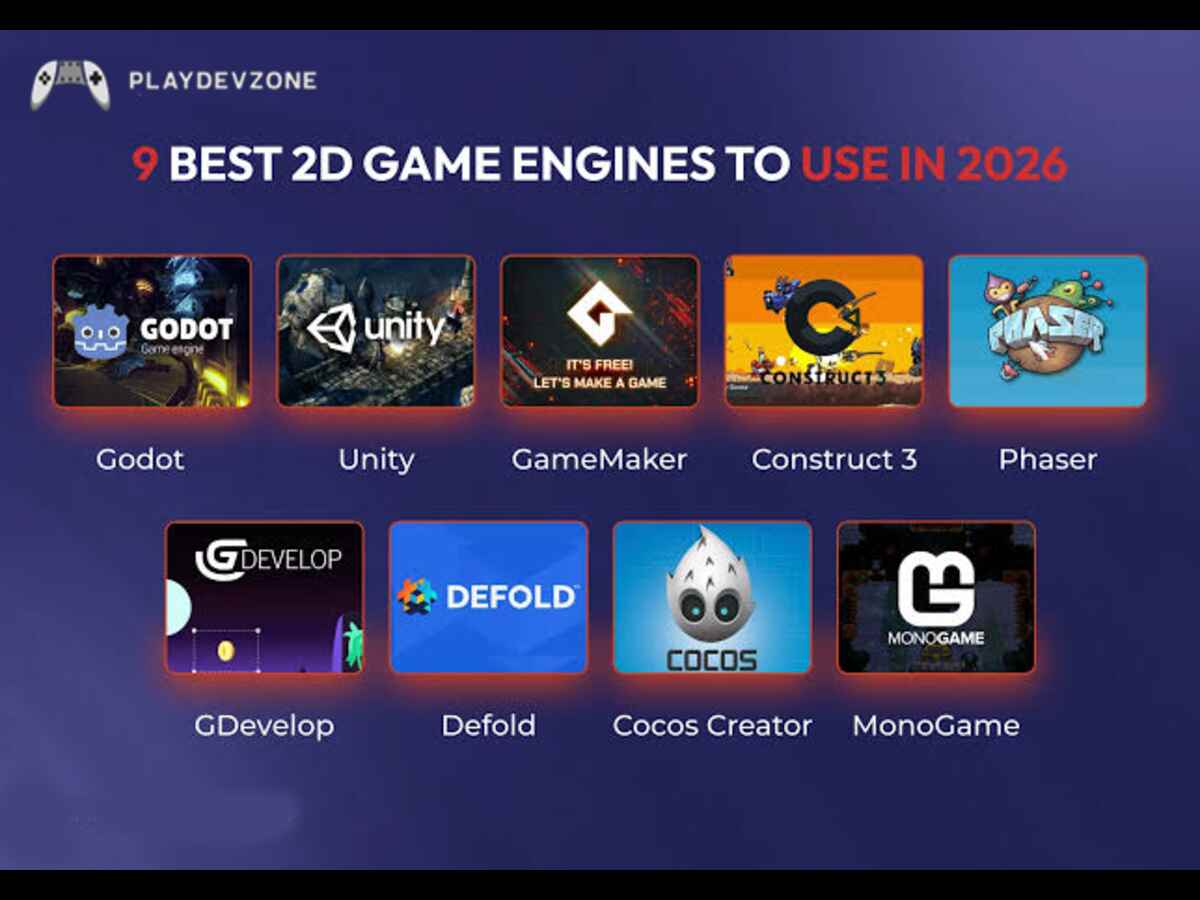
For game engines for 2D games, my ranking is:
- GameMaker
- Godot
- Unity
- Construct 3
- Unreal Engine
GameMaker is excellent for traditional 2D development, while Godot provides a powerful open-source alternative.
Unity is a better choice if you want to learn both 2D and 3D development.
Best Game Engine for 3D Games
For game engines for 3D games, I would recommend:
- Unreal Engine
- Unity
- Godot
Unreal Engine is particularly strong when visual quality and advanced 3D features are priorities.
Unity is more flexible for beginners who want to work across mobile, 2D, 3D, and multiple platforms.
Godot can also handle 3D games, especially for indie projects, but it may not be the first choice for developers targeting the highest-end visual presentation.
Unity vs Godot for Beginners
Unity vs. Godot for beginners is one of the most common comparisons.
Choose Unity if you want:
- Mobile development
- C# programming
- Large learning resources
- 2D and 3D development
- A large asset ecosystem
- Professional development experience
Choose Godot if you want:
- Open-source software
- A lightweight development environment
- GDScript
- Strong 2D tools
- Indie development
- A free game engine
For someone specifically interested in mobile development, I would choose Unity first.
Unity vs Unreal for Beginners
Unity vs. Unreal for beginners is another important comparison.
Unity is generally easier to recommend for beginners who want to create mobile games or learn both 2D and 3D development.
Unreal Engine becomes more attractive when your goal is high-end 3D development, realistic graphics, advanced environments, or professional visual production.
If you are completely new to programming, Unreal Blueprints can help you experiment with gameplay logic without immediately learning C++.
GameMaker vs Construct 3
Choosing between GameMaker and Construct 3 comes down to which beginner-friendly approach to 2D game development best matches your skills, preferences, and project goals.
Choose GameMaker if you want more traditional game development features and are willing to learn some scripting.
Choose Construct 3 if you want an extremely accessible visual workflow and prefer to avoid traditional programming.
How to Choose the Best Game Engine for Beginners
Before downloading an engine, consider these factors.
1. What Type of Game Do You Want to Make?
The tools and features needed to develop a 2D puzzle game differ significantly from those required to build a large-scale 3D action game.
Start by deciding whether you want:
- 2D
- 3D
- Mobile
- PC
- Browser
- Console
- Multiplayer
2. Do You Want to Learn Programming?
If you want to learn coding, Unity and Godot are excellent options.
If you want visual development, Construct 3 is easier to start with.
3. What Is Your Computer Hardware?
Some game development tools can require significant hardware resources.
If you have a low-end PC, a lightweight engine such as Godot may provide a more comfortable development experience than a heavyweight 3D workflow.
4. What Is Your Budget?
Check licensing before publishing a commercial game.
Free to download does not always mean every commercial feature or export option is free.
5. Does the Engine Have Good Documentation?
Documentation and tutorials are extremely important when you are learning.
A strong community can also help you solve problems faster.
Frequently Asked Questions
What is the best game engine for beginners?
Unity is one of the best game engines for beginners, especially for developers interested in mobile, 2D, and 3D game development.
Godot is another excellent choice for beginners who prefer open-source software.
What is the best free game engine for beginners?
Godot is one of the strongest free game development software choices because it is open source.
Unity Personal and Unreal Engine also provide ways for eligible beginners to start without paying an upfront engine subscription.
Is Unity good for beginners?
Yes. Unity is an excellent choice for beginners who want to learn mobile game development, C#, 2D development, and 3D development.
Is Godot good for beginners?
Yes. Godot is especially attractive for beginners interested in 2D development, indie games, and open-source software.
Which game engine is best for mobile games?
Unity is one of the strongest choices for mobile game development because it supports Android and iOS development and provides tools for both 2D and 3D games.
Is Unreal Engine too difficult for beginners?
Unreal Engine can have a steeper learning curve than some other beginner-friendly engines, but its Blueprints visual scripting system makes it possible to start creating gameplay without immediately learning C++.
Conclusion
Finding the Best Mobile Game Engine for Beginners in 2026: 5 Easy Options becomes much easier when you understand your goals and choose a tool that matches your skill level.
Unity is a great all-rounder for 2D and 3D mobile games, Godot offers a free and open-source alternative, GameMaker is beginner-friendly for 2D projects, Construct 3 simplifies game creation with visual tools, and Unreal Engine is suitable for developers interested in advanced 3D graphics.
Ultimately, the right game engine is not necessarily the most powerful one; it's the one that helps you learn, create, and finish your first game without unnecessary complications.
Compare each engine's features, learning curve, mobile export options, and budget before making your decision.
Start with a simple project, practice consistently, and expand your skills as your confidence grows.