
Introduction
Mobile gaming has become a major part of the global gaming industry, and developers in Pakistan are increasingly interested in creating games for Android and iOS.
For beginners, choosing the right game engine can make the development process much easier.
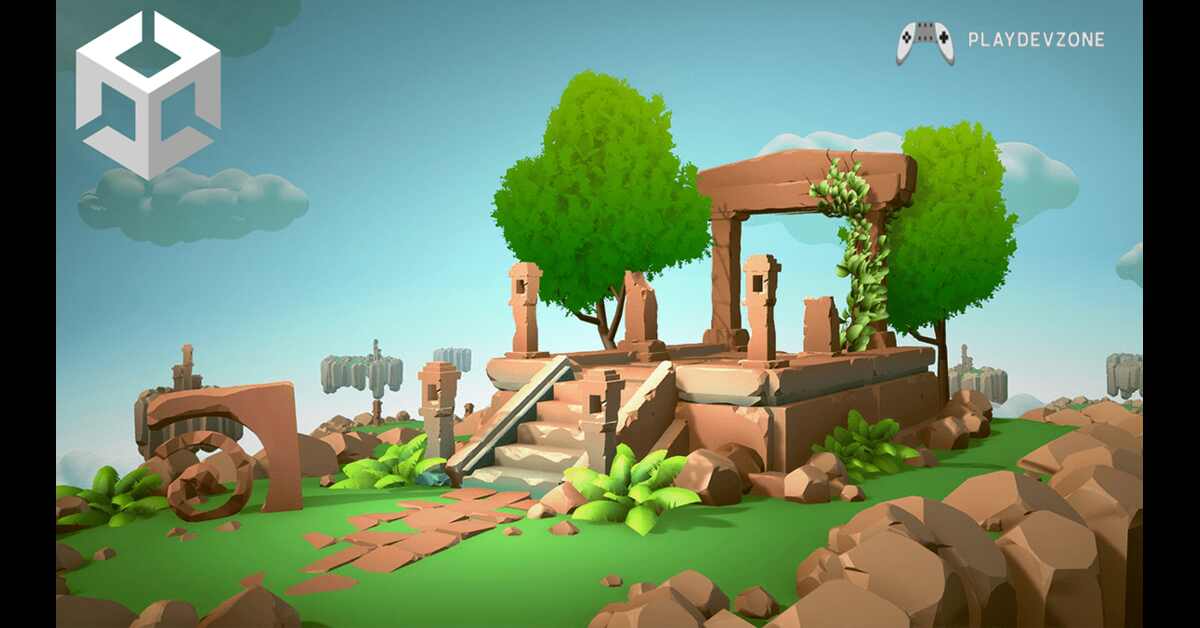
Unity 3D mobile development offers a practical way to learn game development, build 2D and 3D games, and eventually publish projects for mobile users.
Whether you are a university student, a beginner programmer, a freelancer, or someone planning to build an independent game studio, learning Unity can help you understand the complete game development workflow.
You can use Unity to create gameplay mechanics, 3D environments, menus, animations, sound systems, advertisements, in-app purchases, and mobile controls.
This beginner guide explains how to start unity 3d mobile development in Pakistan, what tools you need, how much programming knowledge is required, how to create your first mobile game, and how you can eventually monetize your projects.
What Is Unity 3D Mobile Development?
Unity is a popular game development engine used for creating interactive applications and games.
Although Unity can be used for many platforms, it is particularly useful for developers who want to create mobile games.
unity 3d mobile development means using Unity's 3D development features to create games and interactive experiences designed for smartphones and tablets.
These projects can include Android games, iOS games, 3D simulations, educational applications, and other interactive mobile experiences.
Unity provides a visual editor where developers can build scenes, place objects, configure lighting, add animations, create user interfaces, and test gameplay.
For a beginner, this combination of visual development and programming can make game development easier to understand.
You do not have to create every part of a game from scratch because Unity provides many built-in systems and development tools.
Why Learn Unity for Mobile Game Development in Pakistan?
There are several reasons why Pakistani beginners may want to learn Unity. The engine is suitable for small independent projects as well as larger commercial games.
One major advantage is that Unity supports mobile platforms. A developer can create a project and configure it for Android or other supported platforms.
This makes the engine useful for students and independent developers who want to experiment with mobile game development.
Another benefit is the availability of online learning resources. Beginners can find tutorials, documentation, courses, community discussions, and sample projects to improve their skills.
Learning unity 3d mobile development can also help you develop skills that are useful beyond a single game.
You can learn programming concepts, game design, 3D modeling workflows, user interface design, optimization, debugging, and monetization.
For someone in Pakistan, these skills can potentially be used for freelance projects, remote work, independent game development, or building a personal portfolio.
What Do You Need to Start Unity Mobile Development?
You do not need an expensive development setup to begin learning. A reasonably capable computer, an internet connection, and enough storage for development software are important starting requirements.
Your computer should be capable of running the Unity Editor smoothly. The exact hardware requirements depend on the Unity version and the complexity of your project.
For beginners, a practical setup includes:
- A Windows, macOS, or compatible development computer
- Adequate RAM
- A modern processor
- Sufficient SSD or hard-drive storage
- Stable internet connection
- Android smartphone for testing
- USB cable for device testing
- Unity development software
- Basic C# programming knowledge
A dedicated gaming computer is not mandatory for simple projects.
However, more demanding 3D projects with detailed environments, advanced lighting, and high-resolution assets require more powerful hardware.
How to Install Unity for Mobile Game Development
The first practical step is installing the Unity development environment.
After installing the required Unity tools, create a new project. Beginners working on a 3D mobile game can select an appropriate 3D project configuration.
During installation, make sure the components required for your target mobile platform are available. If you plan to build Android games, you need the relevant Android development support.
After installation, open Unity and create a test project.
Do not immediately start building a huge open-world game. Begin with something simple such as a small 3D obstacle course, endless runner, platform game, or basic shooting prototype.
This approach makes unity 3d mobile development easier because you can learn one feature at a time instead of dealing with dozens of systems simultaneously.
Creating Your First 3D Mobile Game
After learning the Unity interface, you can start building a simple project.
For example, you could create a basic 3D runner game. The player controls a character that moves forward while avoiding obstacles and collecting coins.
Start by creating a simple scene. Add a ground object, player character, camera, lighting, and obstacles.
Then create a player movement script. The script can receive input from the player and change the character's position.
For mobile devices, traditional keyboard controls are replaced by touch-based controls. You might use buttons, virtual joysticks, swipe gestures, or screen taps.
Once the basic gameplay works, add a scoring system. Then add sound effects, menus, game-over screens, and restart functionality.
This step-by-step method is one of the best ways to learn unity 3d mobile development because every new feature gives you practical experience.
Mobile Controls in Unity
Mobile controls are different from PC controls. A keyboard provides physical keys, while a smartphone primarily uses a touchscreen.
Common mobile control methods include:
- Touch buttons
- Swipe gestures
- Tap controls
- Virtual joystick
- Drag controls
- Accelerometer input
The correct control system depends on the type of game.
For example, a racing game might use steering controls or device movement, while a platform game might use left and right buttons with a jump button.
When designing mobile controls, keep them simple. Small buttons can be difficult to use on smaller screens, while complicated controls can frustrate beginners and casual players.
Optimizing 3D Games for Mobile Devices
Performance optimization is one of the most important parts of mobile game development.
A game that works smoothly on a powerful computer may perform poorly on a smartphone.
Mobile devices have different hardware capabilities, battery limitations, memory constraints, and thermal limitations.
Developers should pay attention to:
- Polygon counts
- Texture sizes
- Lighting
- Shadows
- Particle effects
- Draw calls
- Physics calculations
- Audio files
- Memory usage
- Scene complexity
Optimization should not be treated as something you only do at the end. Testing on actual mobile hardware throughout development can help identify performance problems early.
When working on unity 3d mobile projects, developers should balance visual quality with performance.
A beautiful game that constantly freezes or produces low frame rates may provide a poor user experience.
Testing Your Unity Mobile Game
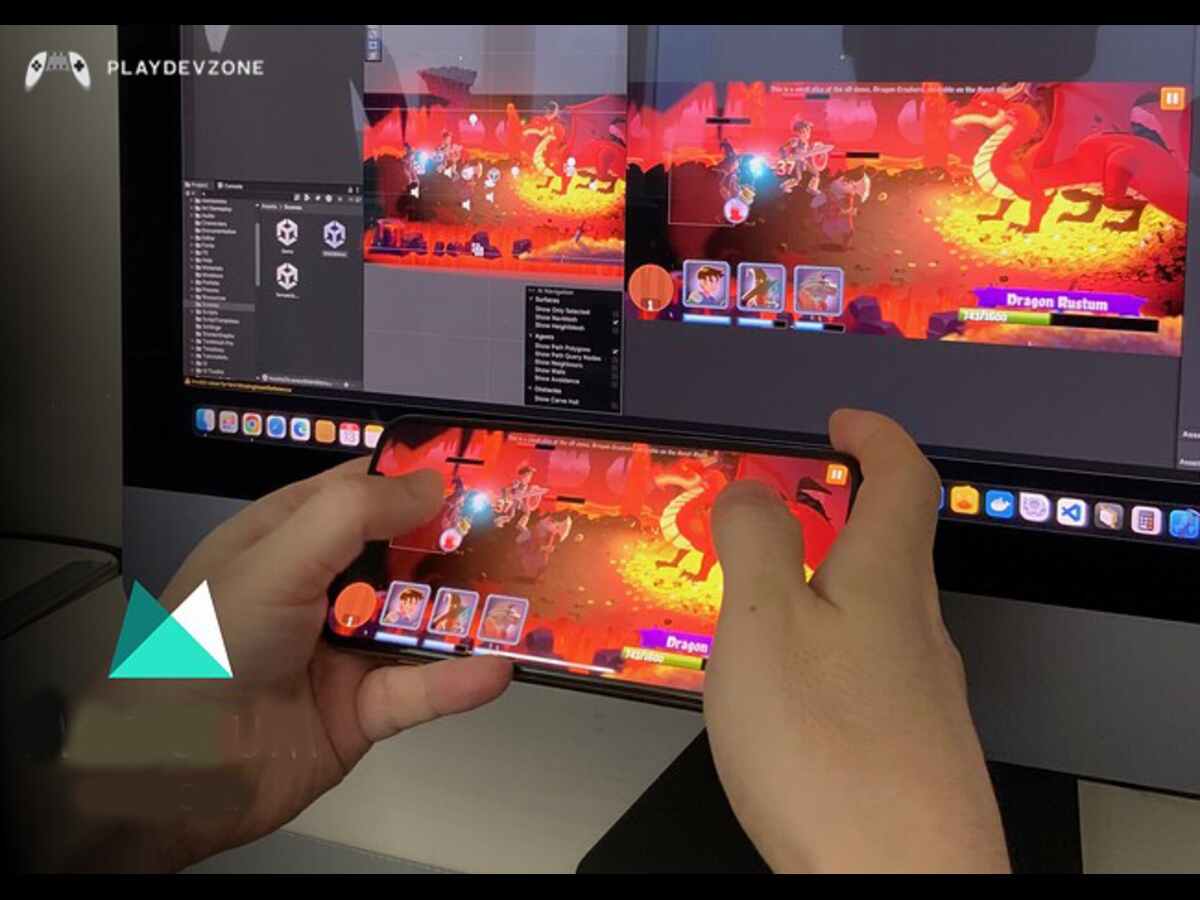
Testing is an essential part of game development. Your game should be tested on actual smartphones instead of relying only on the Unity Editor.
Different phones can have different screen sizes, processors, graphics hardware, RAM capacities, and Android versions.
Try testing your game on multiple devices when possible.
Check:
- Loading times
- Frame rate
- Touch controls
- Screen resolution
- UI scaling
- Audio
- Battery usage
- Memory consumption
- Game crashes
- Device heating
You should also test different screen orientations if your game supports both portrait and landscape modes.
Regular testing helps you identify problems before publishing the game.
Android Game Development With Unity
Android is an important platform for mobile developers because of its large global user base. Unity provides tools that can help developers prepare projects for Android devices.
Before building your Android game, configure the appropriate project settings and install the required development components.
You should also create a development build and install it on a physical Android phone.
This gives you a better understanding of how your game behaves outside the Unity Editor.
For Pakistani beginners, Android can be a practical starting point because testing can often be done using an Android smartphone without requiring expensive development hardware.
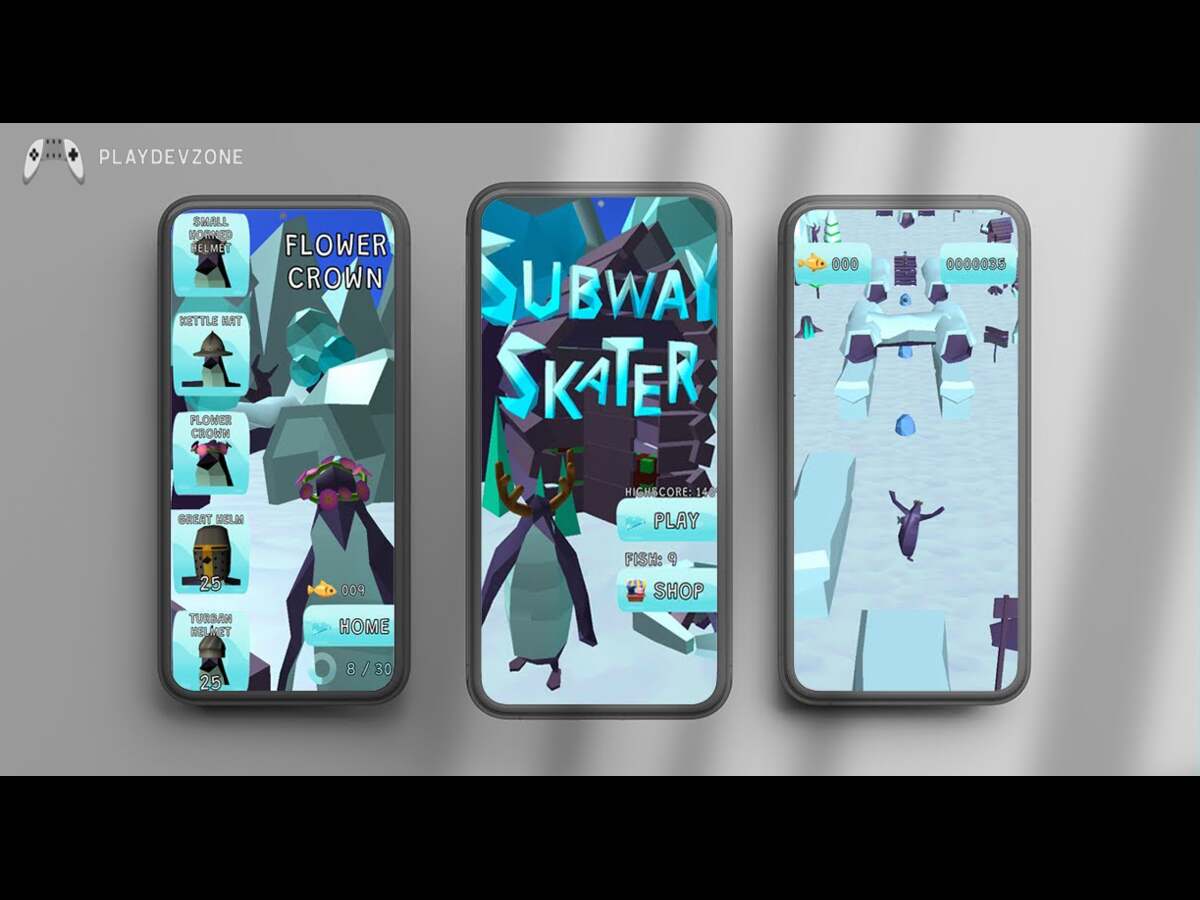
Learning unity 3d mobile development with Android projects can also help you build a portfolio of playable applications.
Learning Unity 3D Mobile Development in Pakistan
There are several ways to learn game development in Pakistan. You can use online tutorials, video courses, documentation, books, practical projects, or formal education.
The most important thing is consistent practice.
Instead of watching dozens of tutorials without building anything, create small projects after learning each concept.
For example:
Project 1: Simple 3D character movement
Project 2: Coin collection game
Project 3: Endless runner
Project 4: Simple platform game
Project 5: Basic mobile shooting game
Project 6: Small 3D puzzle game
These projects gradually introduce new concepts.
You can also publish your projects on a portfolio website or professional profile to demonstrate your skills to potential clients.
Unity Mobile Game Development Courses and Tutorials
Beginners often search for courses before starting development. A course can provide structure, but you should not depend entirely on watching videos.
Look for learning material that covers practical topics such as:
- Unity Editor
- C# programming
- Game physics
- 3D environments
- Animation
- UI development
- Mobile input
- Audio
- Optimization
- Build settings
- Monetization
- Publishing
A structured learning path can reduce confusion because beginners often encounter many unrelated tutorials online.
The best learning approach combines tutorials with independent experimentation.
Common Unity Mobile Development Mistakes
Beginners frequently make several mistakes when starting their first game.
One common mistake is starting with a project that is too large. A multiplayer open-world RPG may sound exciting, but it requires many advanced systems.
Start small instead.
Another mistake is ignoring optimization until the final stage. Mobile performance should be considered throughout development.
A third mistake is using too many downloaded assets without understanding how they affect performance and project size.
Beginners should also avoid copying tutorials without understanding the code. If you copy a script, spend time understanding what each major section does.
These habits will make your learning process more effective.
Monetizing Unity Mobile Games
Once you understand game development, you may want to monetize your projects.
Mobile games can use several monetization methods, including:
- In-game advertising
- Rewarded advertisements
- Interstitial advertisements
- Banner advertisements
- In-app purchases
- Premium downloads
- Subscription-based features
- Cosmetic items
Advertising can be useful for free-to-play games, while in-app purchases can provide additional revenue opportunities.
However, monetization should not damage the player experience. Too many advertisements can make users leave a game.
Developers should design monetization around the gameplay and target audience.
Learning unity 3d mobile development alongside mobile monetization can help you understand both the technical and business sides of game development.
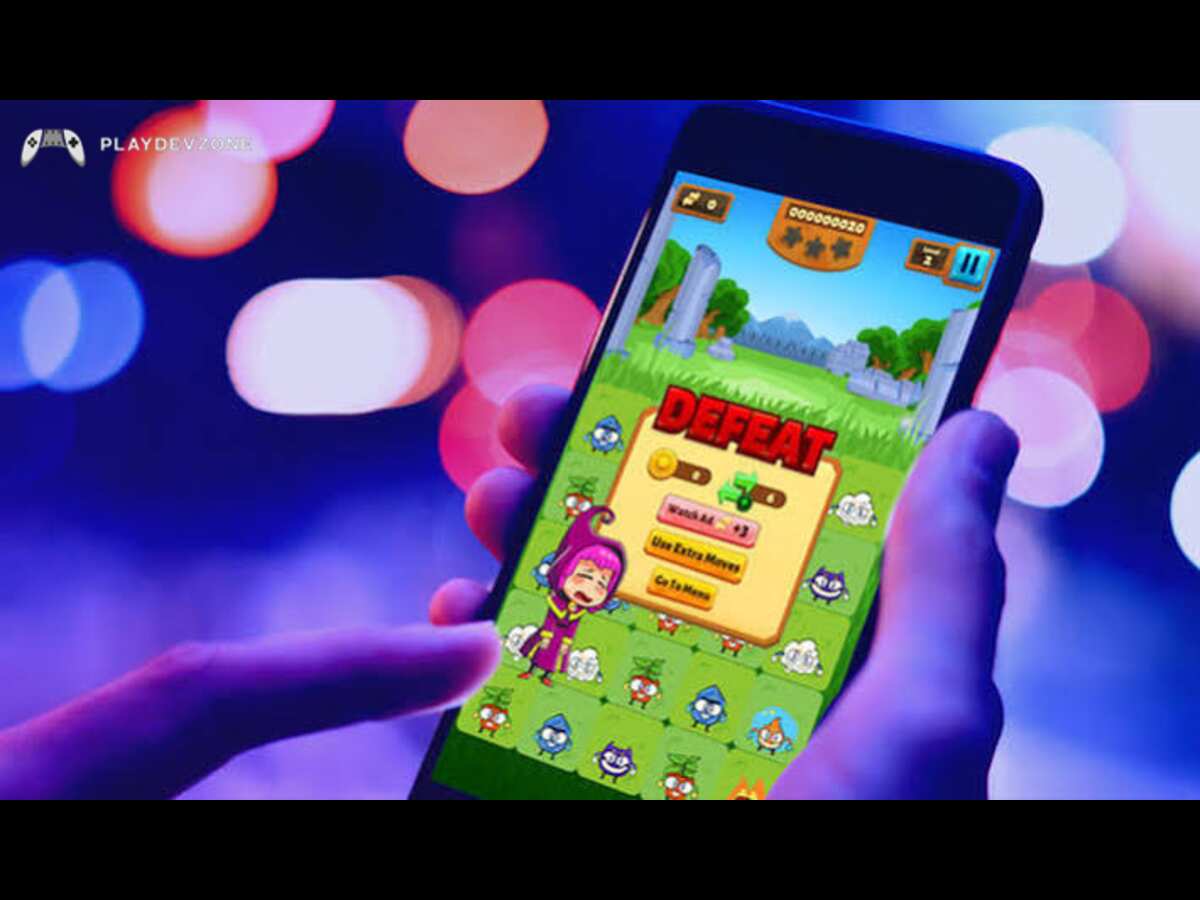
Freelancing Opportunities for Pakistani Unity Developers
Unity skills can potentially be useful for freelancing and remote development work.
A beginner should first build a portfolio instead of immediately focusing only on finding clients.
Your portfolio could include:
- 3D mobile games
- 2D mobile games
- Interactive prototypes
- Game UI designs
- Gameplay systems
- Small simulations
- Game mechanics
When applying for freelance projects, clearly describe your skills and provide playable demonstrations whenever possible.
You can also specialize in specific areas such as mobile game development, Unity programming, game UI, optimization, or gameplay programming.
Career Opportunities After Learning Unity
Unity knowledge can lead to several potential career directions.
You could work as a:
- Unity developer
- Gameplay programmer
- Mobile game developer
- Game designer
- Technical game artist
- VR/AR developer
- Interactive application developer
- Freelance game developer
You can also use Unity experience as a foundation for learning other game engines.
The important point is to develop practical skills instead of focusing only on certificates.
Employers and clients often want to see what you can build. A portfolio with several completed projects can therefore be valuable.
Frequently Asked Questions
Is Unity good for mobile game development?
Yes, Unity is a popular choice for mobile game development because it provides tools for creating 2D and 3D games and supports mobile platforms.
It also offers features for testing, optimization, user interfaces, animation, physics, and monetization.
Do I need programming knowledge to learn Unity?
You do not need advanced programming knowledge before starting Unity.
However, learning C# is important if you want to create more complex gameplay systems.
Beginners should start with basic concepts such as variables, conditions, functions, loops, and classes.
Can I create Android games with Unity?
Yes. Unity can be used to develop games for Android devices.
You can create a project, configure the required Android development tools, build the game, and test it on compatible Android smartphones.
Can Unity 3D be used to develop iOS games?
Yes. Unity supports iOS game development. Developers can build their projects for Apple's platform and use Apple's development tools and requirements to test and publish their games.
What computer is needed for Unity 3D mobile development?
Yes. Unity can be used to develop games for Android devices.
You can create a project, configure the required Android development tools, build the game, and test it on compatible Android smartphones.
How can I optimize a Unity 3D mobile game?
You can improve mobile performance by reducing unnecessary draw calls, optimizing textures and 3D models, using appropriate lighting, limiting expensive effects, managing memory carefully, and testing performance on real mobile devices.
Conclusion
Unity 3D mobile development is a great starting point for beginners in Pakistan who want to learn how mobile games are created.
Unity provides powerful tools for designing 2D and 3D games, while C# allows developers to add gameplay mechanics, controls, UI, and other interactive features.
For beginners, the best approach is to start with a small mobile game and learn each part of the development process step by step.
As you gain experience, you can create more advanced projects and build a strong game development portfolio.
Unity skills can also be useful for freelance projects, employment opportunities, remote work, and developing your own mobile games.
The most important thing is to keep practicing and testing your games on real mobile devices.
With patience, consistent learning, and hands-on projects, beginners can gradually develop the skills needed to create and publish quality mobile games using Unity 3D.