
Introduction
If you are planning to create a 3D game, choosing the right game engine is one of the most important decisions you will make.
Unity and Unreal Engine are popular choices, but Godot has become an increasingly interesting option for beginners, indie developers, hobbyists, and even experienced game developers.
So, is Godot good for 3d game development? The short answer is yes.
Godot can create a wide variety of 3D games, from simple prototypes and stylized indie games to more complex projects with advanced lighting, physics, animation, environments, and gameplay systems.
Godot 4 has significantly improved its 3D capabilities compared with earlier versions.
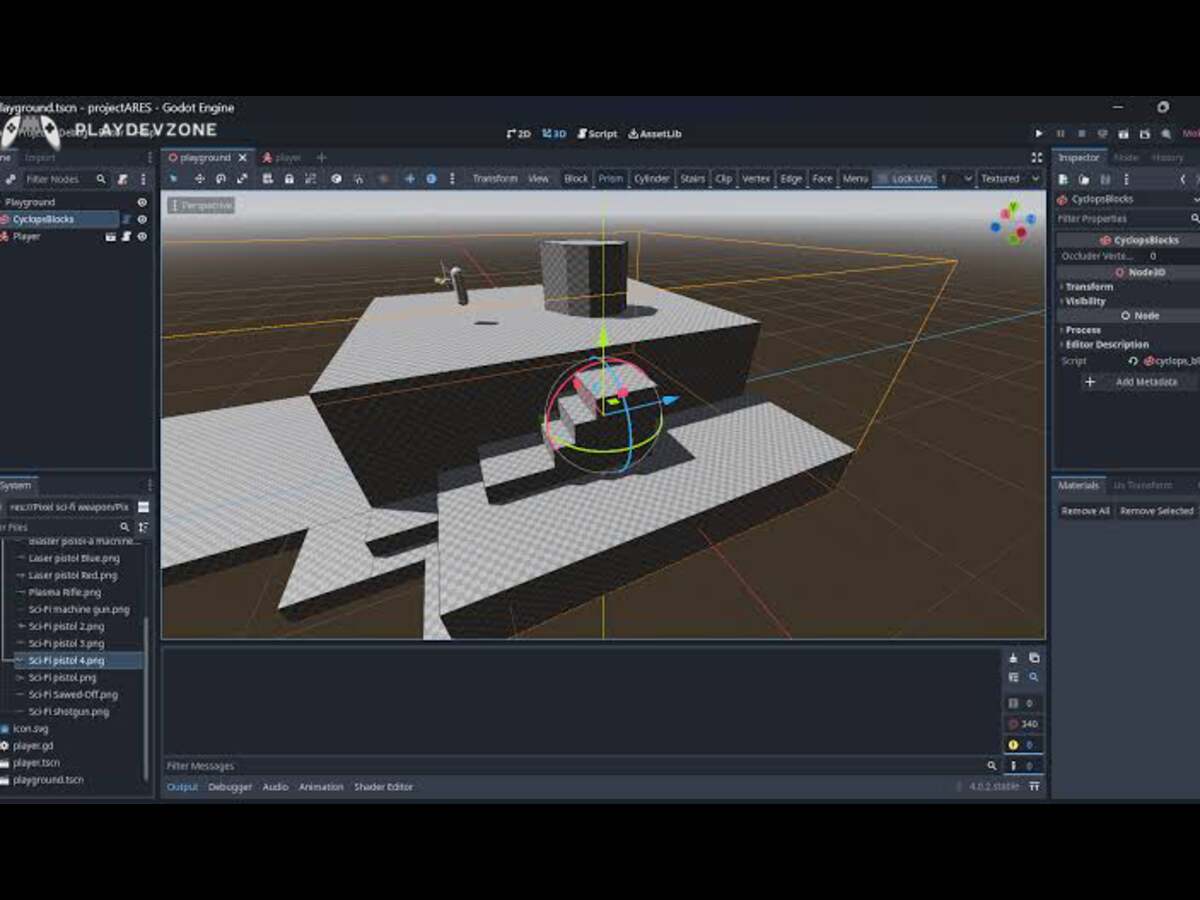
It includes multiple rendering options, physically based materials, real-time lighting, shadows, global illumination, 3D physics, animation tools, shaders, navigation, particle systems, and optimization.
However, that does not mean Godot is automatically the best choice for every 3D project.
Your choice depends on the type of game you want to build, your target platform, your graphics requirements, your experience level, and the size of your development team.
In this guide, we will explore whether Godot is good for 3d development, its strengths and weaknesses, what types of 3D games you can create, how Godot compares with other engines, and whether beginners should choose Godot for their first 3D project.
Is Godot Good for 3D Game Development?
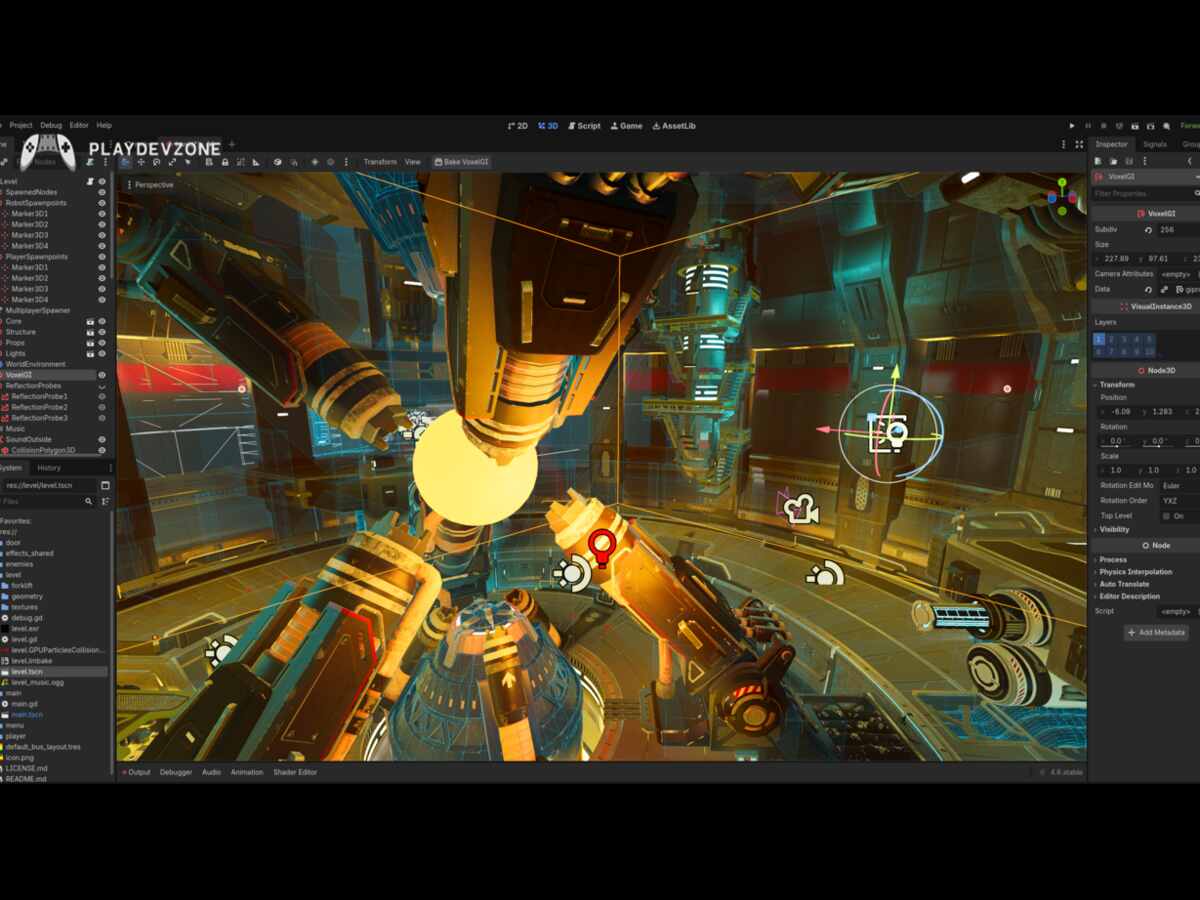
Godot provides a dedicated 3D workspace where developers can create and organize 3D scenes.
The engine uses nodes and scenes as fundamental building blocks, making it possible to construct game environments, characters, cameras, lights, physics objects, UI systems, and gameplay mechanics in a modular way.
Godot's official documentation explains that 2D and 3D APIs share many similarities, which can make the transition between the two easier for developers.
However, 3D development introduces additional mathematical concepts, particularly around transforms, vectors, coordinates, cameras, and movement.
For beginners, this means that learning Godot 3D is realistic, but you should not expect to create a complete open-world game immediately. Starting with a small project is a much better approach.
What Makes Godot Good for 3D?
There are several reasons developers consider Godot for 3D game development.
1. Powerful 3D Rendering
One of the biggest improvements in Godot 4 is its modern rendering architecture.
Godot currently provides three main rendering methods:
Forward+
Mobile
Compatibility
Forward+ is designed for desktop projects that require advanced rendering capabilities.
Mobile is optimized for mobile and suitable desktop hardware, while Compatibility focuses on broader hardware support, including older systems and web projects.
This flexibility is important because not every game needs the same level of graphical complexity.
A small stylized game may work perfectly with Compatibility or Mobile, while a visually demanding desktop project can take advantage of Forward+.
2. Physically Based Materials
Godot supports physically based rendering, commonly called PBR.
This allows developers to create realistic-looking surfaces using properties such as:
Albedo
Metallic
Roughness
Normal maps
Ambient effects
Refraction
Parallax effects
These tools can help developers create materials for wood, metal, stone, glass, plastic, terrain, characters, and other objects.
Godot's official feature documentation lists a broad range of 3D material and rendering capabilities, including PBR workflows, normal mapping, parallax mapping, screen-space refraction, lighting, shadows, and antialiasing.
3. Real-Time Lighting and Shadows
Lighting is extremely important in 3D games.
Godot supports different types of lights, including:
Directional lights
Omni lights
Spot lights
Area lights
You can use these lights to create sunlight, lamps, flashlights, indoor lighting, atmospheric scenes, and other visual effects.
The Forward+ renderer provides advanced lighting capabilities and clustered rendering, while the Mobile renderer is designed with mobile performance considerations in mind.
This makes Godot suitable for many different styles of 3D games.
4. 3D Physics
Physics is another major part of 3D game development.
Godot includes built-in 3D physics features such as:
Static bodies
Rigid bodies
Character bodies
Animatable bodies
Vehicles
Joints
Areas
Collision shapes
Ragdolls
Soft bodies
This means you do not need to build a basic physics system from scratch.
For example, you can use a CharacterBody3D for a player character, StaticBody3D for walls and floors, and RigidBody3D for objects that should respond to physics.
5. 3D Level Design Tools
Godot includes several tools for creating 3D environments.
Developers can use built-in primitive meshes such as cubes, cylinders, spheres, planes, toruses, and other shapes.
Godot also provides GridMap functionality for 3D level design and CSG tools that can be useful during prototyping. Path3D and PathFollow3D can be used for objects or characters that need to follow predefined paths.
This makes the engine useful for quickly building prototypes before creating more detailed assets.
Is Godot Good for 3D Beginners?
If you are new to game development, you may wonder whether Godot is good for 3d beginners or whether you should start with another engine.
For many beginners, Godot is an excellent starting point.
One reason is that Godot has a relatively straightforward editor and scene-based workflow.
Instead of dealing with a large number of complicated systems immediately, beginners can learn individual concepts step by step.
For example, you can start by learning:
- Nodes
- Scenes
- Node3D
- Camera3D
- MeshInstance3D
- CollisionShape3D
- CharacterBody3D
- Lights
- Materials
- GDScript
After learning these fundamentals, you can gradually build more complicated systems.
However, 3D is naturally more complicated than 2D. You need to understand concepts such as the X, Y, and Z axes, transforms, rotations, vectors, cameras, lighting, collision detection, and spatial relationships.
Godot's documentation specifically notes that 3D development involves additional mathematical complexity compared with 2D.
Therefore, Godot is beginner-friendly, but 3D game development itself still requires practice.
What Types of 3D Games Can You Make in Godot?
A major advantage of Godot is the variety of 3D projects you can create.
3D Platformers
Godot is well-suited for 3D platformer games.
You can create:
- Player movement
- Jumping
- Gravity
- Moving platforms
- Collectibles
- Enemies
- Checkpoints
- Cameras
- Level transitions
A simple 3D platformer is actually an excellent first Godot 3D project.
First-Person Games
You can also create first-person games such as:
- First-person shooters
- Horror games
- Exploration games
- Puzzle games
- Walking simulators
- Adventure games
A typical first-person project requires a player controller, camera, collision system, weapons or interaction mechanics, enemies, sound, and level design.
Third-Person Games
Godot can also be used for third-person games.
You can build:
- Third-person character controllers
- Follow cameras
- Combat systems
- Character animations
- NPCs
- Quests
- Inventory systems
- Open environments
Godot's 3D documentation includes resources covering areas such as third-person cameras, rendering, optimization, and 3D gameplay systems.
Racing Games
Godot can also be used for racing projects.
Its 3D physics system includes vehicle bodies intended for arcade-style vehicle physics.
This makes the engine useful for creating small and medium-sized racing games, kart games, driving prototypes, and similar projects.
Survival and Horror Games
Godot can be particularly interesting for indie survival and horror games.
These games often depend heavily on atmosphere rather than extremely complicated graphics.
You can combine:
- Dynamic lighting
- Fog
- Shadows
- 3D environments
- Audio
- Enemy AI
- Inventory systems
- Interaction mechanics
to create a compelling experience.
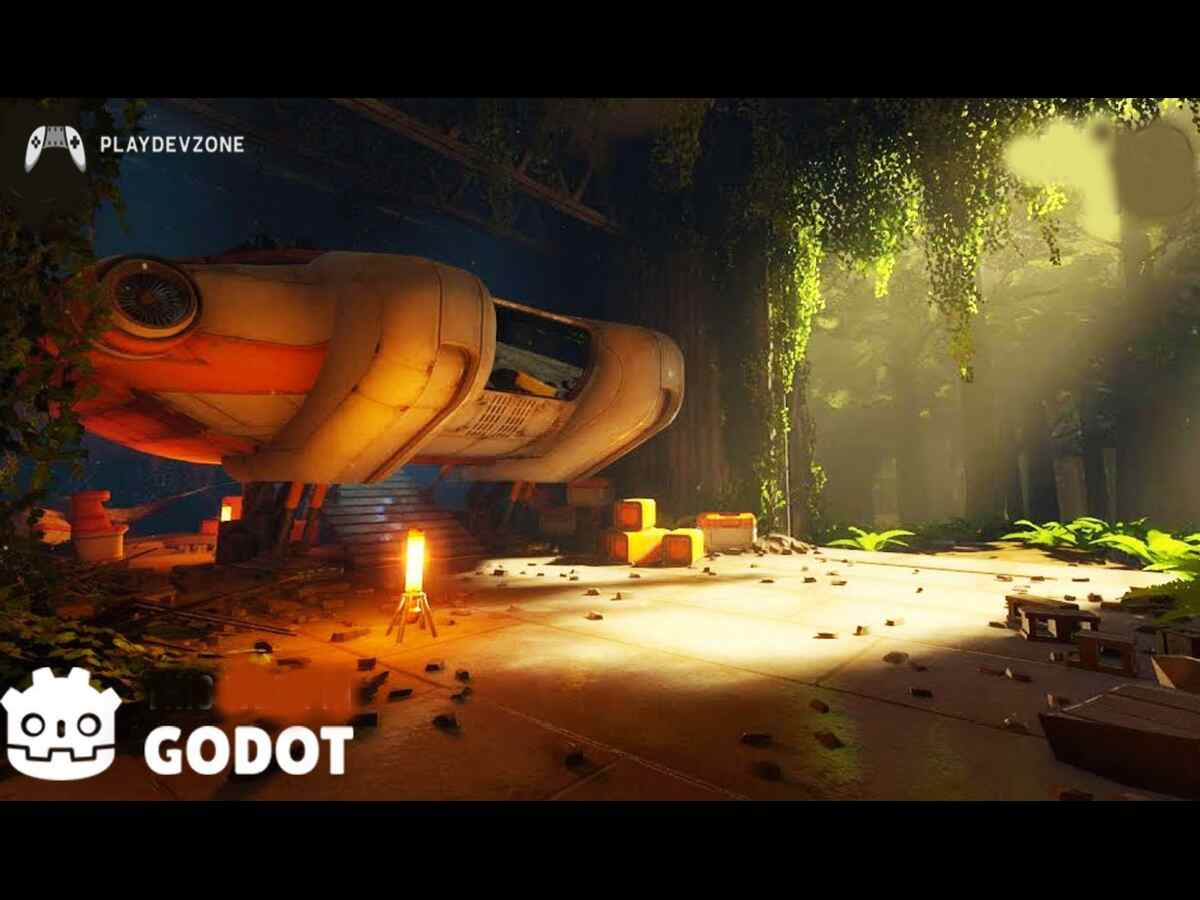
Is Godot Good for 3D Graphics?
When asking whether Godot is good for 3d graphics, the answer depends on what you mean by "good graphics."
Godot can produce attractive 3D visuals, but the final appearance depends on much more than the engine.
Your graphics quality will depend on:
- 3D models
- Textures
- Materials
- Lighting
- Shadows
- Post-processing
- Animation
- Environment design
- Optimization
- Rendering settings
A talented developer can create an impressive-looking Godot game using good assets and carefully designed lighting.
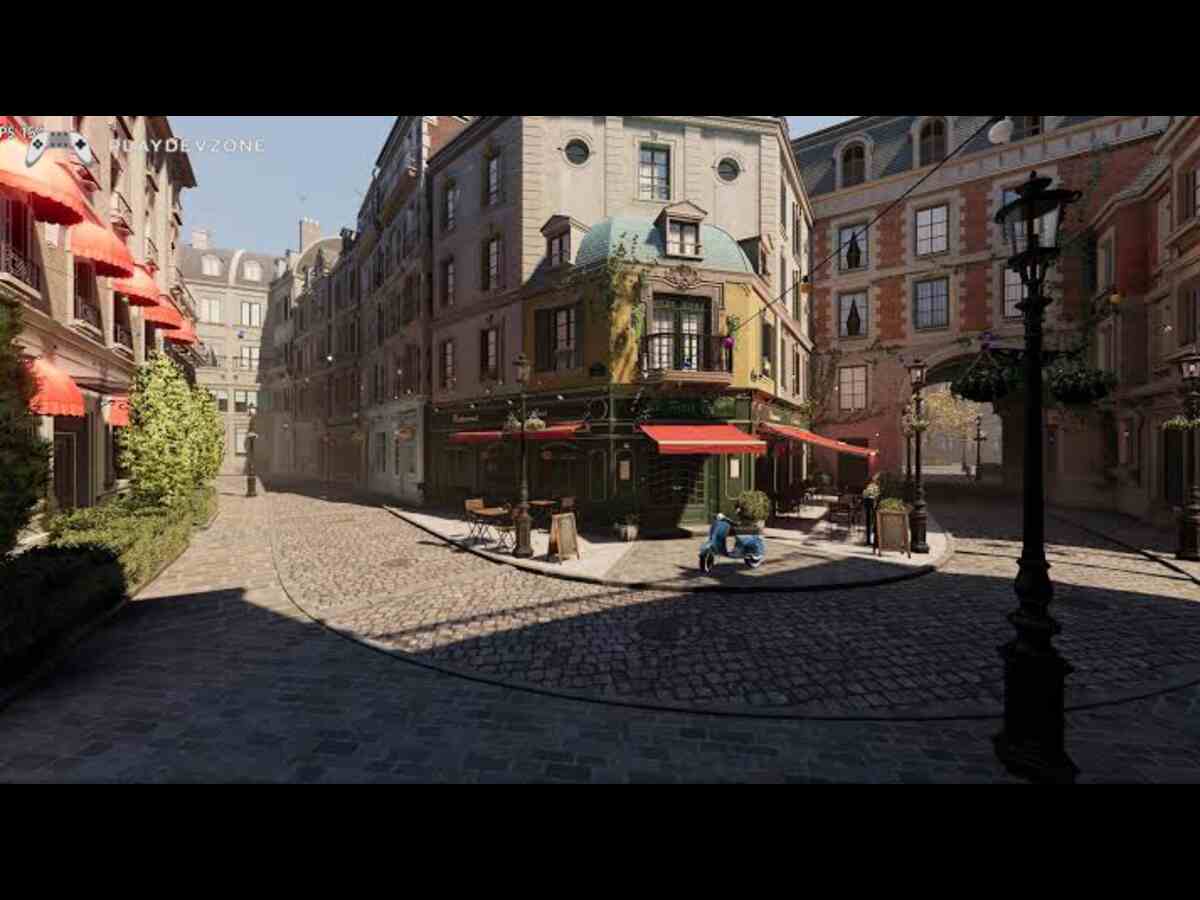
Godot's Forward+ renderer supports advanced features such as screen-space effects, volumetric fog, global illumination techniques, temporal antialiasing, and other advanced rendering capabilities.
At the same time, you should understand that Godot is not specifically designed to compete with every aspect of the highest-end AAA production pipeline.
If your goal is a massive photorealistic AAA game with an enormous team and highly specialized production pipeline, Unreal Engine may be a more natural choice.
For indie games, stylized games, smaller 3D games, prototypes, simulations, educational projects, and many commercial projects, however, Godot can be a very capable option.
Godot 3D Performance
Performance is one of the most important factors when choosing a game engine.
Godot gives developers several options for balancing visual quality and performance.
The Forward+ renderer provides the most advanced feature set and is primarily intended for desktop development.
The Mobile renderer is designed for newer mobile devices and can also be used on desktop. Compatibility provides broader support for older hardware and web projects.
This means that developers can select a renderer based on their target hardware.
For example:
High-end PC game → Forward+
Mobile 3D game → Mobile
Older hardware → Compatibility
Web 3D game → Compatibility
Performance also depends on how efficiently you build your game.
Even the best engine can perform badly if your game contains unnecessarily high-poly models, huge textures, excessive lights, inefficient scripts, or poorly optimized environments.
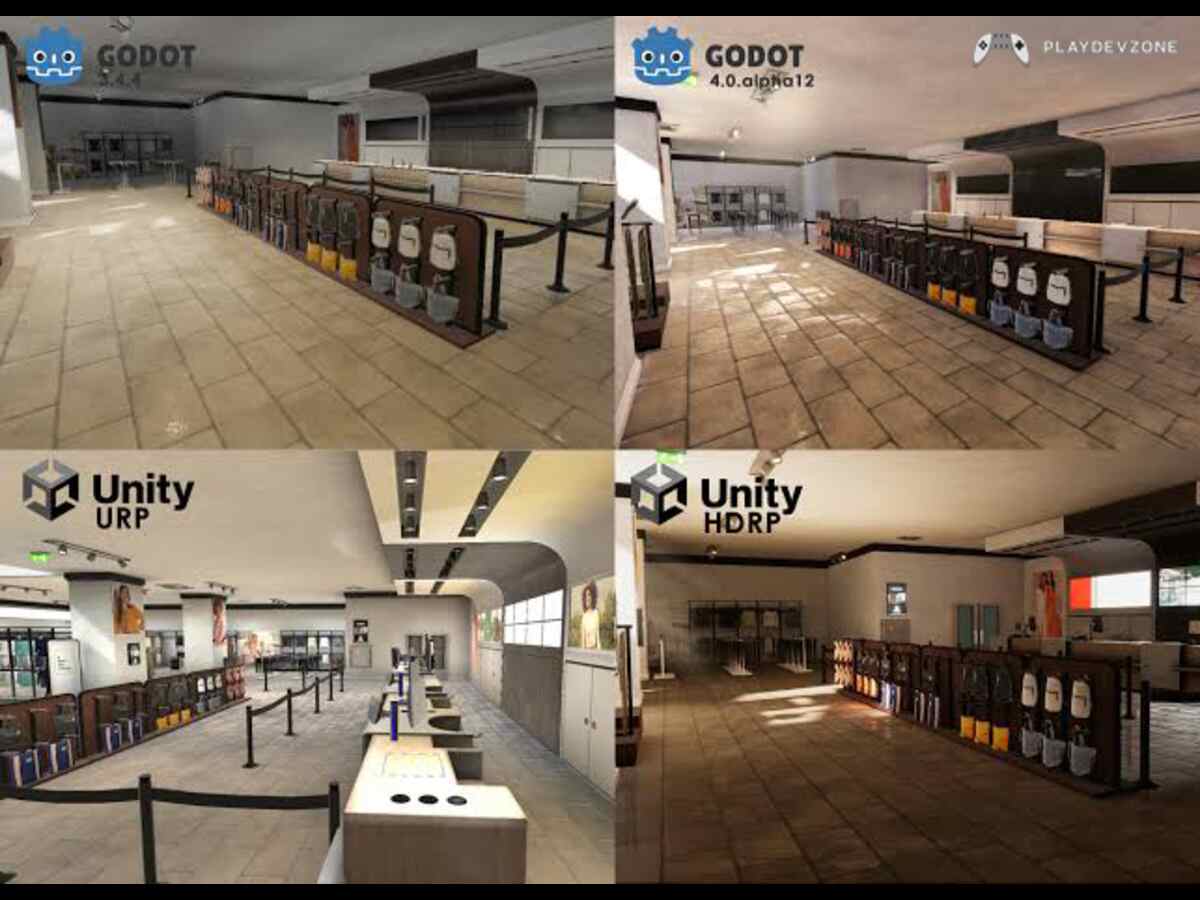
Godot vs Unity for 3D
Many developers compare Godot with Unity.
So, is Godot good for 3d compared with Unity?
Both engines can create 3D games, but they have different strengths.
Unity has a large ecosystem, extensive third-party assets, a long history in 3D development, and a large amount of educational content.
Godot, on the other hand, provides an open-source engine with a lightweight workflow and a strong scene/node architecture.
For beginners, Godot can feel simpler because you can focus on the fundamentals without immediately dealing with a huge ecosystem.
Unity may be attractive when you need access to specific commercial assets, plugins, tools, or an established production workflow.
The better choice depends on the project rather than simply choosing the engine with the largest market presence.
Godot vs Unreal Engine for 3D
Unreal Engine is famous for high-end 3D graphics and AAA development.
So, is Godot good for 3d when compared with Unreal Engine?
Again, it depends on your goals.
Unreal is an excellent option when you need advanced visual capabilities, large production pipelines, high-end environments, and sophisticated cinematic tools.
Godot is often more attractive when you want:
- A lightweight engine
- Open-source software
- Easy experimentation
- Indie development
- Smaller teams
- Stylized graphics
- Rapid prototyping
- A simple development workflow
If you are an independent developer creating a small or medium-sized 3D game, Godot can provide everything you need without the complexity of a large AAA-oriented pipeline.
Does Godot Support 3D Assets?
Yes.
Godot supports several 3D asset workflows. Its documentation recommends glTF 2.0 for 3D scenes and also documents support for formats and workflows involving Blender and FBX through conversion tools.
This is important because most developers will not model every object directly inside the game engine.
Instead, you may create assets using software such as:
- Blender
- Maya
- 3ds Max
- Cinema 4D
Then import them into Godot.
Blender is particularly useful for indie developers because it can be used to model, rig, animate, and export 3D assets.
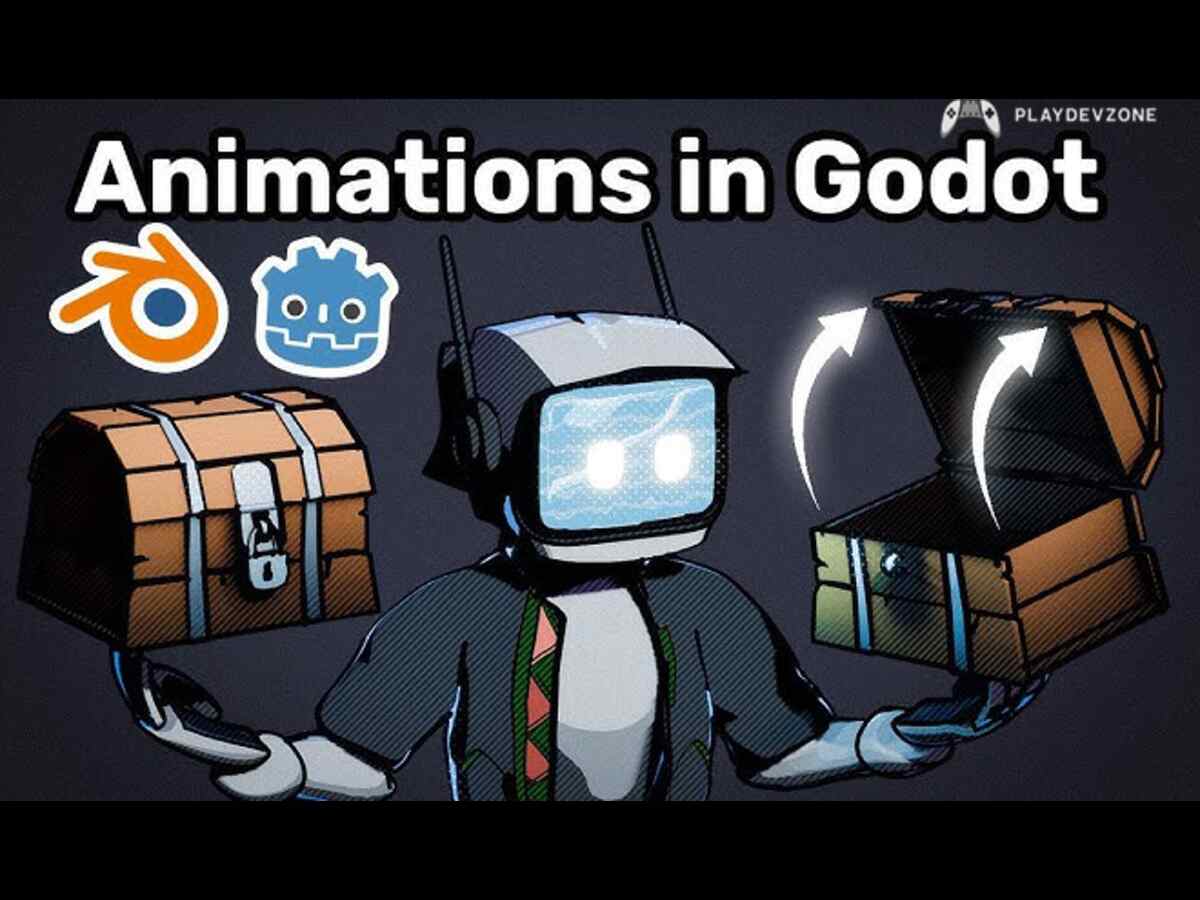
Does Godot Have 3D Animation?
Animation is another important part of 3D game development.
You can create animated characters, doors, environmental objects, UI interactions, weapons, vehicles, and other elements.
A typical character workflow might involve:
- Creating the character in Blender.
- Rigging the character.
- Creating animations.
- Exporting the asset.
- Importing it into Godot.
- Setting up an AnimationPlayer or animation tree.
- Connecting animations to gameplay.
This makes Godot suitable for projects that require animated 3D characters.
Does Godot Support 3D Shaders?
Yes.
Godot supports custom 3D shaders and provides a shader language inspired by GLSL.
Shaders can be used to create special visual effects such as:
- Water
- Fire
- Holograms
- Dissolve effects
- Stylized materials
- Energy shields
- Toon shading
- Animated surfaces
Godot's feature documentation lists custom vertex, fragment, light, sky, and fog shaders for 3D.
This gives experienced developers considerable freedom to customize the visual style of a game.
Is Godot Good for 3D Indie Games?
For indie developers, the question of whether Godot is good for 3d projects can often be answered with a strong yes.
Indie developers usually need an engine that lets them experiment quickly without requiring a large team.
Godot's scene-based architecture, built-in 3D tools, scripting system, physics, animation, rendering, and optimization features make it possible for a small team or individual developer to build a complete game.
For example, a solo developer could create a small third-person adventure game with:
- Several levels
- A player character
- NPCs
- Basic combat
- Inventory
- Dialogue
- Save system
- Lighting
- Music
- Sound effects
- Main menu
The key is controlling project scope.
The engine can provide the technology, but you still need to create or acquire models, animations, sounds, textures, gameplay systems, and other content.
What Are the Disadvantages of Godot 3D?
Although Godot is powerful, it is not perfect.
There are several limitations you should consider.
Smaller Ecosystem
Compared with Unity and Unreal Engine, Godot has a smaller commercial ecosystem.
You may find fewer specialized third-party assets, plugins, and enterprise-focused tools.
Advanced AAA Features
Godot's advanced rendering capabilities have improved considerably, but if your primary objective is AAA photorealism and a massive production pipeline, another engine may be more appropriate.
Learning 3D Still Takes Time.
Godot can make the workflow easier, but it cannot remove the complexity of 3D mathematics and game development.
You still need to understand:
- Coordinates
- Vectors
- Transforms
- Rotations
- Cameras
- Physics
- Lighting
- Animation
- Optimization
- Console Development Considerations
If your goal is commercial console publishing, you should research the current platform support and publishing requirements before committing to an engine.
Your target platform should always influence your engine decision.
Is Godot Good for 3D in 2026?
For developers asking whether Godot is good for 3d in 2026, Godot remains a serious option for 3D development.
Godot's modern renderer architecture, 3D physics, PBR materials, lighting, shadows, global illumination options, shaders, optimization tools, and asset import workflows make it capable of handling a wide range of 3D projects.
However, the right engine depends on your project.
If you are creating a small indie game, stylized 3D game, mobile game, educational project, prototype, or experimental game, Godot can be an excellent choice.
If your project requires an enormous AAA production pipeline, highly specialized tools, or a specific commercial ecosystem, you may want to compare Godot carefully with Unreal Engine and Unity before making your final decision.
How to Start 3D Game Development With Godot
If you have decided to try Godot, do not begin by creating a massive game.
Start with a small project.
A good learning path is:
Step 1: Learn the Godot Editor
Understand the interface, scene tree, inspector, filesystem, and 3D viewport.
Step 2: Learn Node3D
Node3D is an important foundation for 3D scenes in Godot 4.
Step 3: Create a Simple Environment
Add a floor, walls, lights, camera, and basic objects.
Step 4: Create a Player
Build a simple CharacterBody3D-based controller.
Step 5: Add a Camera
Create a first-person or third-person camera.
Step 6: Add Physics
Experiment with collision shapes and rigid bodies.
Step 7: Add Materials
Learn how to create and modify 3D materials.
Step 8: Add Lighting
Experiment with directional, omni, and spot lights.
Step 9: Add Enemies
Create a simple enemy with movement and basic AI.
Step 10: Optimize
Test your game regularly and optimize expensive systems.
This learning process will give you a much stronger foundation than attempting a huge open-world project as your first game.
Frequently Asked Questions
Is Godot good for 3D games?
Yes. Godot supports 3D rendering, physics, animation, lighting, shadows, materials, shaders, navigation, level design, and optimization features, making it suitable for many types of 3D games.
Is Godot good for 3D beginners?
Yes. Godot can be a good starting point for beginners because its editor and scene/node workflow are approachable.
However, 3D game development still requires learning concepts such as vectors, transforms, cameras, physics, and lighting.
Can Godot make high-quality 3D games?
Yes. Godot can produce high-quality 3D visuals, particularly when developers use good assets, materials, lighting, shaders, and optimization techniques.
The Forward+ renderer provides the most advanced rendering feature set.
Can I make a 3D game in Godot without Blender?
Yes. You can create simple 3D objects using Godot's built-in meshes.
However, Blender or another 3D modeling application is extremely useful when you need custom characters, environments, weapons, vehicles, and detailed assets.
Is Godot better than Unity for 3D?
Neither engine is universally better. Unity has a larger ecosystem and extensive third-party resources, while Godot offers an open-source, lightweight workflow.
Your project's requirements should determine which engine you choose.
Conclusion
So, is Godot good for 3d?
Yes. Godot is a capable 3D game engine and can be an excellent choice for beginners, indie developers, hobbyists, and small development teams.
Its 3D capabilities include modern rendering options, physically based materials, lighting, shadows, physics, animation, shaders, 3D level-design tools, asset importing, and multiple optimization techniques.
The biggest advantage of Godot is not simply its rendering technology.
It is the combination of a relatively lightweight workflow, open-source nature, flexible scene system, built-in development tools, and accessibility for independent developers.
At the same time, you should choose your engine according to your project requirements.
For a small or medium-sized 3D indie game, stylized game, mobile project, prototype, or learning project, Godot is absolutely worth considering.
If your goal is a massive AAA photorealistic game, you should also evaluate engines such as Unreal Engine and Unity.
Ultimately, whether Godot is good for 3d is less important than asking whether Godot is good for your specific 3D project.
For many developers, the answer is yes, and starting with a small project is one of the best ways to find out.