
Introduction
The gaming industry is growing faster than ever, with millions of players enjoying games on PCs, smartphones, consoles, and even web browsers.
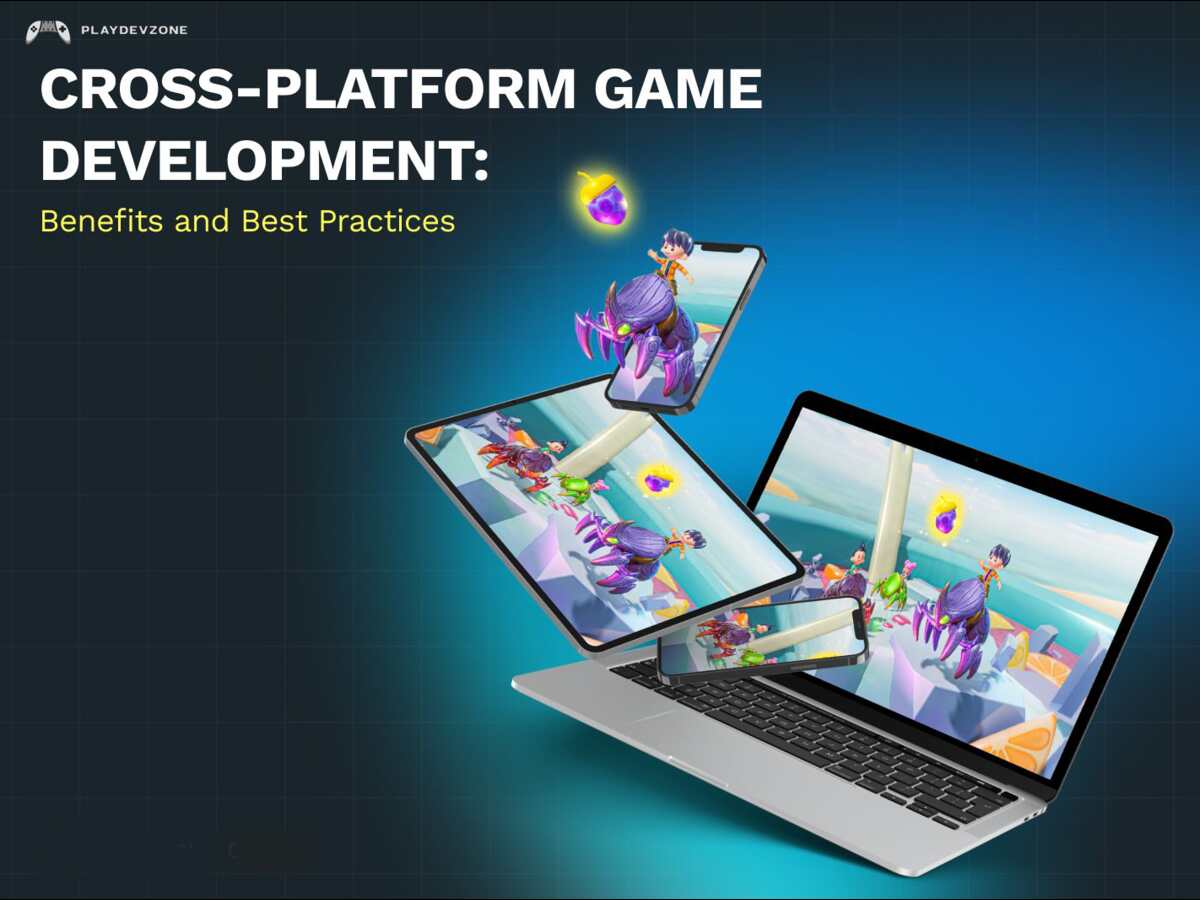
Cross-platform game development enables developers to create one game that works seamlessly across multiple platforms, eliminating the need to build separate versions for each device.
This approach saves time, reduces development costs, and helps developers reach a much larger audience.
Whether you're an indie developer, a student, or part of a professional game studio, learning cross-platform game development can significantly improve your workflow and increase your game's success.
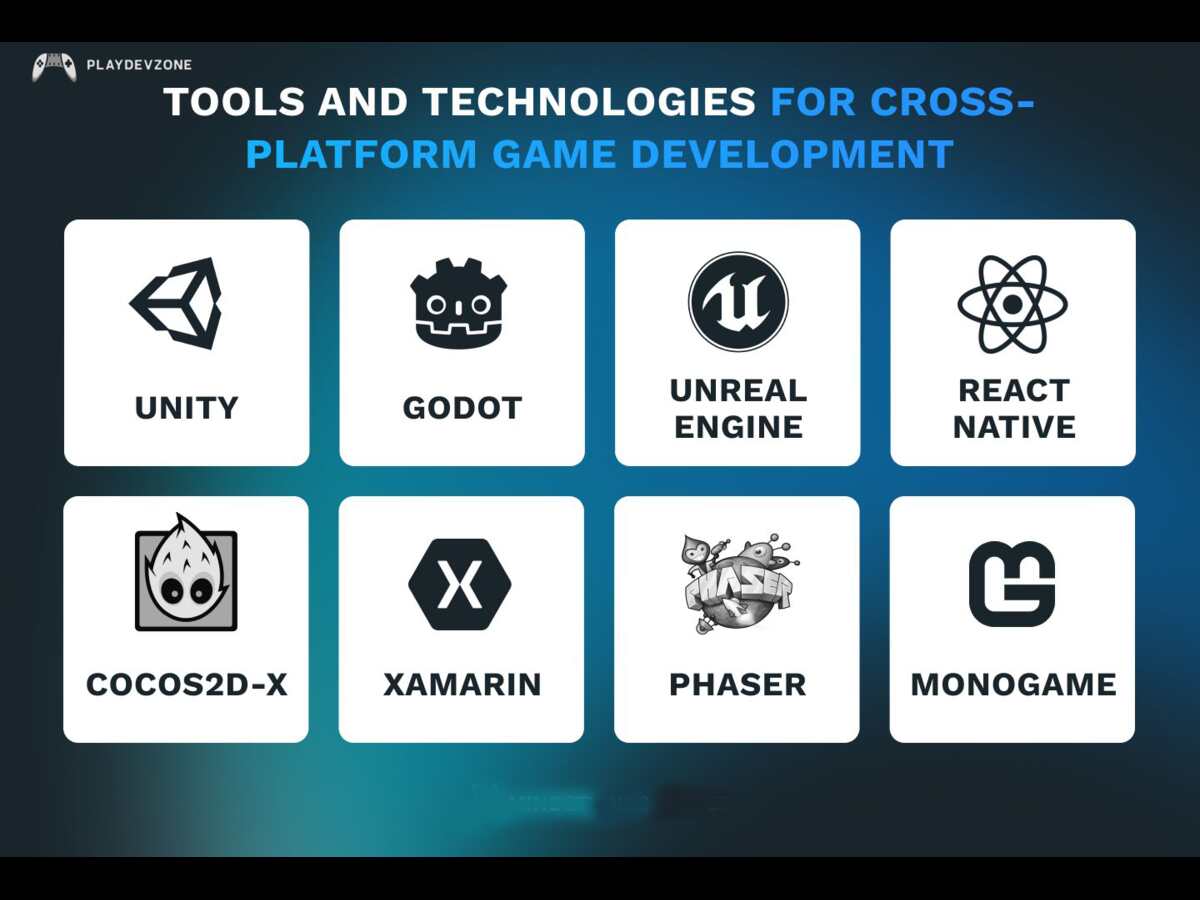
Modern game engines like Unity, Unreal Engine, and Godot provide powerful tools that make it easier than ever to create games for Android, iOS, Windows, macOS, Linux, PlayStation, Xbox, and Nintendo Switch.
In this guide, you'll learn how to start cross-platform game development, choose the right game engine, understand the development process, and build games efficiently for multiple platforms.
What Is Cross Platform Game Development?
Cross-platform game development is the process of creating a single game that can run on multiple operating systems and devices using a shared codebase.
Instead of writing different versions for Windows, Android, iPhone, Xbox, and PlayStation, developers write most of the game once and then optimize it for each platform.
For example, an indie developer can create a game in Unity and publish it on:
Windows PC
macOS
Linux
Android
iPhone (iOS)
WebGL
PlayStation
Xbox
Nintendo Switch
This approach allows developers to reach millions of players while reducing development time and maintenance costs.
Why Cross Platform Game Development Is Important
Someone may start playing on a PC and later continue on a mobile phone or console.
Businesses also prefer to release games across multiple platforms to maximize downloads and revenue.
Here are a few reasons why cross-platform game development has become the industry standard:
Reach a larger audience.
Reduce overall development costs.
Faster time to market.
Easier updates and bug fixes.
Better return on investment.
Simplified maintenance.
Whether you're developing casual mobile games or AAA titles, supporting multiple platforms gives your project a significant competitive advantage.
Benefits of Cross Platform Game Development
1. Write Once, Deploy Everywhere
One of the biggest advantages of cross-platform game development is that developers can reuse most of their code across different platforms.
Instead of maintaining five separate projects, you only manage one primary project while making platform-specific adjustments when necessary.
2. Lower Development Costs
Building separate games for Android, iOS, Windows, and consoles requires multiple development teams.
Using a cross-platform engine significantly reduces:
Programming costs
Testing expenses
Maintenance costs
Long-term updates
This makes it especially attractive for indie developers and small studios.
3. Faster Development
Because the same assets, scripts, animations, and game logic are reused, developers can launch games much faster.
A shorter development cycle means you can:
Release updates more quickly.
Test new features faster.
Respond to player feedback sooner.
4. Easier Maintenance
Managing one project instead of several makes bug fixing much simpler.
When you update your game mechanics or fix a bug, the changes can often apply across all supported platforms without rewriting large sections of code.
5. Larger Player Base
Publishing on multiple platforms increases visibility and sales.
Your game can be available through:
Steam
Epic Games Store
Google Play
Apple App Store
Xbox Store
PlayStation Store
Nintendo eShop
The more platforms you support, the greater your opportunity to grow your audience.
How Cross Platform Game Development Works
Modern game engines separate your game's logic from platform-specific hardware.
For example:
You create the game using Unity, Unreal Engine, or Godot.
Write gameplay code once.
Import graphics, sounds, animations, and UI.
Configure platform settings.
Build the game for Android, iOS, Windows, or consoles.
Test performance on each device.
Publish your game.
Although some platform-specific optimization is usually required, most of the development process remains shared.
Choosing the Right Game Engine
Your choice of engine depends on your experience, project goals, and target platforms.
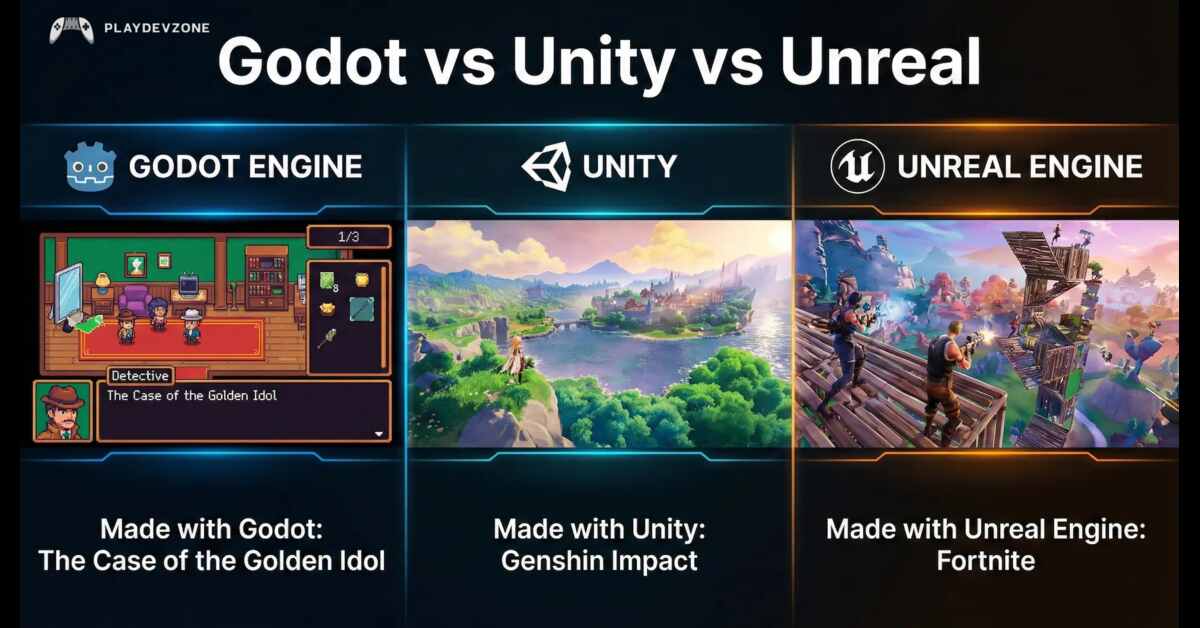
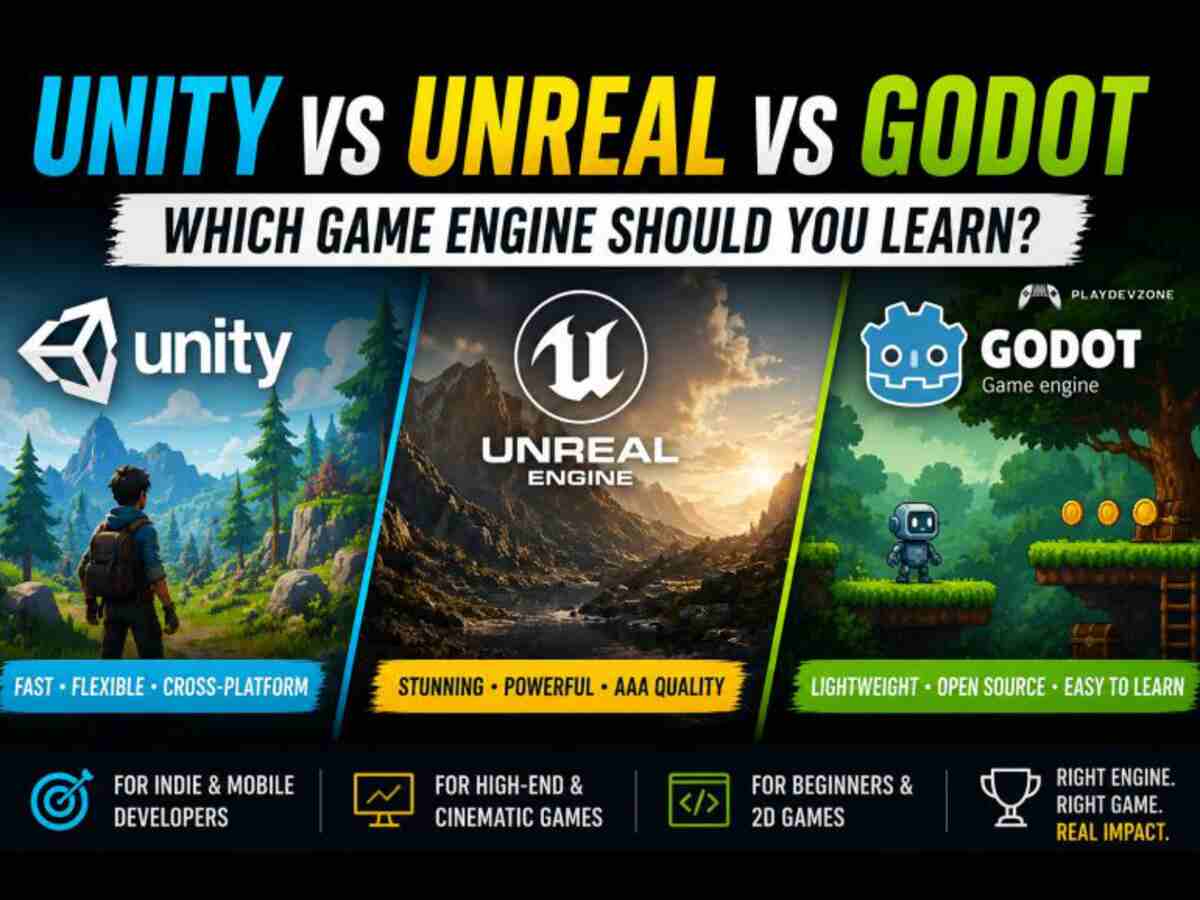
The three most popular engines for cross platform game development are Unity, Unreal Engine, and Godot.
Unity
Unity is one of the world's most popular game engines, especially for indie developers and mobile game studios.
Advantages
* Beginner-friendly interface
* Massive Asset Store
* Excellent documentation
* Large developer community
* Supports over 20 platforms
* Great for both 2D and 3D games
Best For
* Mobile games
* Indie games
* Multiplayer games
* AR and VR experiences
* Casual games
* Educational games
Unity is powered by C# scripting and includes advanced tools that make deploying games across multiple platforms simple and efficient.
Unreal Engine
Unreal Engine is widely recognized for creating high-quality games with impressive visuals and advanced graphical capabilities.
Its powerful rendering system makes it a top choice for high-end PC and console games.
Advantages
* AAA-quality graphics
* Blueprint Visual Scripting
* Advanced lighting
* Nanite virtualized geometry
* Lumen global illumination
* Strong multiplayer features
Best For
* Open-world games
* First-person shooters
* RPGs
* Simulation games
* High-end console games
Developers can use Blueprint or C++ depending on their programming experience.
Godot
Godot has rapidly gained popularity because it's free, open-source, and lightweight.
It offers excellent tools for both beginners and experienced developers.
Advantages
* Completely free
* Open source
* Small installation size
* Easy learning curve
* Fast iteration
* Excellent 2D workflow
Best For
* Indie games
* Pixel art games
* Educational projects
* Small-to-medium-sized games
* Game jams
Godot primarily uses GDScript but also supports C# and C++.
Unity vs Unreal Engine vs Godot
Feature
Best for Beginners
2D Development
3D Graphics
Mobile Games
Console Games
Open Source
Programming
Learning Curve
Unity
5 Star
Excellent
Excellent
Excellent
Excellent
No
C#
Easy
Unreal Engine
3 Star
Good
Outstanding
Very Good
Excellent
No
C++ / Blueprint
Moderate
Godot
5 Star
Excellent
Very Good
Good
Good
Yes
GDScript / C#
Easy
Skills You Need Before Starting
Although cross-platform game development has become more accessible, learning a few core skills will help you succeed faster.
These include:
Basic programming concepts
Game design fundamentals
User interface design
Animation principles
Problem-solving
Version control with Git
Performance optimization
Basic mathematics for games
Setting Up Your Development Environment
Before you begin cross-platform game development, you'll need to install a game engine and a few essential tools.
Setting up your environment correctly from the start will save you time later and make building, testing, and publishing your games much easier.
Install Unity
Unity is one of the most beginner-friendly engines for cross-platform game development because it supports a wide range of platforms from a single project.
Steps to Get Started
Download and install Unity Hub.
Install the latest Long-Term Support (LTS) version of Unity.
During installation, add build support for:
- Android
- iOS (macOS required)
- Windows
- Linux
- WebGL
Install Visual Studio for C# scripting.
Create your first 2D or 3D project.
Unity Hub makes it easy to manage multiple versions of the engine and switch between projects.
Install Unreal Engine
If your goal is to build visually impressive PC or console games, Unreal Engine is an excellent choice.
Installation Steps
- Install the Epic Games Launcher.
- Download and install the latest stable release of Unreal Engine before starting your game development project.
- Install Visual Studio with C++ support.
- Create a new project using either:
- Blueprint
- C++
Blueprint allows beginners to create gameplay systems without writing much code, while C++ offers maximum flexibility and performance.
Install Godot
Godot is lightweight, free, and open source, making it an attractive option for indie developers.
Setup Process
- Download the latest stable version.
- Extract or install the editor.
- Create a new project.
- Choose either:
- GDScript
- C#
- C++
Since Godot has a small download size and quick startup time, it's perfect for rapid prototyping.
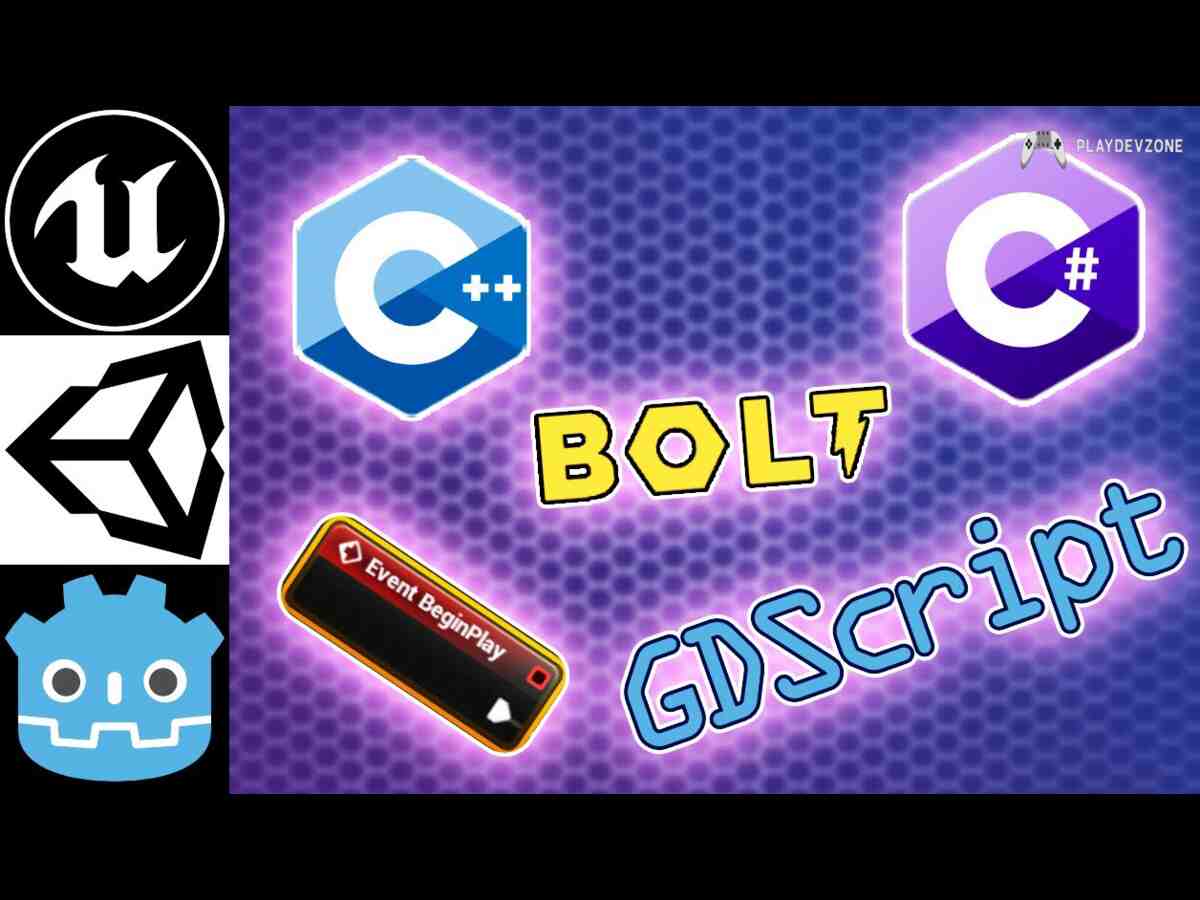
Choosing the Right Programming Language
Programming is the foundation of successful cross-platform game development. Each engine has its preferred language.
Unity C#
C# is clean, modern, and beginner-friendly.
You'll use it to create:
Player movement
Enemy AI
Inventory systems
UI interactions
Multiplayer logic
Save systems
If you're new to programming, Unity with C# is one of the easiest combinations to learn.
Unreal Engine Blueprint and C++
Blueprint is a visual scripting system that lets you connect nodes instead of writing code.
It's ideal for:
Rapid prototyping
Character abilities
UI systems
Gameplay mechanics
For larger projects, many studios combine Blueprint with C++ for better performance and greater control.
Godot GDScript
GDScript has a Python-like syntax that's easy to read and write.
It's commonly used for:
Character controllers
Menus
Camera systems
Dialogue
Physics interactions
Godot also supports C#, giving developers additional flexibility.
Creating Your First Cross-Platform Project
Your first project doesn't need to be large. A simple game is the best way to learn the fundamentals of cross-platform game development.
A beginner-friendly project might include:
- Main menu
- Character movement
- Jumping
- Score system
- Collectible items
- Sound effects
- Pause menu
- Game over screen
Once it works on one platform, you can build and test it on others.
Building for Different Platforms
One of the biggest advantages of cross-platform game development is the ability to export the same project to multiple platforms.
Android
Before exporting:
- Install Android Build Support.
- Configure the SDK and NDK if required.
- Optimize texture sizes.
- Reduce memory usage.
- Test on several devices.
iOS
Publishing for iPhone requires:
- A Mac computer
- Xcode
- Apple Developer account
- iOS Build Support
Windows
Windows builds are straightforward.
Simply:
- Select Windows as the target platform.
- Configure graphics settings.
- Build the executable.
- Test on different hardware configurations.
macOS
When exporting for macOS:
- Verify file permissions.
- Test on Intel and Apple Silicon Macs if possible.
- Optimize for Retina displays.
Linux
Linux users appreciate native builds.
Before release:
- Test on popular Linux distributions.
- Check dependencies.
- Verify controller support.
WebGL
Web builds let players enjoy your game directly in a browser.
To improve loading speed:
Compress textures.
Reduce audio file sizes.
Minimize JavaScript overhead.
Optimize asset bundles.
Best Practices for Successful Cross Platform Game Development
To improve your workflow and increase the quality of your games:
- Start with a small prototype before building a large project.
- Reuse code and assets whenever possible.
- Keep your project organized from day one.
- Profile performance regularly instead of waiting until the end.
- Test frequently on real devices, not just emulators.
- Use version control with Git to track changes and collaborate safely.
- Optimize early for mobile if you plan to support lower-end hardware.
- Read the official documentation for your chosen engine to stay updated with new features and recommended practices.
Publishing Your Cross-Platform Game
After months of planning, designing, coding, and testing, it's time to share your game with players around the world.
One of the biggest advantages of cross-platform game development is that you can release your game on multiple platforms from a single project, expanding your reach and increasing your earning potential.
Before publishing, make sure your game has been thoroughly tested on every platform you intend to support.
Publishing on Google Play
Google Play is one of the largest app marketplaces for Android games.
Before submitting your game:
- Optimize your APK or Android App Bundle (AAB).
- Create an attractive store listing.
- Write an SEO-friendly game description.
- Design a professional app icon.
- Upload high-quality screenshots.
- Add a gameplay trailer if possible.
- Test your game using internal and closed testing tracks.
A polished store page can significantly improve downloads and player trust.
Publishing on the Apple App Store
If you're targeting iPhone and iPad users, you'll need:
- An Apple Developer account
- Xcode (macOS required)
- App Store assets
- Privacy policy
- App icons
- Screenshots for different devices
Apple has strict review guidelines, so ensure your game follows all technical and content requirements before submission.
Publishing on Steam
Steam is one of the best platforms for PC game developers.
Before launching:
- Create a compelling Steam page.
- Upload gameplay screenshots.
- Write a keyword-rich game description.
- Add trailers and promotional artwork.
- Set up achievements and cloud saves if applicable.
- Encourage players to wishlist your game before release.
A well-optimized Steam page can greatly increase visibility and conversions.
Publishing on Consoles
If you plan to release on PlayStation, Xbox, or Nintendo Switch, you'll typically need:
- Developer approval from the platform holder
- Access to console SDKs
- Additional testing and certification
- Platform-specific optimizations
Although the process is more involved than publishing on mobile or PC, console releases can help you reach dedicated gaming audiences.
Monetizing Your Cross-Platform Game
Some common monetization methods include:
- Premium game sales
- In-app purchases
- Cosmetic items
- Downloadable content (DLC)
- Battle passes
- Rewarded advertisements (for mobile)
- Subscriptions
- Expansion packs
Choose a model that fits your game's design and provides value to players.

Common Mistakes to Avoid
Many beginners encounter similar issues when learning cross-platform game development. Avoiding these mistakes can save you time and improve the quality of your project.
Ignoring Mobile Optimization
A game that runs smoothly on a gaming PC may struggle on a smartphone if it's not optimized.
Hardcoding Screen Resolution
Design responsive interfaces that adapt to different screen sizes and aspect ratios.
Poor File Organization
Disorganized assets make collaboration and maintenance much more difficult.
Skipping Real Device Testing
Emulators are useful, but they cannot replace testing on actual hardware.
Overusing High-Resolution Assets
Use textures, models, and effects that match the capabilities of your target devices.
Not Using Version Control
Tools like Git help track changes, collaborate with team members, and recover previous versions of your project when needed.
Frequently Asked Questions
What is cross platform game development?
Cross-platform game development is the process of creating a game that runs on multiple platforms, such as Android, iOS, Windows, macOS, Linux, and consoles, using a shared codebase.
Which engine is best for beginners?
Unity and Godot are both excellent choices for beginners due to their user-friendly interfaces, extensive learning resources, and active communities.
Can Godot build games for multiple platforms?
Yes. Godot supports exporting games to desktop, mobile, web, and several other platforms, making it a strong option for indie developers.
Is Unity better than Unreal Engine for cross-platform games?
Unity is often preferred for mobile and indie projects because of its broad platform support and ease of use, while Unreal Engine excels at delivering high-end graphics for PC and console games.
Which programming language should I learn?
Unity: C#
Unreal Engine: C++ and Blueprint
Godot: GDScript or C#
Is cross-platform development suitable for indie developers?
Absolutely. It helps indie developers reduce development costs, reuse code, and launch games on multiple platforms without creating separate projects.
What are the biggest challenges in cross platform game development?
Common challenges include hardware differences, varying screen resolutions, input methods, and platform-specific requirements. Careful planning, optimization, and testing help address these issues.
Conclusion
Whether you choose Unity for its versatility, Unreal Engine for cutting-edge visuals, or Godot for its lightweight, open-source workflow, each engine provides powerful tools to help you succeed.
Start with a small project, build a solid understanding of game design principles, and test frequently across your target platforms.
As your experience grows, you'll be able to create polished games that perform well on PC, mobile devices, web browsers, and consoles.
The key to long-term success is continuous learning. Stay updated with engine releases, experiment with new tools, and listen to player feedback.
With patience and consistent practice, you'll be well equipped to create engaging games that reach players wherever they choose to play.