
Introduction
If you're planning to build your first game, you've probably asked yourself, "Is Godot a Good Game Engine?" With the wide range of game engines on the market today, selecting the best one for your project can be a challenging decision.
Some developers recommend Unity, while others prefer Unreal Engine. However, over the past few years, Godot has become one of the fastest-growing open-source game engines in the world.
Whether you're interested in creating 2D platformers, mobile games, RPGs, or even 3D adventures, Godot offers a powerful set of tools without requiring expensive licenses or royalties. It is free, lightweight, beginner-friendly, and supported by an active global community.
In this complete Godot Engine Review, we'll explore everything you need to know before choosing this engine.
You'll learn about its features, advantages, disadvantages, performance, supported platforms, programming languages, and how it compares with Unity and Unreal Engine.
By the end of this guide, you'll know whether Godot is the right game engine for your next project.
What Is Godot?
Godot is a free and open-source game engine designed for creating both 2D and 3D games.
It was first released in 2014 and has grown into one of the most popular choices for indie game developers, hobbyists, students, and professional studios.
Unlike many commercial engines, Godot allows developers to build games without paying licensing fees or royalties.
You own your projects completely, making it an attractive option for independent developers.
The latest versions of Godot include powerful rendering systems, an intuitive scene-based workflow, visual editing tools, animation support, physics engines, UI design tools, multiplayer networking, and scripting support.
Today, thousands of developers use Godot to create games for:
Windows
macOS
Linux
Android
iOS
Web Browsers
Consoles (through third-party providers)
One of the biggest reasons behind Godot's popularity is its simple learning curve combined with professional-grade capabilities.
Is Godot a Good Game Engine?
Is Godot a Good Game Engine? Absolutely, especially for beginners, indie developers, and anyone looking for a free, flexible, and modern game engine.
Godot offers an impressive balance of simplicity and power. Unlike many engines that require large downloads and complex setups, Godot is lightweight and easy to install. Within minutes, you can start building your first game.
Its node-based architecture makes game development more organized, allowing developers to build reusable scenes and components efficiently.
Another major advantage is that Godot doesn't charge royalties on your game sales. Whether your game earns $100 or $1 million, you keep your revenue.
However, like every engine, Godot also has limitations. While it excels in 2D development, its 3D ecosystem is still catching up to Unity and Unreal in some advanced areas.
Overall, if your goal is to learn game development or create indie games, Godot is one of the best choices available today.
Why Is Godot Becoming So Popular?
1. Completely Free
Unlike some commercial engines, Godot is completely free to download and use.
There are:
No subscriptions
No royalties
No hidden fees
No revenue sharing
This makes it perfect for solo developers and small studios.
2. Open-Source Development
Because Godot is open source, anyone can inspect, modify, or contribute to the engine.
Benefits include:
Faster bug fixes
Community improvements
Transparent development
Long-term sustainability
Developers are not locked into a single company's ecosystem.
3. Excellent 2D Development
Many developers believe Godot provides one of the best 2D workflows available today.
Features include:
Tilemaps
Sprite animation
Particle systems
Lighting
Physics
Navigation
UI system
Building a 2D platformer or RPG feels natural thanks to Godot's dedicated 2D engine.
4. Lightweight Software
Unlike some game engines requiring tens of gigabytes of storage, Godot is surprisingly lightweight.
Benefits include:
Faster installation
Lower system requirements
Quick startup
Faster iteration
This makes it ideal for students and developers with entry-level PCs.
5. Beginner-Friendly Interface
Godot's interface is clean and easy to understand.
Instead of overwhelming new users with hundreds of menus, the engine organizes everything into logical panels.
Even complete beginners can understand the workflow after a few tutorials.
Key Features of Godot Engine
Understanding the engine's features helps answer the question, "Is Godot a Good Game Engine?"
Here are its most important capabilities.
Scene and Node System
Godot uses a unique Scene and Node architecture.
Everything in your game is a node.
Examples include:
Camera
Character
Sprite
Collision
Audio
Light
Animation
Multiple nodes combine into reusable scenes.
This modular workflow keeps projects organized and scalable.
GDScript
Godot includes its own programming language called GDScript.
It is:
Easy to learn
Similar to Python
Beginner-friendly
Fast to write
Example:
func _ready():
print("Hello World")
Many new developers learn to program faster using GDScript than with C++.
Visual Editor
Godot includes powerful visual tools for:
Animation
UI creation
Particle effects
Tilemaps
Navigation
Physics
Developers spend less time writing repetitive code.
Cross-Platform Export
Create your game once and export to multiple platforms.
Supported exports include:
Windows
Linux
macOS
Android
iOS
HTML5
This saves significant development time.
Built-In Physics
Godot includes:
2D Physics
3D Physics
Collision Detection
Rigid Bodies
Character Controllers
Developers don't need third-party physics plugins.
Animation System
Godot's animation tools support:
Character animations
UI animations
Sprite animation
Cutscenes
Property animation
Everything can be controlled visually or through code.
Audio System
The engine includes:
Sound effects
Music
Audio buses
Audio filters
Spatial audio
Perfect for immersive gameplay.
Multiplayer Networking
Godot includes built-in networking features for multiplayer games.
Developers can create:
LAN games
Online multiplayer
Client-server games
Peer-to-peer experiences
without relying heavily on external plugins.
Asset Library
Godot has an official Asset Library where developers can find:
Plugins
Shaders
Templates
UI assets
Tools
Scripts
This speeds up development considerably.
Godot Pros and Cons
Pros
Completely free
Open source
Excellent for 2D games
Lightweight
Easy for beginners
Fast workflow
No royalties
Cons
Smaller Asset Store than Unity
Advanced 3D tools are still improving
Fewer enterprise learning resources
Console export often requires third-party support
Smaller job market compared to Unity
Some advanced plugins are limited
AAA ecosystem is smaller
Godot vs Unity: Which Game Engine Is Better?
One of the most common questions developers ask after "Is Godot a Good Game Engine?" is whether Godot is better than Unity.
Both engines are powerful, but they are designed for different needs.
Unity has been an industry leader for many years and is widely used for mobile games, AR/VR applications, and commercial projects.
Godot, on the other hand, has gained massive popularity because it is free, open source, and incredibly easy to learn.
If you're a beginner or an indie developer, Godot can be an excellent choice.
If you're planning to work in large game studios or need access to a massive asset marketplace, Unity still has some advantages.
Godot vs Unity Comparison
Feature
Price
Royalties
Programming
2D Development
3D Development
Asset Store
Learning Curve
Community
Performance
Best For
Godot
Free & Open Source
None
GDScript, C#, C++
Excellent
Good
Smaller
Easy
Growing Fast
Excellent for Indie Games
Beginners & Indie Developers
Unity
Free with paid plans
Depends on license
C#
Very Good
Excellent
Very Large
Moderate
Massive
Excellent
Professional Studios
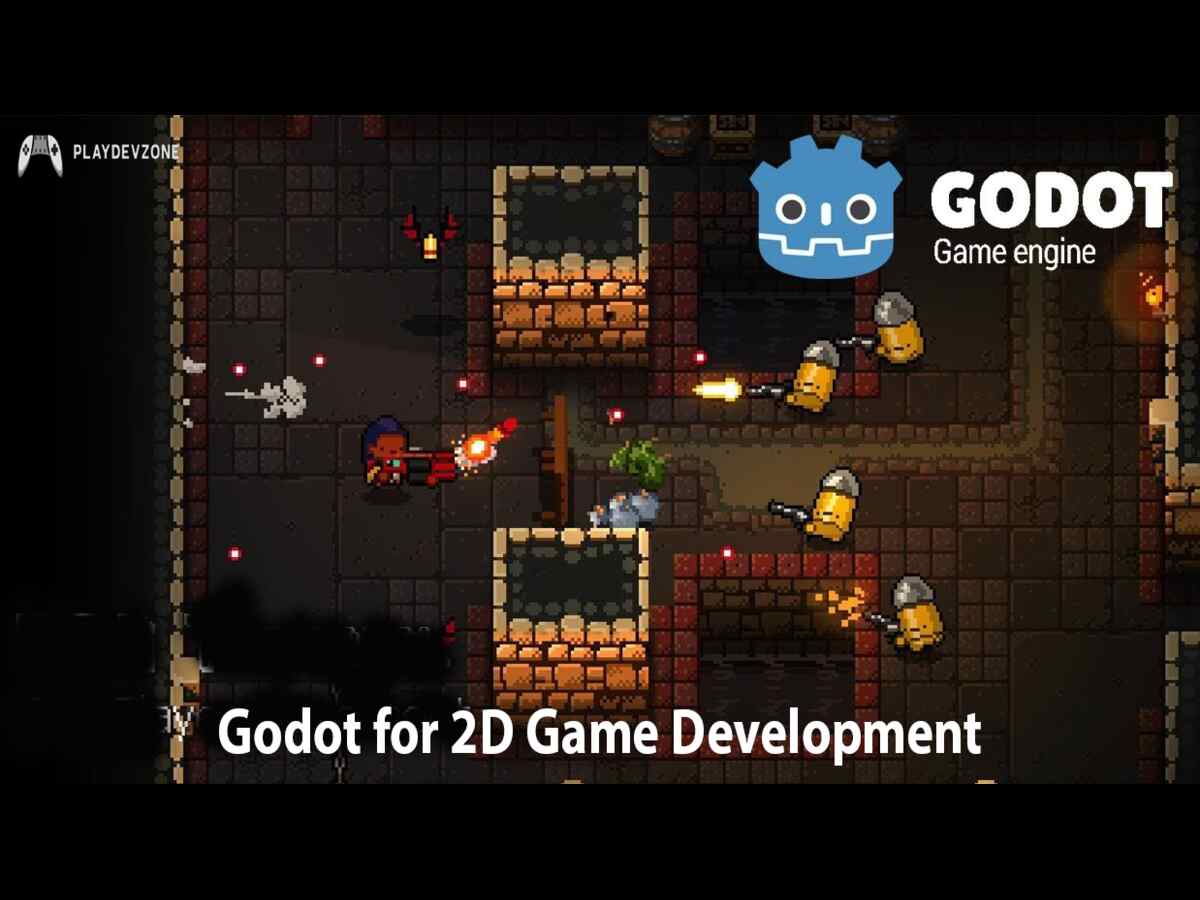
Godot for 2D Game Development
Godot is widely considered one of the best engines for 2D game development.
Unlike many engines where 2D feels like an additional feature, Godot was designed with dedicated 2D tools.
Features for 2D Developers
TileMaps
Animated Sprites
Particle Effects
Navigation
Lighting
Physics
Collision Detection
UI System
Popular game genres include:
Platformers
Puzzle Games
RPGs
Visual Novels
Top-Down Shooters
Adventure Games
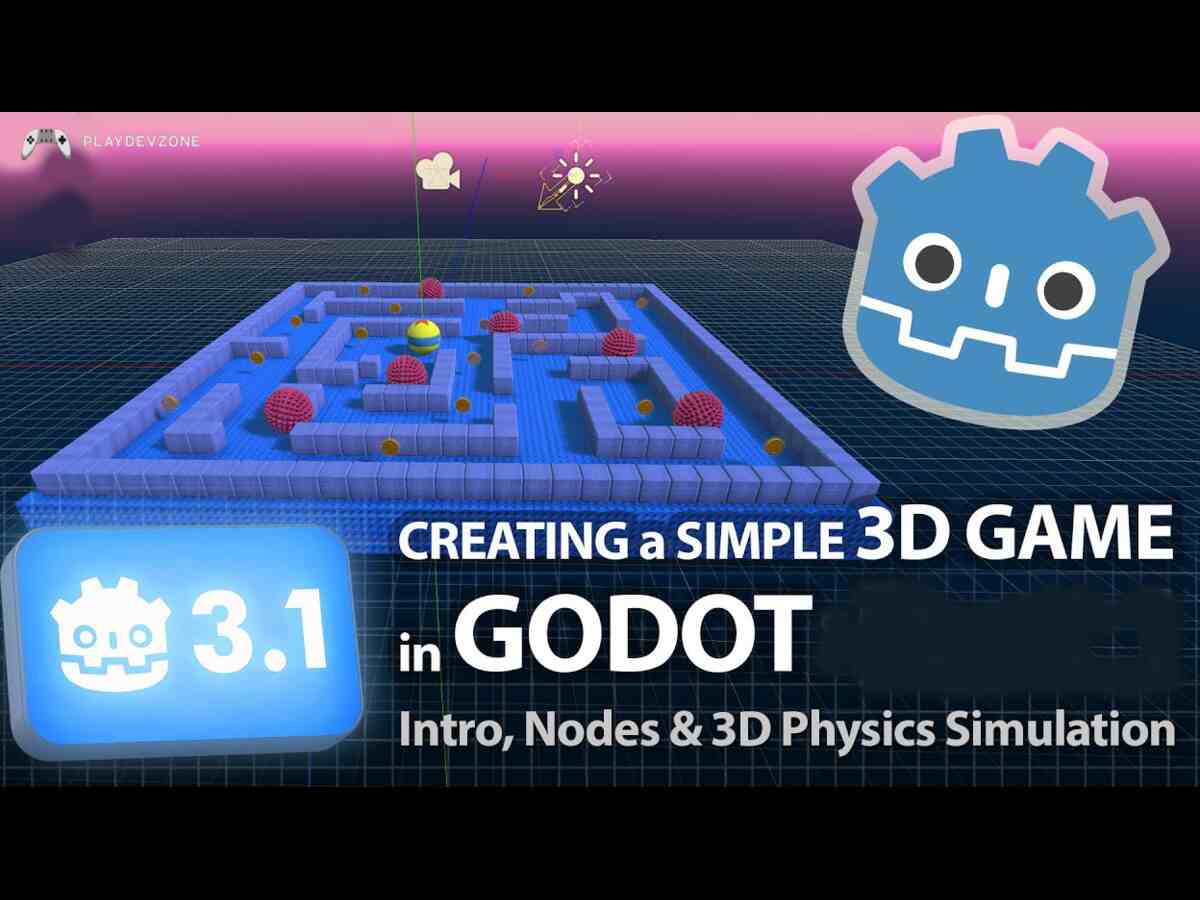
Godot for 3D Game Development
Although Godot became famous for 2D games, its 3D capabilities have improved significantly.
Modern versions include:
Physically Based Rendering (PBR)
Global Illumination
Shadows
Post Processing
Navigation Meshes
Terrain Support
Animation Trees
You can successfully create:
FPS Games
Third-Person Games
Survival Games
Horror Games
Racing Games
Puzzle Games
Can Godot Build Mobile Games?
Yes.
Godot supports Android and iOS development.
You can create:
Puzzle Games
Educational Games
Arcade Games
Mobile optimization continues to improve with each release.
Can Godot Build PC Games?
Absolutely.
Many indie developers publish successful PC games using Godot.
Supported platforms include:
Windows
Linux
macOS
Publishing is straightforward using the engine's export system.
Can Godot Build Web Games?
Yes.
Godot can export projects to HTML5.
This allows developers to publish games directly in web browsers without requiring players to install anything.
This feature is especially useful for:
Educational games
Portfolio projects
Browser games
Game jams
Detailed Advantages of Godot
If you're still asking, "Is Godot a Good Game Engine?", it's worth taking a closer look at the benefits that make it stand out from other game engines.
1. Completely Free Forever
One of Godot's biggest advantages is its pricing—it's completely free.
Unlike some game engines that require subscriptions or charge royalties after your game earns a certain amount, Godot lets you develop and publish games without paying licensing fees.
This makes it an ideal choice for:
Indie developers
Students
Hobbyists
Small studios
Freelancers
You can invest your budget in game art, marketing, or music instead of engine costs.
2. No Royalties
Many developers choose Godot because there are no royalty fees.
If your game becomes successful, you keep your earnings.
This gives developers more financial freedom and makes Godot an attractive option for commercial projects.
3. Open-Source Flexibility
Godot is an open-source game engine, meaning its source code is publicly available.
This allows developers to:
Modify the engine
Add custom features
Fix bugs
Contribute improvements
Learn how the engine works internally
This level of transparency is one of the reasons why the Godot community continues to grow rapidly.
4. Fast Development Workflow
Godot is designed to help developers build games quickly.
Its scene and node system makes projects easy to organize, reuse, and expand.
Whether you're creating a small prototype or a larger indie title, the workflow remains efficient.
5. Excellent Documentation
One reason beginners often ask "Is Godot a Good Game Engine?" is because they need learning resources.
Fortunately, Godot offers:
Official documentation
Beginner tutorials
API references
Community examples
Open-source demo projects
These resources make learning much easier.
6. Lightweight Installation
Godot requires far less storage space than many competing engines.
Benefits include:
Faster downloads
Quick installation
Lower RAM usage
Smooth performance on modest PCs
This is especially useful for students and developers with entry-level hardware.
Why Developers Are Switching to Godot
In recent years, many developers have started exploring Godot as an alternative to other game engines.
Some common reasons include:
* Free and open-source licensing
* No royalty fees
* Easy-to-learn workflow
* Lightweight performance
* Strong 2D development tools
* Active community support
* Continuous feature updates
These advantages have made Godot one of the fastest-growing engines in the indie game development community.
Frequently Asked Questions
Is Godot a Good Game Engine for beginners?
Yes. Godot is one of the best choices for beginners because it has a simple interface, easy scripting with GDScript, excellent documentation, and a supportive community.
Is Godot better than Unity?
It depends on your goals.
For beginners, learning, and indie games, Godot is often the better choice.
For large commercial projects, extensive asset libraries, and certain enterprise workflows, Unity still has advantages.
Can Godot make 3D games?
Yes.
Godot supports modern 3D game development with lighting, physics, animation, navigation, and rendering features suitable for many indie and mid-sized projects.
Is Godot good for mobile game development?
Yes.
Godot can build Android and iOS games, making it suitable for puzzle games, arcade games, RPGs, educational apps, and many other mobile experiences.
Which programming language does Godot use?
The primary scripting language is GDScript, which is easy to learn and similar to Python.
Godot also supports C# and C++ for developers who need additional flexibility.
Is Godot worth learning in 2026?
Absolutely.
If you're starting your game development journey or want a free, modern engine, Godot is an excellent investment of your time.
Conclusion
So, is Godot a Good Game Engine?
The answer is yes.
Godot has evolved into one of the most capable game engines available for indie developers, students, educators, and small studios.
It combines a clean interface, powerful features, and a royalty-free open-source license, making it an outstanding option for anyone who wants to create games without expensive software costs.
Its dedicated 2D workflow is among the best in the industry, while its 3D capabilities continue to improve with every major release.
Although Unity and Unreal Engine still offer advantages for certain large-scale commercial or AAA projects, Godot provides everything many developers need to build high-quality games.
If you're looking for a lightweight, beginner-friendly, and feature-rich engine, Is Godot a Good Game Engine? The evidence strongly suggests that it is.
Whether you're building your first platformer, an RPG, a mobile game, or a passion project, Godot is a reliable choice that can grow with your skills.
I choose One of the very best subject namely. I godot a good game engine?Pros,cons, future and who should. Use it (2026) he is the very best subject myself