
Introduction
Game development may look complicated from the outside, especially when you see realistic graphics, intelligent characters, physics-based gameplay, multiplayer systems, and detailed virtual worlds working together.
Behind many of these features is an important piece of software called a game engine. But What Do Game Engines Do exactly, and why are they so important to modern game development?
A game engine provides developers with the tools, systems, and technologies needed to build interactive games without having to create every technical component from scratch.
It can handle graphics rendering, physics, audio, animation, input, artificial intelligence, networking, asset management, and many other development tasks.
Popular engines such as Unity, Unreal Engine, and Godot have made game development accessible to both beginners and professional studios.
Instead of spending years building a complete technology stack before making a game, developers can use an existing engine as the foundation for their projects.
In this guide, we will explain what game engines do, how they work, their major components, the advantages they provide, and how to choose the right engine for your game development project.
What Is a Game Engine?
A game engine is a software framework designed to help developers create and run video games.
It combines multiple development systems into one environment so programmers, designers, artists, and other team members can work on the same project.
Think of a game engine as the foundation of a house. You still need to design the rooms, choose the furniture, and decide how the house should look, but you do not have to build the foundation from raw materials every time.
The same idea applies to game development. Developers create their game's characters, levels, rules, story, and gameplay mechanics while the engine provides many underlying technologies.
When asking What Do Game Engines Do, the simplest answer is that they provide the technology required to turn game ideas and digital assets into interactive experiences.
A typical engine may include:
- Graphics rendering
- Physics simulation
- Audio systems
- Animation tools
- Input handling
- Scripting
- Artificial intelligence
- Collision detection
- Lighting
- Scene management
- Asset management
- User interface tools
- Multiplayer networking
- Debugging and profiling
- Platform deployment
Not every engine provides these features in the same way, but most modern engines cover many of these areas.
How Do Game Engines Work?
To understand What Do Game Engines Do, it helps to understand what happens when a game is running.
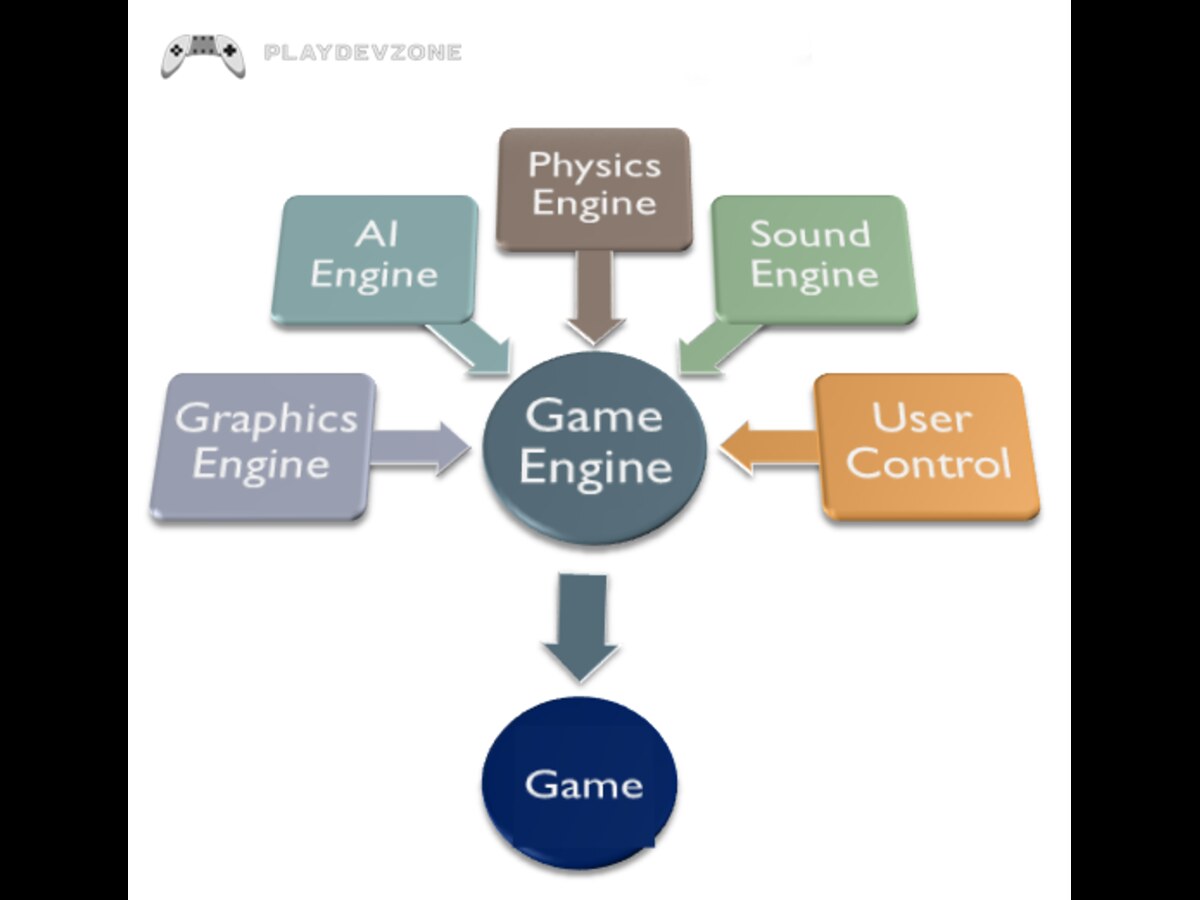
A game continuously processes information. It receives input from the player, updates characters and objects, calculates physics, processes artificial intelligence, renders graphics, plays sounds, and displays the result on the screen.
This process happens many times every second.
For example, imagine a player pressing a button to make a character jump. The game engine can detect the controller input, tell the character's movement system to jump, calculate the resulting physics, update the character's position, play a jump animation, trigger an appropriate sound, and render the character's new position.
The engine coordinates these systems so they work together.
This is one of the biggest reasons developers use game engines rather than building everything independently.
What Do Game Engines Do for Graphics?
Graphics rendering is one of the most important functions of a modern game engine.
A game contains models, textures, materials, lights, particles, environments, characters, and visual effects. The engine takes these assets and calculates how they should appear on the player's screen.
Depending on the engine and project, rendering can include:
2D sprites
3D models
Dynamic lighting
Shadows
Reflections
Post-processing
Particle effects
Environmental effects
Materials and shaders
Depth and transparency
For example, a developer might import a 3D character model into Unity or Unreal Engine. The engine can display the model, apply materials and lighting, animate it, and place it inside a game environment.
Advanced rendering technologies can also provide realistic global illumination, reflections, volumetric effects, and high-quality shadows.
Without a rendering system, developers would have to create extremely complicated graphics technology themselves.
Physics and Collision Detection
Another major responsibility of a game engine is physics simulation.
Physics systems help developers create believable interactions between objects.
For example, a ball can fall because of gravity, a vehicle can collide with a wall, or a character can stand on the ground instead of passing through it.
Common physics features include:
Gravity
Rigid-body simulation
Collision detection
Triggers
Friction
Forces
Joints
Raycasting
Character controllers
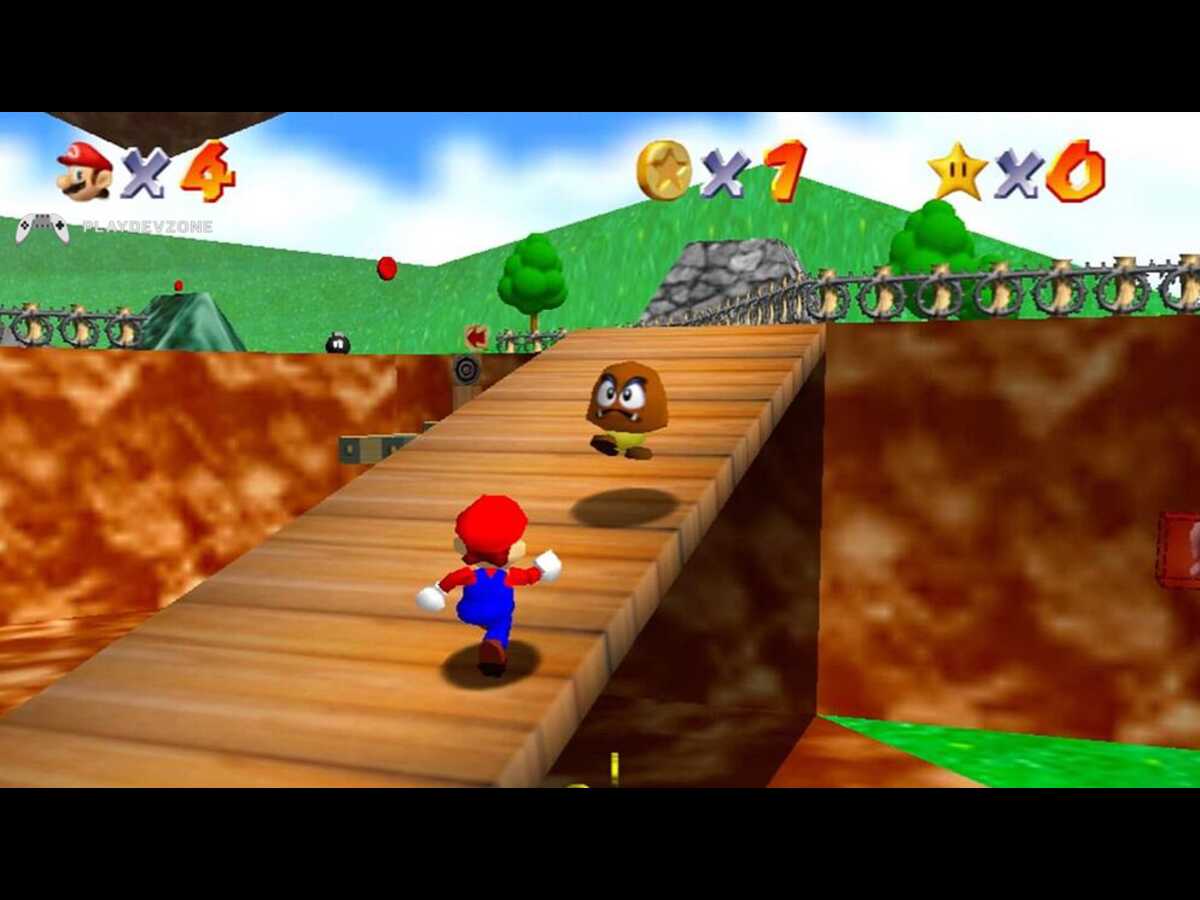
Consider a platform game. When the player moves toward a platform, the engine needs to determine whether the character is touching the platform.
If the character jumps, the physics system can calculate movement through the air and determine when the character lands.
These calculations can become extremely complicated in larger games, so having a built-in physics system saves significant development time.
Audio Systems
Games are not only visual experiences. Sound effects, music, dialogue, and environmental audio contribute significantly to immersion.
Game engines provide audio systems that allow developers to import and control sound files.
Developers can determine when sounds should play, where they should come from, and how they should change depending on the player's position.
For example, a developer could create a system where:
- Footsteps play when a character walks.
- Gunfire becomes quieter with distance.
- Music changes when the player enters a boss area.
- Environmental sounds play in specific locations.
- Dialogue plays during a cinematic sequence.
Many engines also support 3D positional audio, allowing sound to appear as though it is coming from a specific direction in the game world.
Animation Systems
Character animation is another important part of game development.
A game engine can control animations for characters, objects, creatures, weapons, vehicles, and other elements. Developers can create animation states such as idle, walking, running, jumping, attacking, and dying.
Modern animation systems may support:
- Animation blending
- State machines
- Inverse kinematics
- Skeletal animation
- Timeline-based sequences
- Procedural animation
- Motion systems
For example, an engine can transition smoothly from a character's walking animation to running when the player increases movement speed.
This helps make games feel responsive and polished.
Scripting and Programming
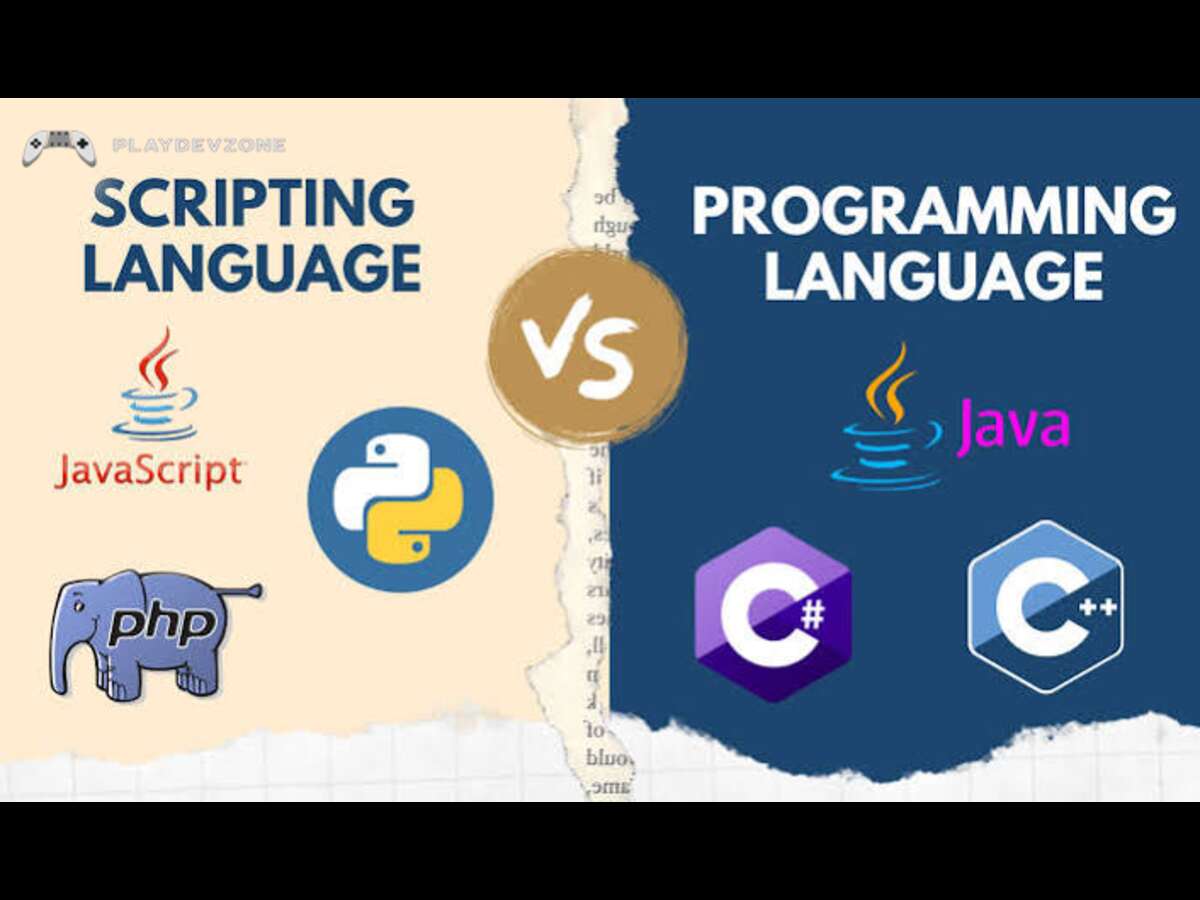
Programming is at the heart of game development, and game engines usually provide scripting or programming environments.
Developers use code to create gameplay systems and determine how different objects behave.
Common programming languages associated with major engines include:
- C#
- C++
- GDScript
- Visual scripting systems
For example, a programmer might create code that says:
- Detect player input.
- Check whether the character is touching the ground.
- Apply a jump force.
- Play the jump animation.
- Trigger the jump sound.
The engine provides the APIs and systems that allow this code to communicate with game objects.
This is another important part of understanding What Do Game Engines Do: they provide programming frameworks that connect game logic with graphics, physics, audio, input, and other systems.
Artificial Intelligence
Game engines can also help developers build artificial intelligence systems.
AI can control non-player characters (NPCs), enemies, companions, animals, vehicles, and other game entities.
Depending on the project, AI systems can include:
- Pathfinding
- Navigation meshes
- State machines
- Behavior trees
- Decision-making systems
- Enemy detection
- Companion behavior
Imagine an enemy guard protecting an area. The AI system could allow the guard to patrol between locations, detect the player, investigate suspicious sounds, chase the player, and return to its patrol route.
The game engine provides tools that make these behaviors easier to implement.
User Interface Development
Games need interfaces for menus, health bars, inventories, maps, settings, dialogue boxes, and other information.
Game engines generally provide UI tools that developers can use to create these elements.
A role-playing game, for example, may require:
- Health and mana bars
- Inventory screens
- Equipment menus
- Quest panels
- Character statistics
- Dialogue windows
- Pause menus
Developers can combine UI elements with game logic to create interactive interfaces.

Multiplayer and Networking
Modern games often include multiplayer features, making networking another important engine capability.
A multiplayer game needs to synchronize information between players and potentially a server.
For example, when one player moves a character, other players may need to see that movement.
The system may also need to synchronize health, weapons, inventory, projectiles, scores, and other gameplay information.
Networking is technically challenging, so engines and third-party frameworks can provide networking tools that simplify development.
However, multiplayer development still requires significant programming knowledge because networking involves latency, synchronization, security, bandwidth, and server architecture.
Cross-Platform Development
One of the biggest benefits of modern game engines is the ability to target multiple platforms.
A developer can potentially build a game for:
- Windows
- macOS
- Linux
- Android
- iOS
- PlayStation
- Xbox
- Nintendo platforms
- Web
The exact platforms supported depend on the engine, licensing, development environment, and platform requirements.
This is particularly useful for small studios because creating separate technology for every platform would be expensive and time-consuming.
Cross-platform development tools allow developers to reuse a large portion of their game code and assets while making platform-specific adjustments when necessary.
Debugging and Performance Optimization
A game engine is not only used to build a game; it is also used to test and improve it.
Modern engines provide debugging and profiling tools that help developers identify performance problems.
Developers can investigate issues such as:
- Low frame rates
- High CPU usage
- High GPU usage
- Memory consumption
- Excessive draw calls
- Slow scripts
- Physics bottlenecks
- Loading problems
Profiling is especially important for mobile and lower-end hardware because developers need to balance visual quality with performance.
A game may look impressive on a powerful development computer but perform poorly on a budget smartphone. Performance tools help developers identify and solve these issues.
Game Engines vs Game Frameworks
When learning What Do Game Engines Do, it is useful to understand the difference between a game engine and a game framework.
A game engine generally provides a broader collection of integrated tools. It may include an editor, rendering system, physics, animation, audio, scene management, asset management, and deployment tools.
A game framework typically provides programming libraries and systems but may require developers to build more components themselves.
For example, an engine may allow a developer to visually create a level using an editor, while a framework may require the developer to create and manage more of the game architecture through code.
Neither approach is automatically better. The best option depends on the project's requirements and the developer's technical skills.
Why Do Developers Use Game Engines?
There are several reasons game engines have become standard tools in game development.
1. Faster Development
Developers do not need to create every low-level system from scratch.
2. Reusable Technology
Engine systems can be reused across different projects.
3. Visual Editors
Artists and designers can work with scenes, assets, animations, and UI elements without writing code for every task.
4. Large Ecosystems
Popular engines have extensive documentation, tutorials, plugins, assets, and communities.
5. Cross-Platform Support
Developers can target multiple platforms using shared technologies.
6. Testing and Profiling
Built-in debugging tools make it easier to identify problems.
7. Collaboration
Different members of a development team can work on programming, art, audio, level design, and other areas within the same project environment.
Popular Game Engines
Several game engines are widely used today.
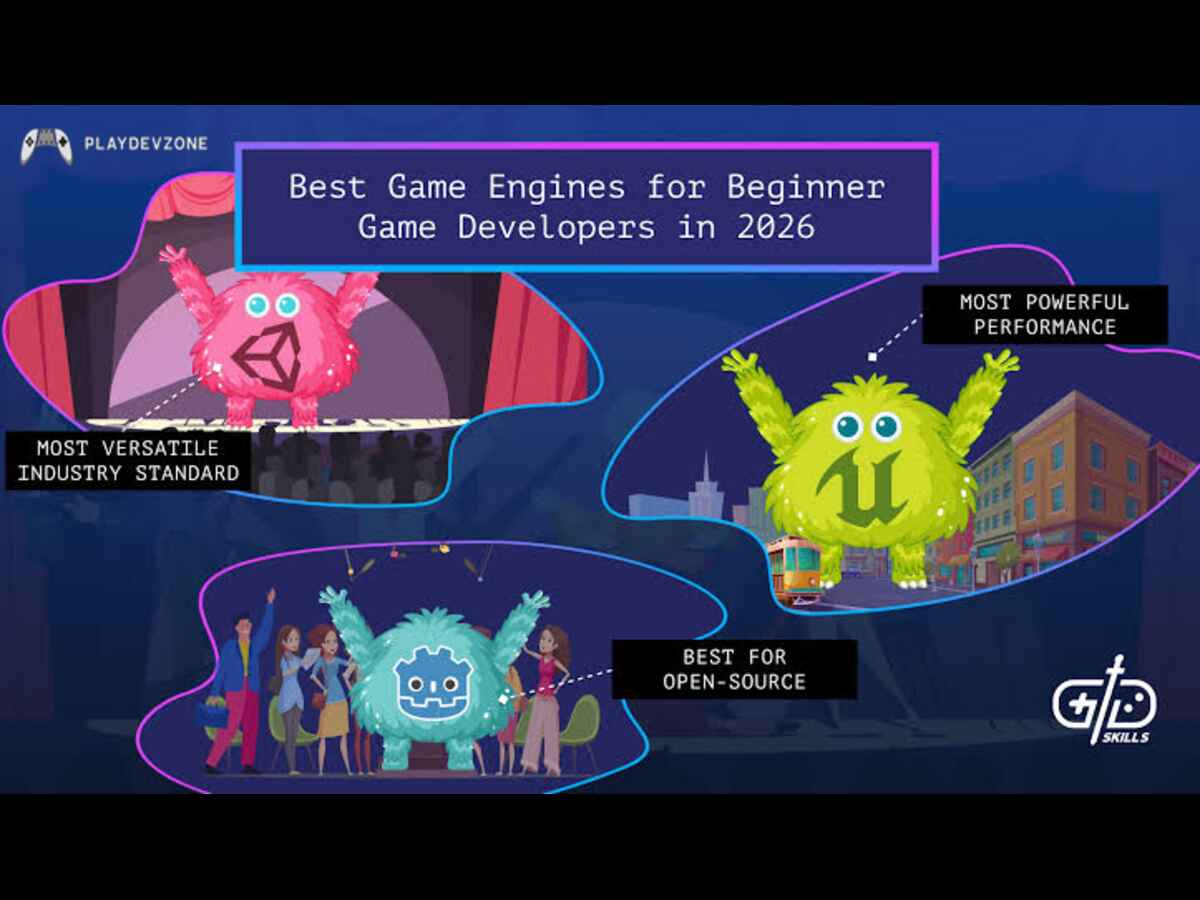
Unity
Unity is a popular engine for 2D and 3D game development.
It is widely used for mobile games, indie projects, simulations, virtual reality, and many other applications.
Unity uses C# for traditional scripting and provides a visual editor for managing game projects.
Unreal Engine
Unreal Engine is known for powerful graphics and advanced real-time rendering capabilities.
It is widely used for high-end games, cinematic experiences, simulations, and large-scale projects.
It supports C++ programming as well as visual scripting through Blueprints.
Godot
Godot is an open-source game engine that has become popular among indie developers and beginners.
It supports both 2D and 3D development and includes its own scripting language, GDScript, along with other programming options.
The choice between Unity, Unreal Engine, Godot, and other tools depends on the project's scope, target platform, graphics requirements, budget, and developer experience.
What Do Game Engines Do for Beginners?
Instead of learning graphics programming, physics programming, audio programming, input handling, and rendering technology separately before making a game, beginners can use an engine that already provides these systems.
- 2D platformer
- Puzzle game
- Top-down shooter
- Racing game
- Basic RPG
- Mobile game
As the developer becomes more experienced, they can learn advanced programming, optimization, shaders, AI, multiplayer networking, and other specialized areas.
However, a game engine does not automatically create a complete game.
Developers still need to understand programming, game design, level design, user experience, testing, optimization, and project management.
Do Game Engines Make Game Development Easy?
Game engines make many tasks easier, but they do not make game development effortless.
A beginner might be able to create a basic scene within a few hours, but building a polished commercial game can take months or years.
The engine provides tools, but developers still need to decide how those tools should be used.
For example, an engine may provide a physics system, but developers must configure physics correctly.
It may provide an animation system, but artists and programmers still need to create and implement animations.
Therefore, What Do Game Engines Do should not be interpreted as "game engines make games automatically." Instead, they provide the foundation and tools developers use to build games.
What Would Happen Without a Game Engine?
Developers can create games without using a traditional game engine, but doing so usually requires significantly more technical work.
They may need to create or integrate:
- Rendering technology
- Input systems
- Physics
- Audio playback
- Asset loading
- Scene management
- Animation systems
- Collision detection
- Memory management
- Platform support
- Development tools
This approach can provide greater control and may be appropriate for specialized projects, custom engines, or developers who need low-level control.
However, building an engine requires substantial time, technical expertise, and maintenance.
For most independent developers and many studios, using an existing engine is more efficient.
How to Choose a Game Engine
Choosing an engine should begin with your project's requirements.
Ask yourself:
What type of game are you building?
A simple 2D game may not require the same technology as a large open-world 3D game.
Which platform will you target?
If you want to release on mobile, PC, web, or consoles, verify that your chosen engine supports the platforms you need.
What is your experience level?
Beginners may prefer an engine with an accessible editor, strong documentation, and a large learning community.
What graphics quality do you need?
A project focused on advanced 3D graphics may have different requirements from a stylized 2D game.
What is your budget?
Check the engine's current licensing model, commercial requirements, platform fees, and other costs before starting a serious project.
Frequently Asked Questions
What Do Game Engines Do?
Game engines provide the core technology and tools used to create video games.
They can manage graphics, physics, audio, animation, input, AI, UI, networking, assets, scenes, debugging, and platform deployment.
Are game engines necessary for making games?
No. Games can be created without a traditional engine, but using one can save considerable development time because many complex systems are already available.
Which game engine is best for beginners?
Unity and Godot are popular choices for beginners, while Unreal Engine can also be suitable for people interested in high-end 3D development.
The best choice depends on the learner's goals and project.
Do game engines require programming?
Not always. Some engines provide visual scripting and other no-code or low-code tools.
However, learning programming is highly valuable for creating more complex and customized gameplay systems.
Can game engines create both 2D and 3D games?
Yes. Many modern engines support both 2D and 3D development, although their strengths and workflows can differ.
Is learning a game engine difficult?
The basics can be learned relatively quickly, but becoming proficient takes time.
Beginners should start with small projects and gradually learn programming, game design, optimization, and engine-specific tools.
Conclusion
Understanding What Do Game Engines Do is essential for anyone interested in game development.
A game engine acts as the technical foundation that connects programming, graphics, physics, audio, animation, input, AI, UI, networking, and other systems.
Instead of forcing developers to build every low-level technology themselves, an engine provides ready-to-use tools and frameworks that allow them to focus more on creating gameplay and interactive experiences.
Unity, Unreal Engine, Godot, and other engines offer different approaches, features, workflows, and strengths.
The right choice depends on the type of game you want to create, your technical experience, target platforms, graphics requirements, and long-term goals.
Most importantly, remember that a game engine is a tool rather than a replacement for game development knowledge.
Learning how the engine works is only one part of becoming a successful developer. Combining engine knowledge with programming, game design, art, optimization, testing, and problem-solving skills will give you a much stronger foundation.
Once you understand the role of a game engine, you can make better decisions about which technology to learn and how to structure your future game development projects.
I choose One of the very best subject namely. What do game engine do? A complete Guaide to game engine functions he is the very best subject myself