
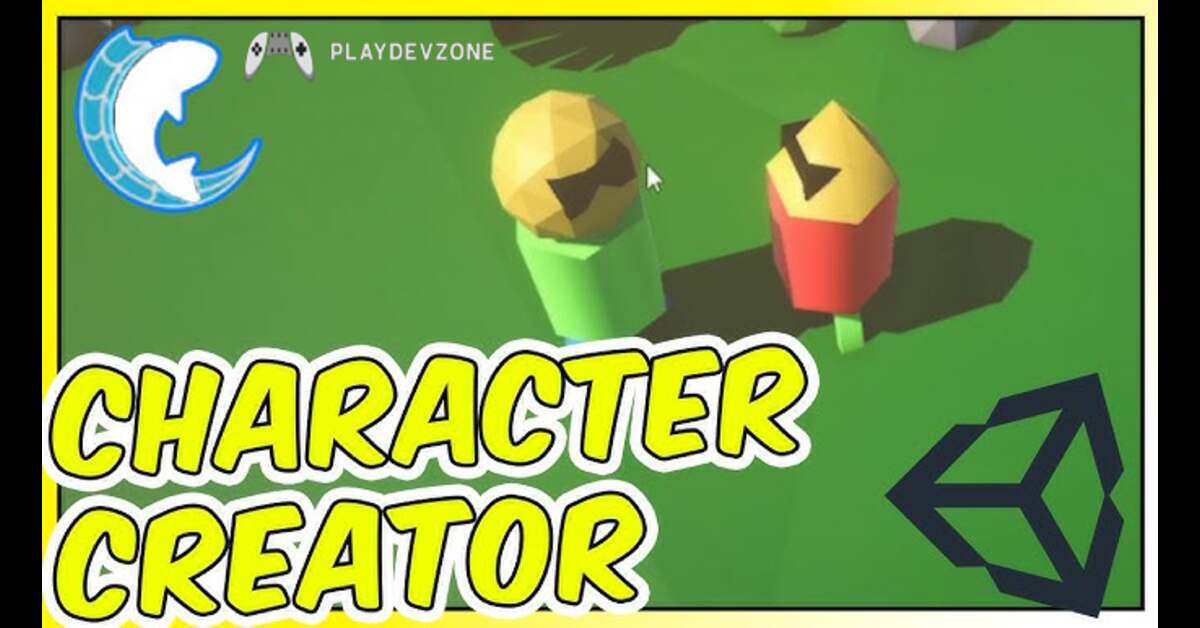
Introduction
In modern multiplayer games, players expect more than just smooth gameplay; they want their characters to reflect their unique identity ( unity 6 multiplayer ).
From custom outfits and accessories to personalized appearances, character customization has become a key feature that boosts player engagement and retention.
However, ensuring that every customization choice is accurately synchronized across all connected players can be a complex challenge for developers.
With Unity 6 introducing powerful networking improvements and enhanced multiplayer capabilities, creating a seamless character customization synchronization system is now more efficient than ever.
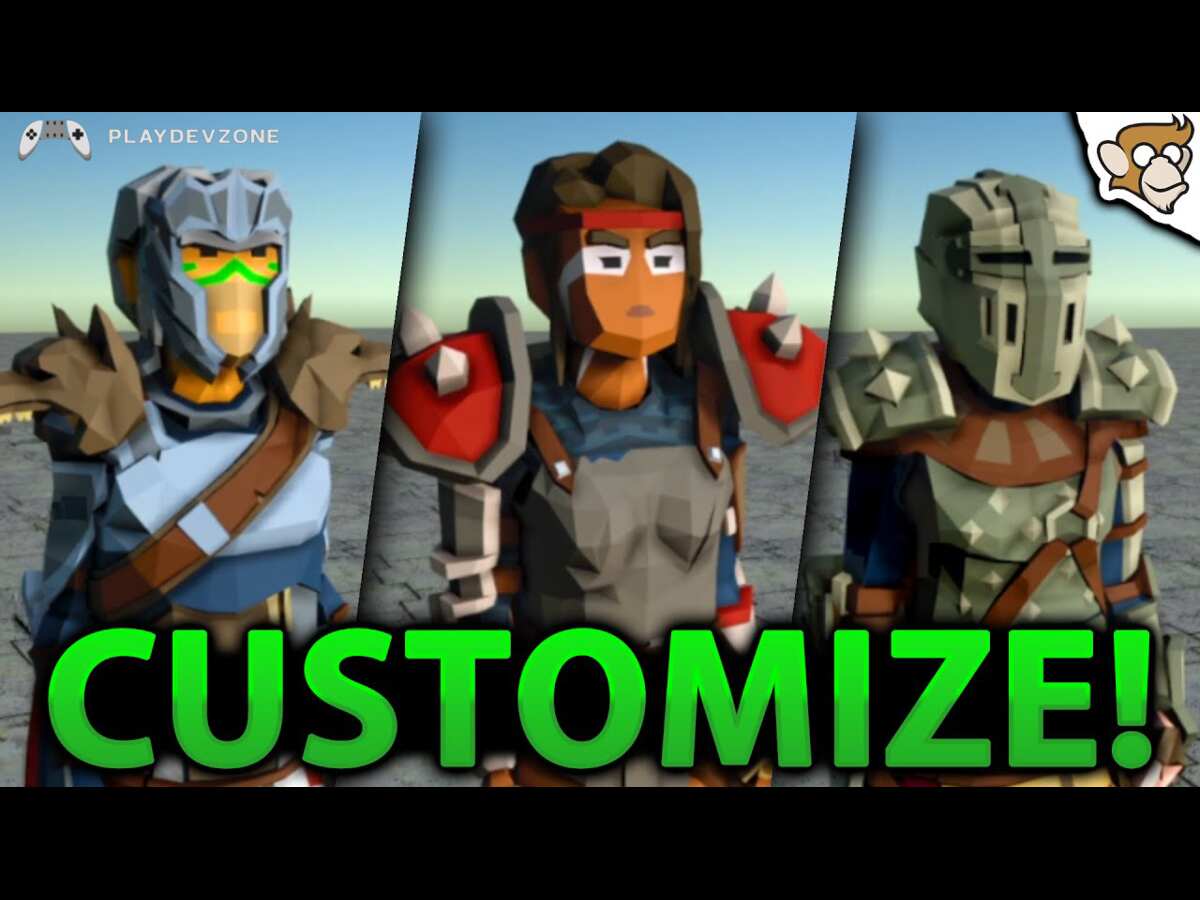
Whether you're building an MMO, a co-op adventure, or a competitive multiplayer experience, properly syncing character appearances is essential to delivering a consistent and immersive world.
In this guide, you'll learn how to implement Unity 6 Multiplayer Character Customization Sync, explore best practices for real-time appearance updates, and discover optimization techniques that keep your multiplayer experience responsive and scalable.
By the end, you'll have the knowledge needed to create personalized multiplayer characters that look identical for every player across the network.
What Is Multiplayer Character Customization Sync in Unity 6?
Multiplayer Character Customization Sync in Unity 6 is the process of ensuring that every player's customized character appearance is accurately displayed to all connected users in a multiplayer game.
Whether players choose unique outfits, hairstyles, skins, or accessories, Unity 6 networking systems help synchronize these visual changes in real time across the network ( unity 6 multiplayer ).
This feature is essential for creating immersive and consistent multiplayer experiences where every player sees the same character customization.
By implementing efficient synchronization techniques, developers can reduce bandwidth usage, improve performance, and deliver a seamless gaming experience that enhances player engagement and personalization.
Why Synchronization Is Essential
Synchronization is essential in multiplayer games because it ensures that every player sees the same character appearances, actions, and updates in real time.
Without proper synchronization, customized outfits, accessories, or visual changes may appear differently across devices, creating confusion and breaking immersion.
A reliable synchronization system helps maintain consistency, improves gameplay accuracy, and strengthens player trust in the game world.
In Unity 6, efficient synchronization techniques not only enhance the user experience but also optimize network performance, allowing developers to create engaging, scalable, and visually cohesive multiplayer environments.
What’s New in Unity 6 for Multiplayer Development?
Unity 6 introduces significant improvements that make multiplayer game development more efficient, scalable, and developer-friendly.
With enhanced networking tools, better performance optimization, and streamlined workflows, developers can build more reliable online experiences with less complexity ( unity 6 multiplayer ).
These upgrades help reduce latency, improve synchronization accuracy, and support larger player communities.
For games featuring character customization, Unity 6 makes it easier to synchronize player appearances across the network while maintaining smooth gameplay.
By leveraging these advancements, developers can create immersive multiplayer worlds that deliver a consistent and engaging experience for every player.
Planning Your Character Customization Architecture
A well-planned character customization architecture is the foundation of a successful multiplayer game.
Before adding outfits, hairstyles, skins, or accessories, developers should design a flexible system that can easily handle future content updates and network synchronization.
Using a data-driven approach helps organize customization options efficiently while reducing performance overhead.
In Unity 6, thoughtful architecture planning ensures that character appearance data is transmitted accurately and displayed consistently across all players ( unity 6 multiplayer ).
By investing time in a scalable design from the start, you can create a more immersive player experience and simplify long-term game development.
Unity 6 Networking Options for Character Customization
Choosing the right networking solution is essential when building a character customization system in Unity 6.
Players expect their unique avatars, outfits, and accessories to appear consistently across all devices in real time.
Unity 6 offers several networking options, including built-in tools and third-party frameworks, each designed for different multiplayer needs.
A well-structured synchronization system improves performance, reduces network load, and creates a smoother player experience ( unity 6 multiplayer ).
By focusing on efficient data sharing rather than transferring large assets, developers can build scalable multiplayer games that feel responsive and immersive.
The right networking strategy not only enhances gameplay but also helps create memorable and personalized experiences for every player.
Creating a Scalable Character Customization Data Structure
Designing a scalable character customization data structure in Unity 6 is key to building smooth and future-ready multiplayer experiences.
Instead of hard-coding visuals or syncing full models, developers should rely on a data-driven approach that uses compact IDs for clothing, skins, hairstyles, and accessories ( unity 6 multiplayer ).
This makes it easier to transmit data across the network while keeping performance stable.
A scalable structure also allows you to expand customization options over time without breaking existing systems.
By separating appearance data from gameplay logic, you ensure faster loading, easier maintenance, and consistent synchronization across all players.
With the right design, your multiplayer characters remain flexible, optimized, and ready for endless creative expansion.
Common Character Customization Sync Problems and Solutions
A common issue is when players see default avatars instead of customized ones, often caused by missing or delayed network updates.
Another frequent bug is inconsistent appearances between clients, especially when using heavy assets instead of lightweight data ( unity 6 multiplayer ).
Late-joining players may also fail to load correct outfits or accessories if data isn’t properly re-sent on spawn.
The most effective solution is to use a server-authoritative system that syncs only essential customization IDs and values.
By ensuring proper initialization, validation, and reapplication of data for every client, developers can achieve smooth, consistent, and reliable character appearance synchronization across all multiplayer sessions.
FAQ (Frequently Asked Questions)
How do I sync character skins in Unity 6 multiplayer?
To sync character skins in Unity 6 multiplayer, the most efficient approach is to use a data-driven networking system instead of transferring full models or textures.
Each skin should be assigned a unique ID, which is sent across the network using tools like Netcode for GameObjects or other frameworks such as Photon Fusion.
When a player changes their skin, the server validates the selection and broadcasts the skin ID to all connected clients ( unity 6 multiplayer ).
Each client then applies the correct skin locally from a preloaded asset database.
This method ensures fast synchronization, low bandwidth usage, and consistent character appearance for all players, including late joiners, creating a smooth and scalable multiplayer experience in Unity 6.
Should I use NetworkVariables or RPCs?
When deciding between NetworkVariables and RPCs in Unity 6 multiplayer, the choice depends on how your data changes and how often it needs syncing.
NetworkVariables are best for continuous or state-based data like character customization, health, or movement states because they automatically stay in sync across all clients ( unity 6 multiplayer ).
On the other hand, RPCs (Remote Procedure Calls) are ideal for one-time actions such as selecting a skin, triggering an animation, or confirming a customization change.
For character customization systems, a hybrid approach works best: use RPCs to send the player’s selection to the server, then store and sync it using NetworkVariables.
This ensures efficient bandwidth usage, better scalability, and consistent appearance across all players in Unity 6 multiplayer games.
How do late joiners receive customization data?
In Unity 6 multiplayer games, late joiners receive customization data through the server’s authoritative state system ( unity 6 multiplayer ).
When a new player connects, the server automatically sends the current snapshot of all active players, including their character customization settings such as skins, outfits, and accessories.
This is typically handled using systems like Netcode for GameObjects or similar frameworks like Mirror.
Instead of resending full assets, only lightweight data like item IDs and color values are transmitted.
The client then reconstructs the correct appearance locally using its preloaded customization database ( unity 6 multiplayer ).
This ensures every late joiner sees consistent, synchronized characters instantly, creating a seamless and immersive multiplayer experience without visual mismatches or loading issues.
What is the most efficient way to sync cosmetics?
The most efficient way to sync cosmetics in Unity 6 multiplayer is to avoid transferring heavy assets and instead use a lightweight, data-driven system.
Each cosmetic item, such as skins, outfits, or accessories, should be represented by a unique ID or index.
When a player changes their appearance, only these small values are sent across the network using a reliable multiplayer system like Netcode for GameObjects or alternatives like FishNet.
The server then validates and broadcasts the update to all clients, who apply the cosmetic locally from a preloaded database.
This approach minimizes bandwidth usage, reduces lag, and ensures fast synchronization ( unity 6 multiplayer ).
It also scales well for large player counts, making it ideal for modern multiplayer games with extensive customization systems.
What is the most efficient way to sync cosmetics?
To save player customization permanently in Unity 6 multiplayer, you should store only lightweight customization data instead of full character models.
Each cosmetic choice, such as skins, outfits, hairstyles, and colors, should be converted into unique IDs or structured data (like JSON).
This data can be saved locally using PlayerPrefs for small projects or stored in a cloud database for scalable multiplayer games.
When the player returns, the saved data is loaded and sent to the server, which then re-applies the customization for all clients using networking solutions like Netcode for GameObjects ( unity 6 multiplayer ).
This ensures consistent character appearance across sessions.
By separating data from visuals, you create a persistent, reliable, and scalable system that keeps every player’s identity intact every time they log in.
Conclusion
Building a reliable Unity 6 Multiplayer Character Customization Sync system is all about smart architecture, not heavy data transfer.
When you focus on sending lightweight customization IDs instead of full assets, you unlock faster performance, smoother synchronization, and a far more scalable multiplayer experience.
Using proper networking tools like server-authoritative logic ensures every player sees consistent avatars, whether they join early or late ( unity 6 multiplayer ).
A well-designed system also makes your game future-ready, allowing you to easily add new skins, outfits, and accessories without breaking existing features.
In the end, great multiplayer customization isn’t just a technical feature; it’s a key part of player identity and engagement.
When done right, it transforms your Unity 6 game into a more immersive, expressive, and memorable experience for every player.